AI image examples

AI image examples from Nano2Image tools

See the same before-and-after images used across Nano2Image tool pages. Copy a prompt, change the details, then open the matching tool with your own image.

16

documented examples

4

tool pages covered

Copyable

prompts included

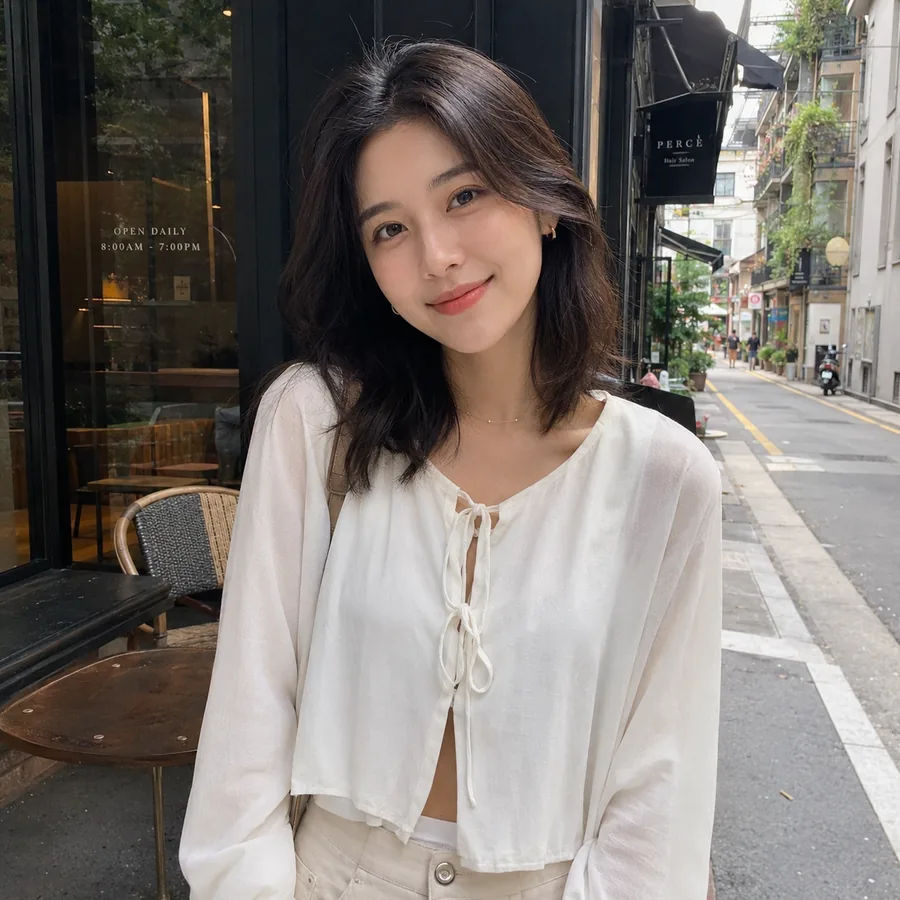
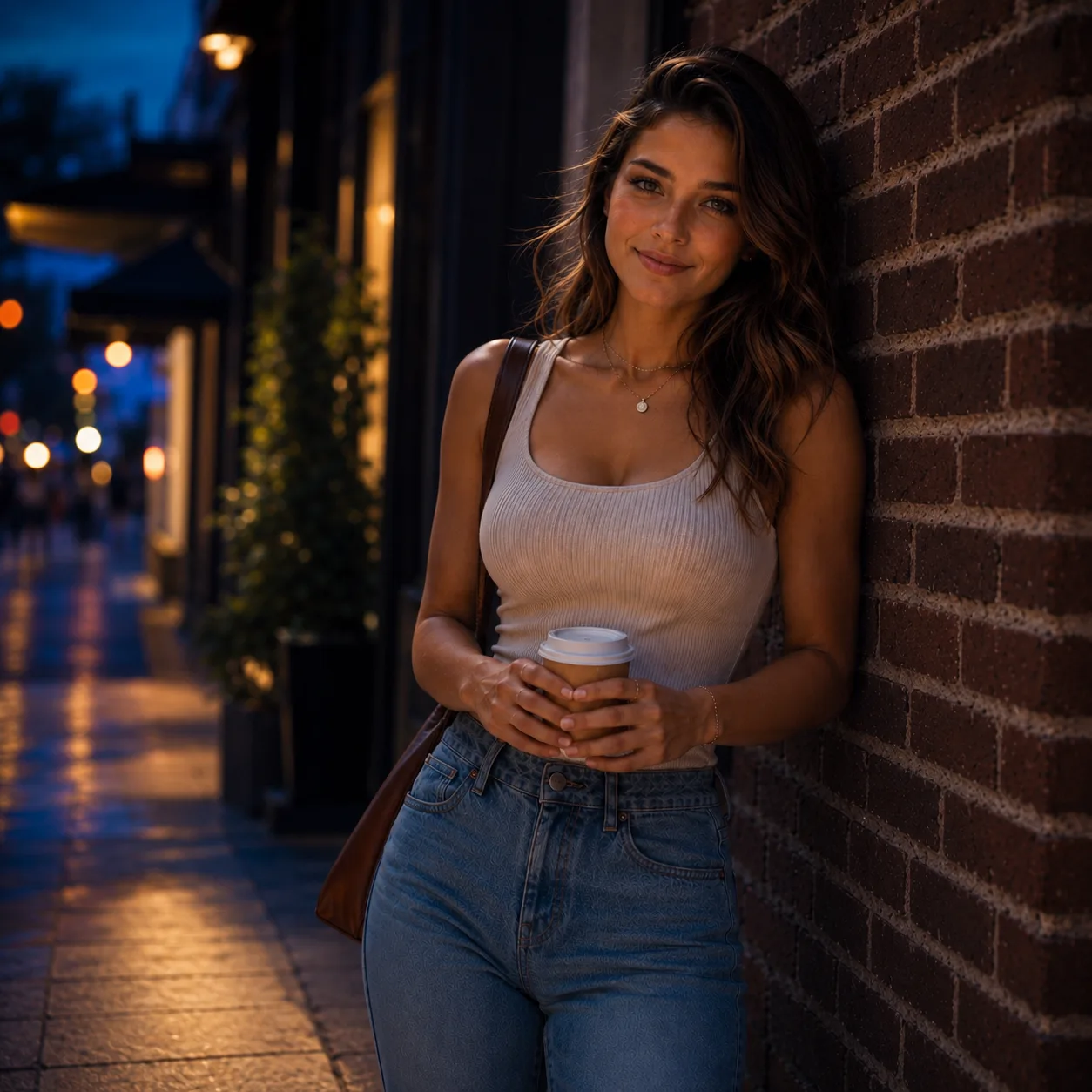
Edited portrait example with night street lighting
Image to Image AI
Portrait example with a tropical beach background
AI Background Changer
Product example with the background removed
Transparent Background Maker
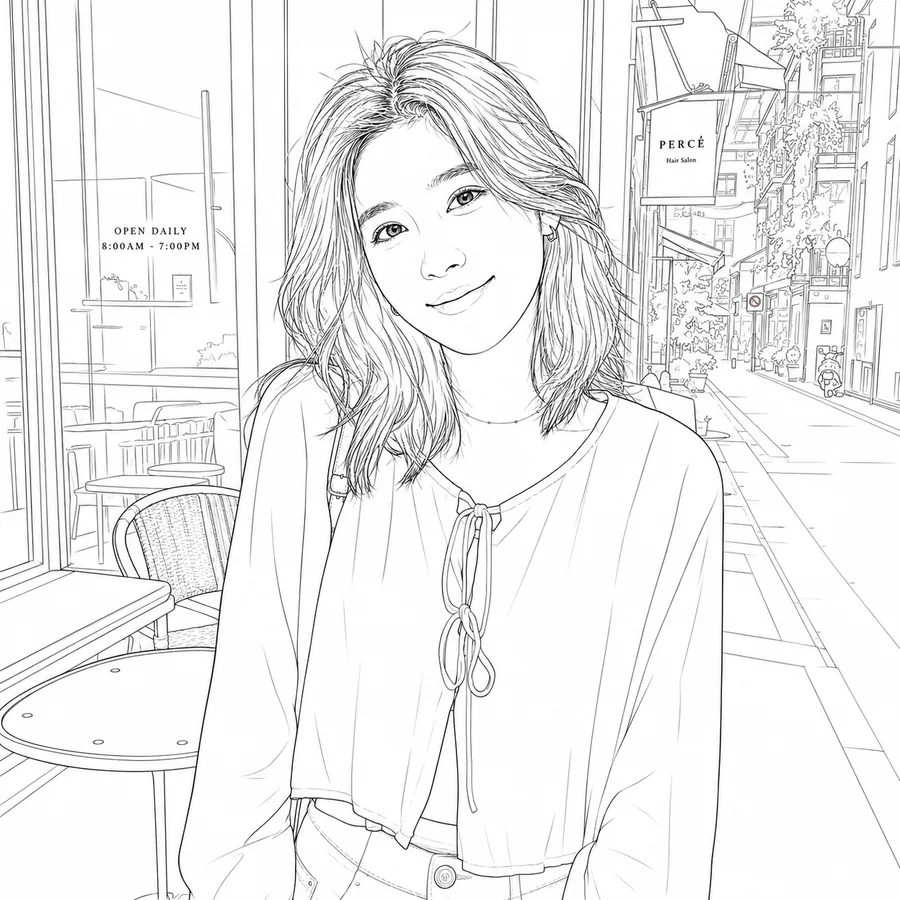
Portrait example converted into a clean line drawing
Photo to Line Drawing

Examples from the Nano2Image tools

Every example below uses images from an existing tool page, so the before-and-after result matches the tool it links to.

Image to Image AI

Make new portraits, product scenes, room styles, sketch renders, and pet illustrations from uploaded images.

AI Background Changer

Replace portrait and product backgrounds with AI scenes, uploaded images, or clean colors.

Transparent Background Maker

Remove backgrounds from portraits, products, stickers, graphics, and logos for transparent PNGs.

Photo to Line Drawing

Turn portraits, pets, architecture photos, and product photos into clean line drawings.

Before-and-after examples from the tool pages

Copy the prompt, replace the details that do not fit your image, and open the matching tool when the example fits what you want to make.

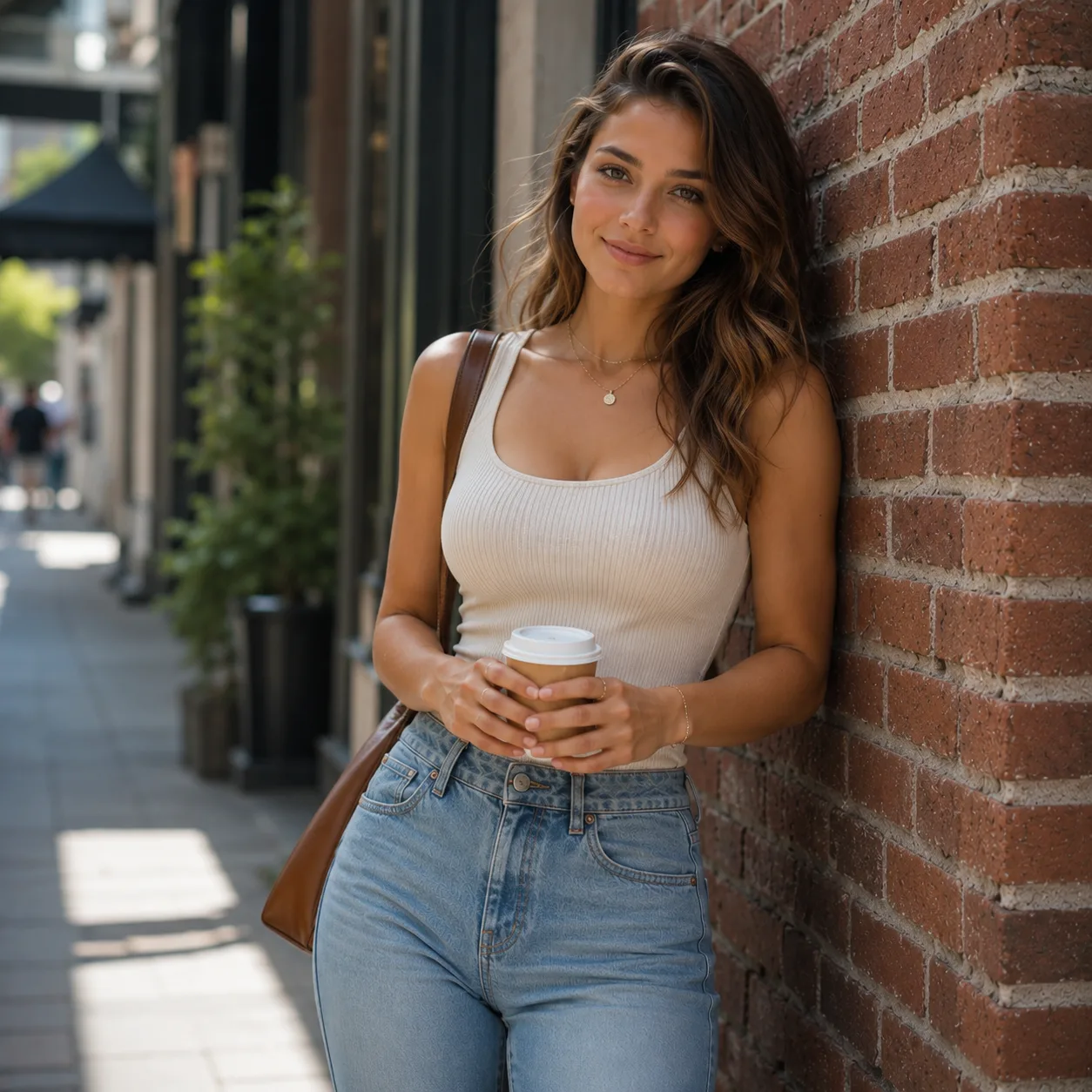
Original portrait used in a Nano2Image example
Original
Edited portrait example with night street lighting
AI Result
Image to Image AI

Create a new portrait from your photo

Upload a portrait and create a new profile photo or social image while keeping the same person recognizable.

Best for
Profile photos, headshots, creator portraits, social posts
What changed
The portrait keeps the same person and pose, but changes the background and mood.

Copyable prompt

Turn this portrait into a realistic night street photo with warm city lights. Keep the same face, hair, pose, outfit, coffee cup, bag, and framing.
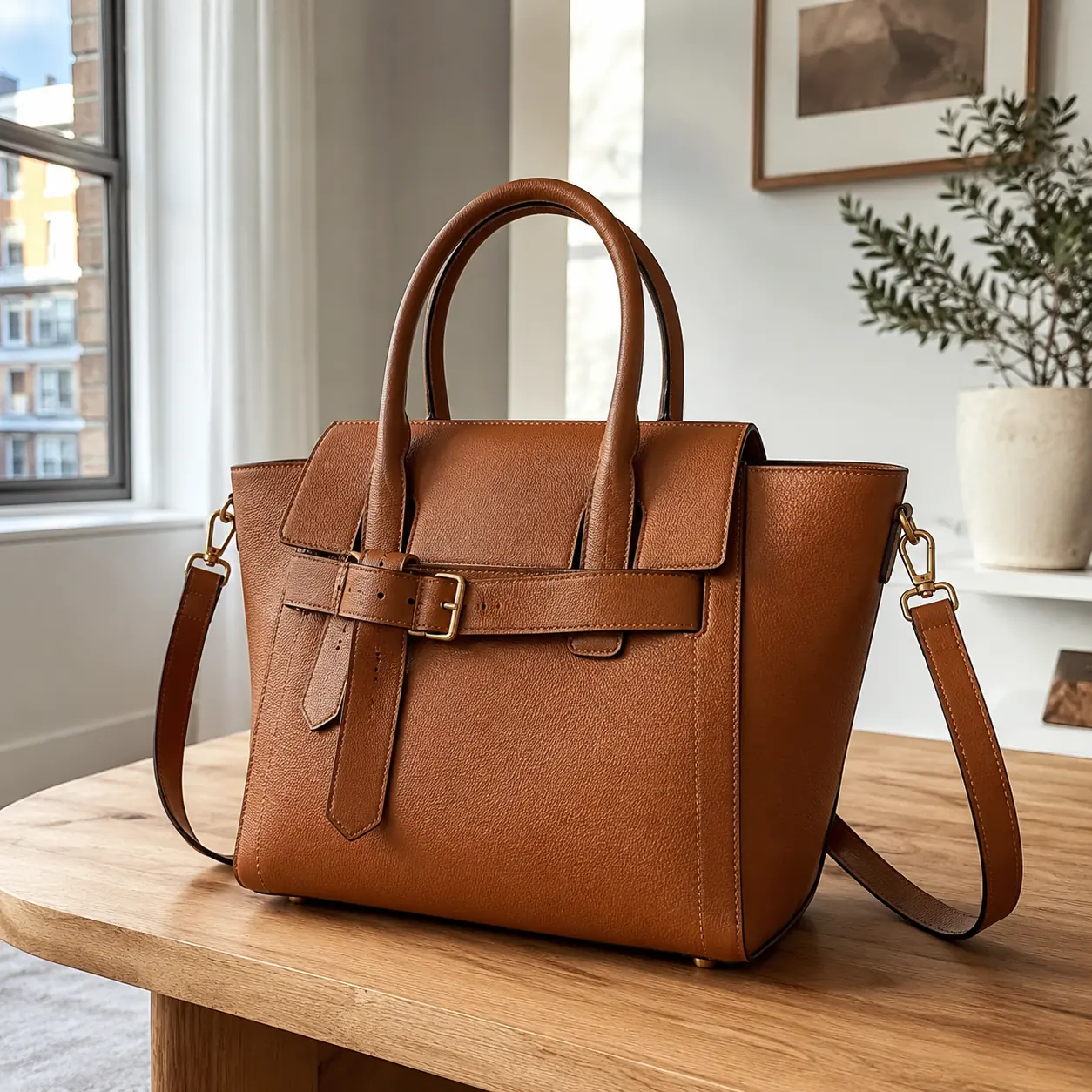
Original handbag product photo used in a Nano2Image example
Original
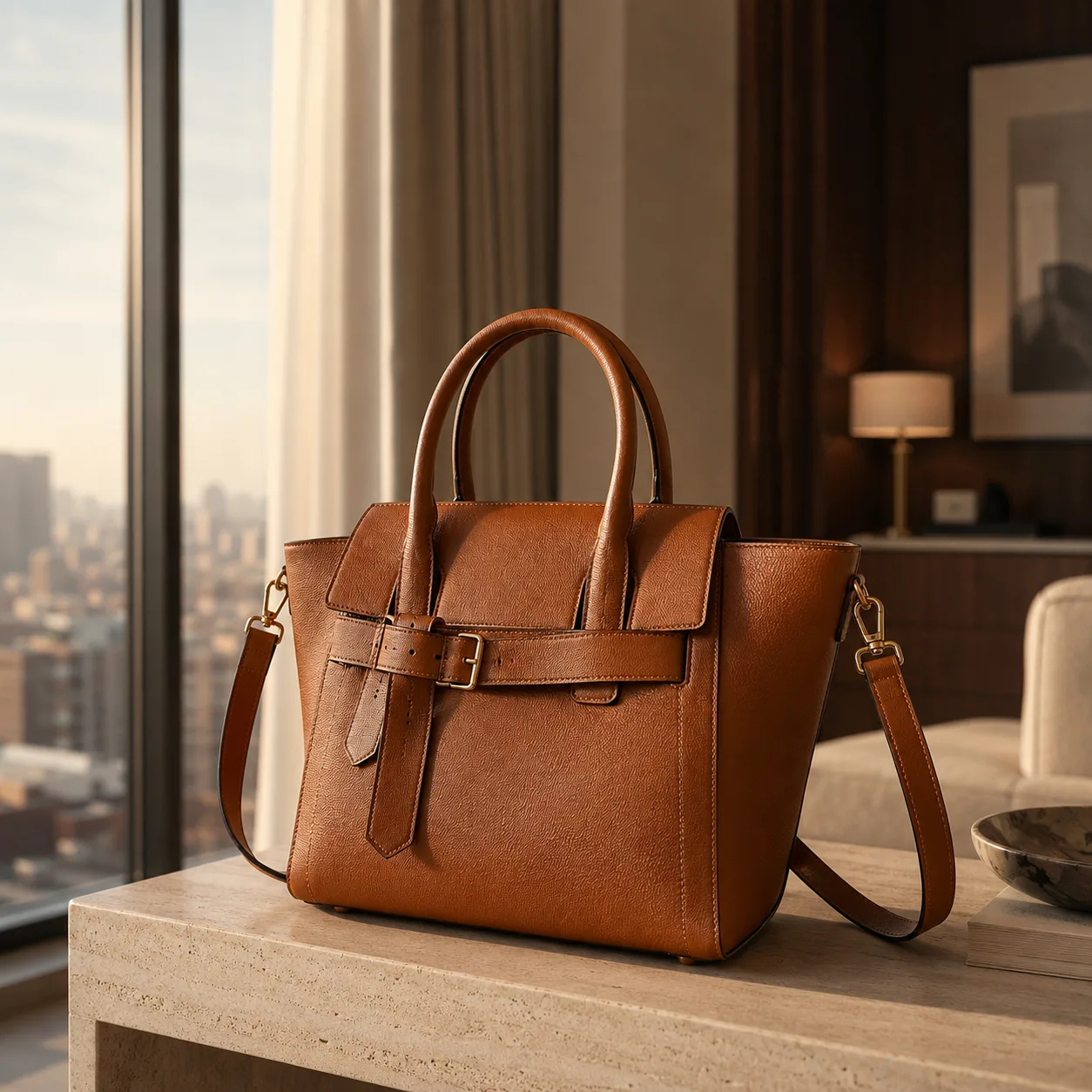
Handbag product photo placed in a lifestyle room scene
AI Result
Image to Image AI

Turn a product photo into a lifestyle product ad

Upload a product photo and place it into a more useful scene for ads, listings, or social posts.

Best for
Product photos, ecommerce listings, product ads, social creatives
What changed
The product stays the same, while the setting changes into a lifestyle scene.

Copyable prompt

Turn this handbag product photo into a lifestyle product ad in a bright hotel room. Keep the same bag shape, color, handles, straps, hardware, and proportions.

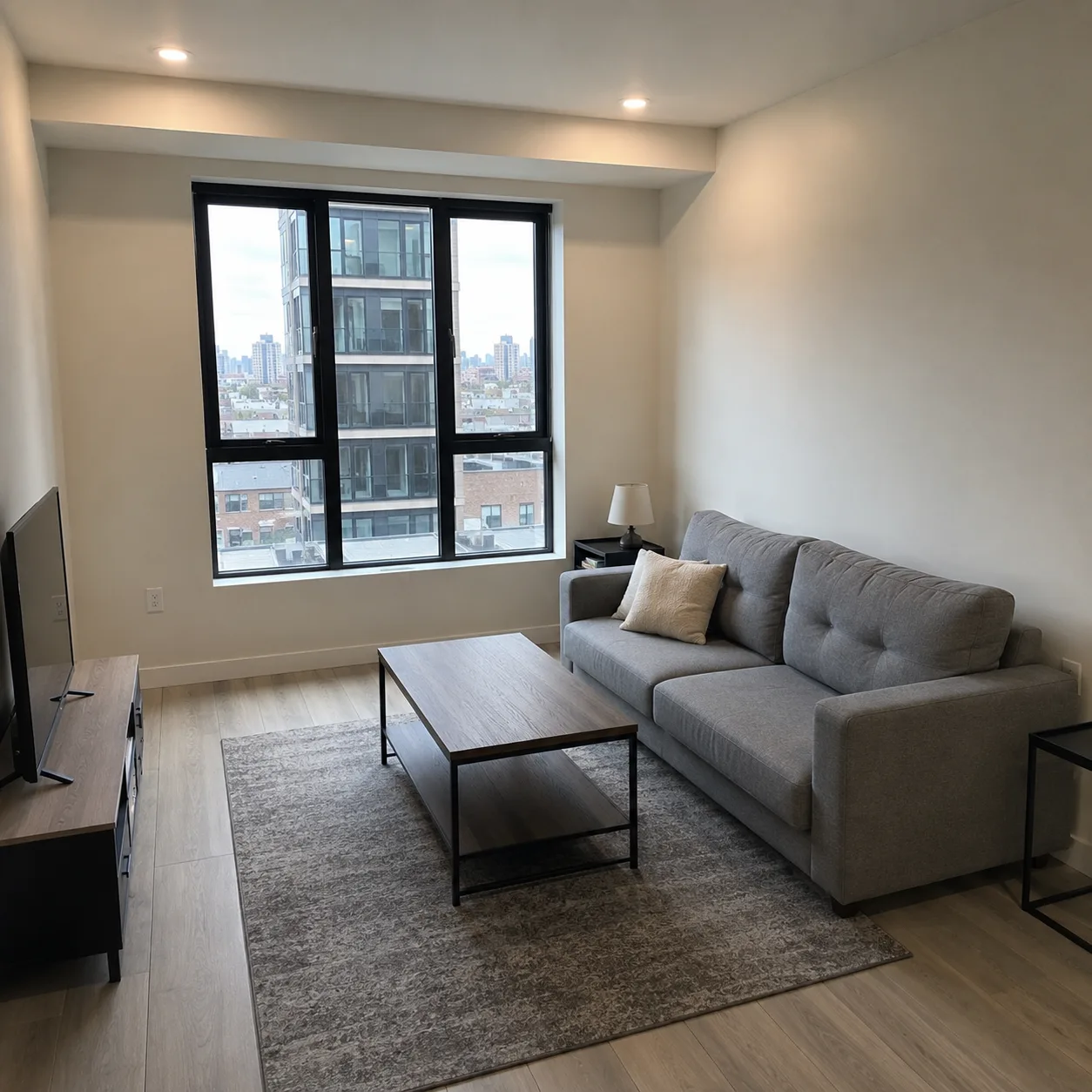
Original living room photo used in a Nano2Image example
Original
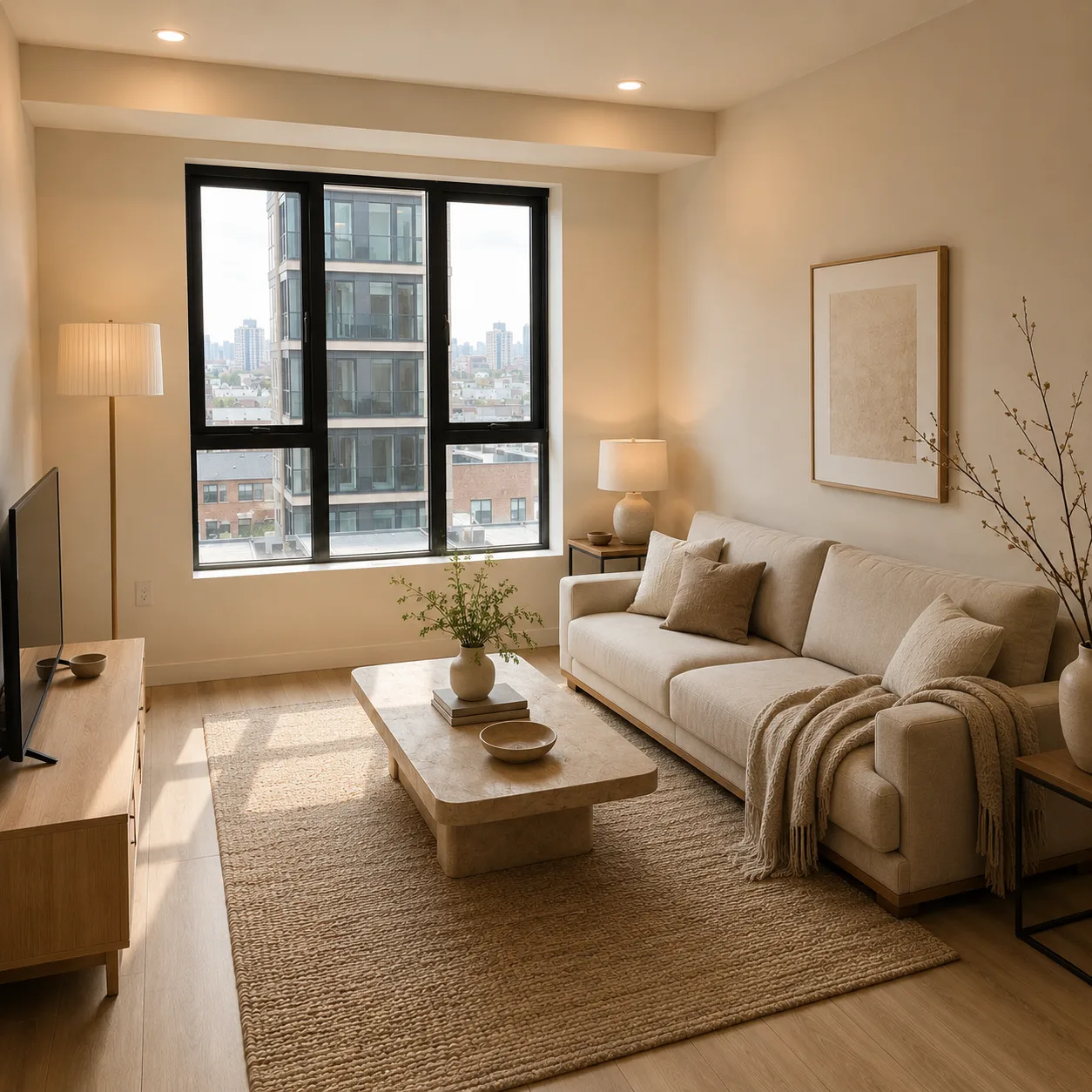
Living room example restyled with warm modern furniture
AI Result
Image to Image AI

Redesign a room from a photo

Upload a room photo and preview a new interior style while keeping the same room layout.

Best for
Room redesign, interior design ideas, renovation previews, layout tests
What changed
The room keeps its layout and camera angle, but changes style and furniture mood.

Copyable prompt

Redesign this living room photo into a warm modern interior. Keep the same room layout, window, walls, floor plan, and camera perspective.

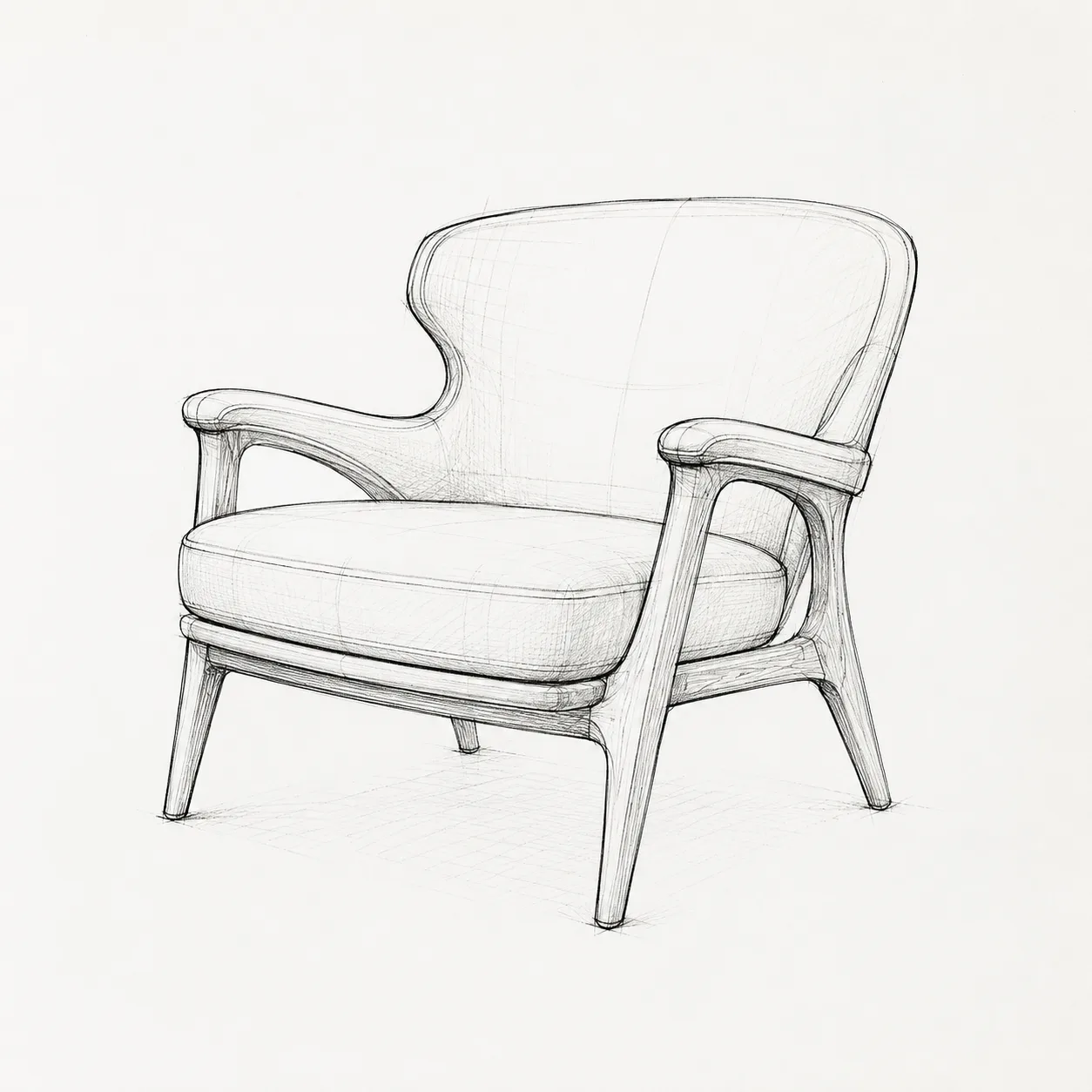
Original chair sketch used in a Nano2Image example
Original
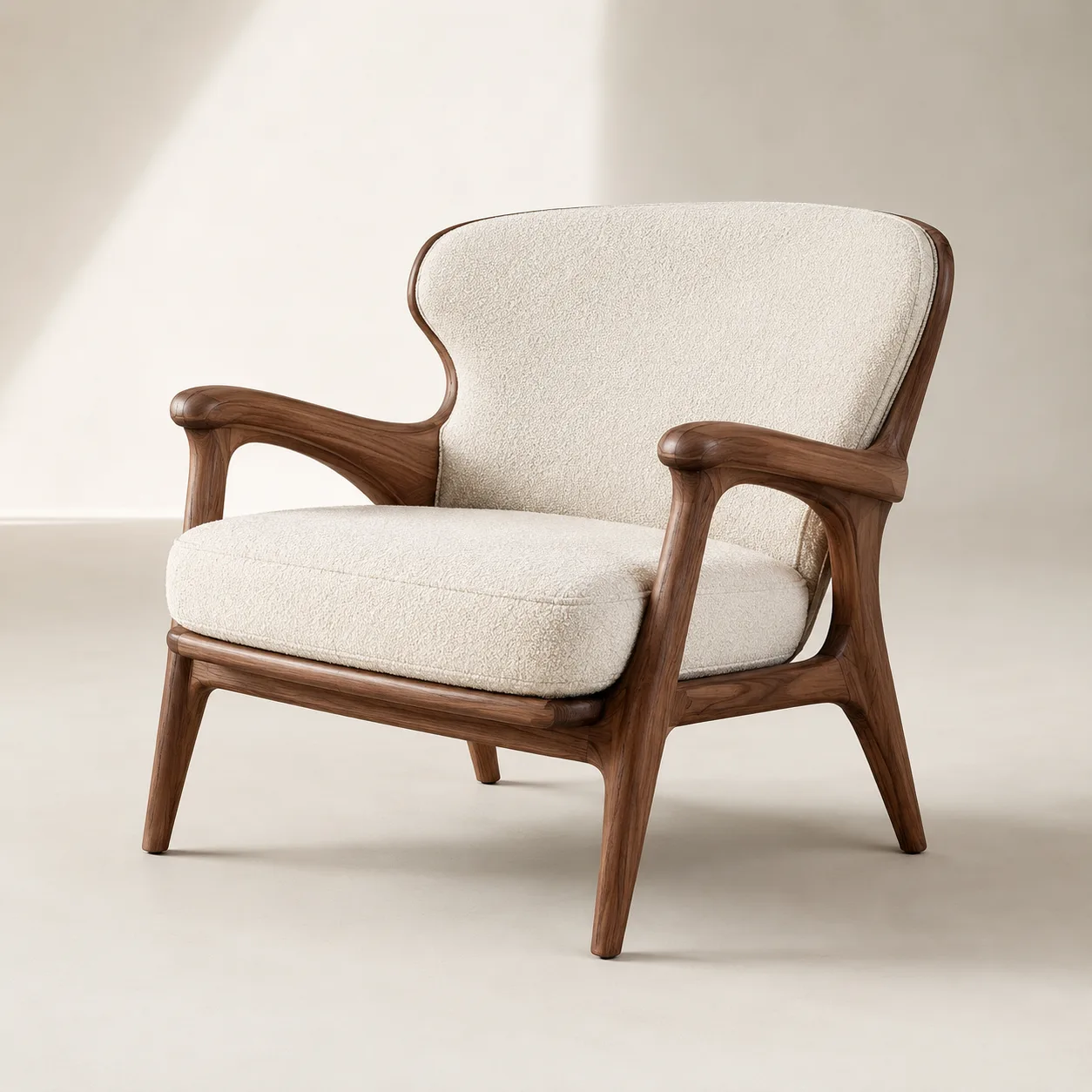
Chair sketch example rendered as a realistic product image
AI Result
Image to Image AI

Turn a sketch into a realistic product image

Upload a sketch and create a realistic product image while keeping the same shape and proportions.

Best for
Sketch to image AI, product concepts, furniture sketches, design mockups
What changed
The sketch becomes a realistic product image while keeping the chair shape.

Copyable prompt

Turn this chair sketch into a realistic walnut and cream lounge chair product image. Keep the same silhouette, curved backrest, armrests, proportions, and four-leg structure.

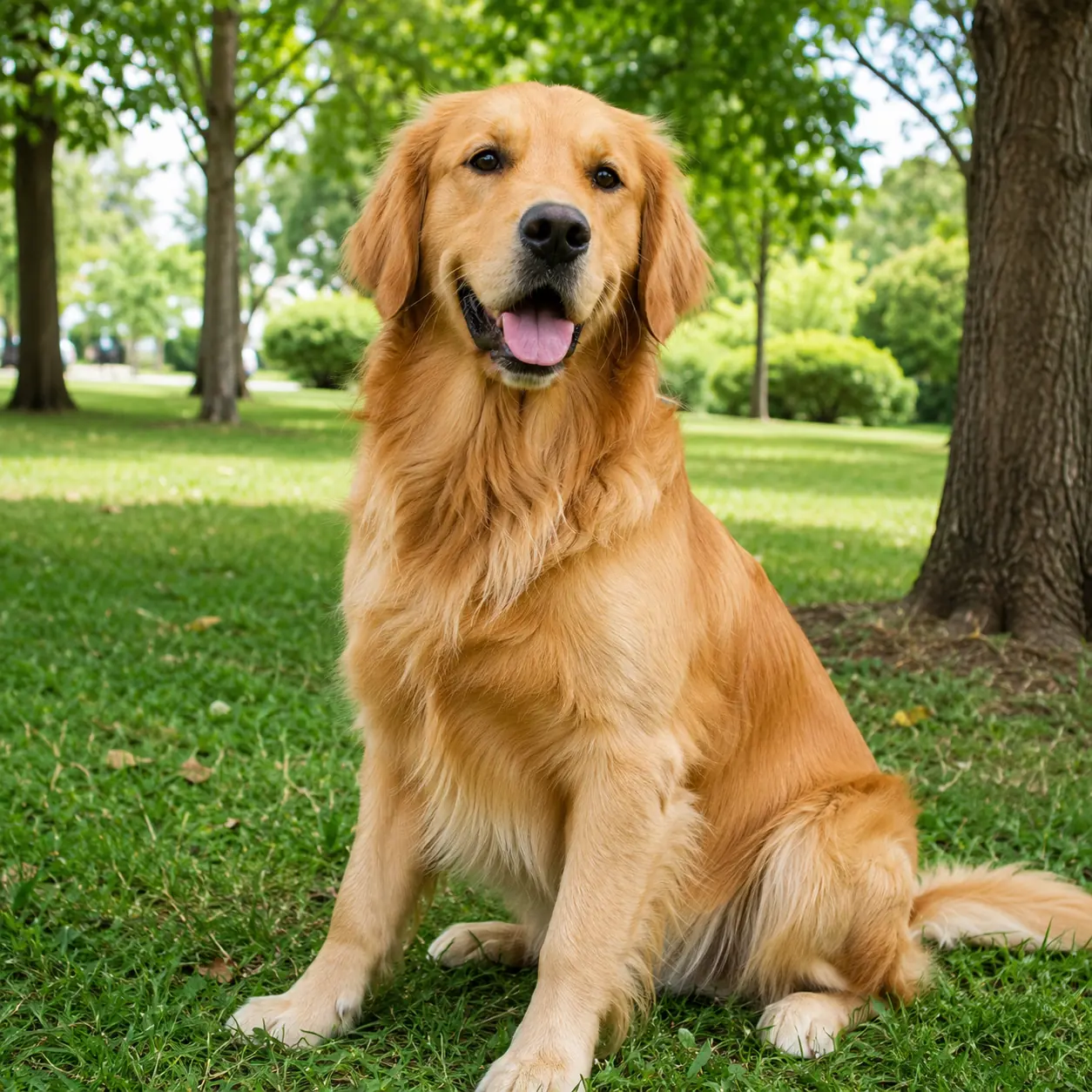
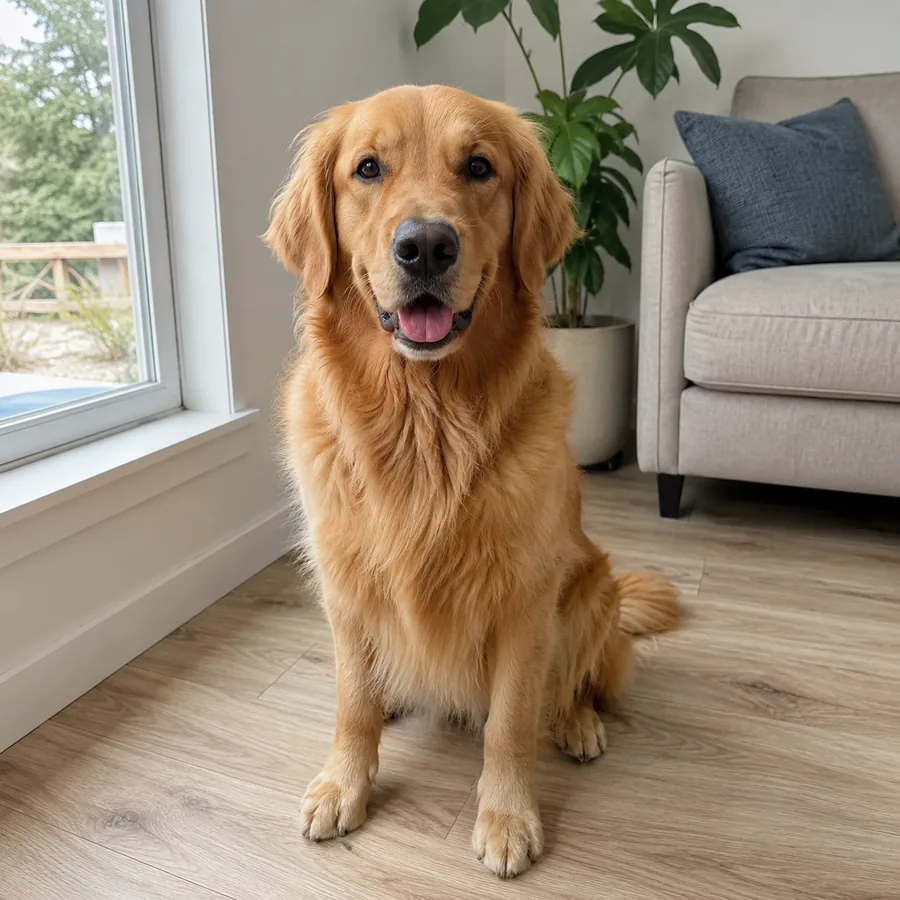
Original dog photo used in a Nano2Image example
Original
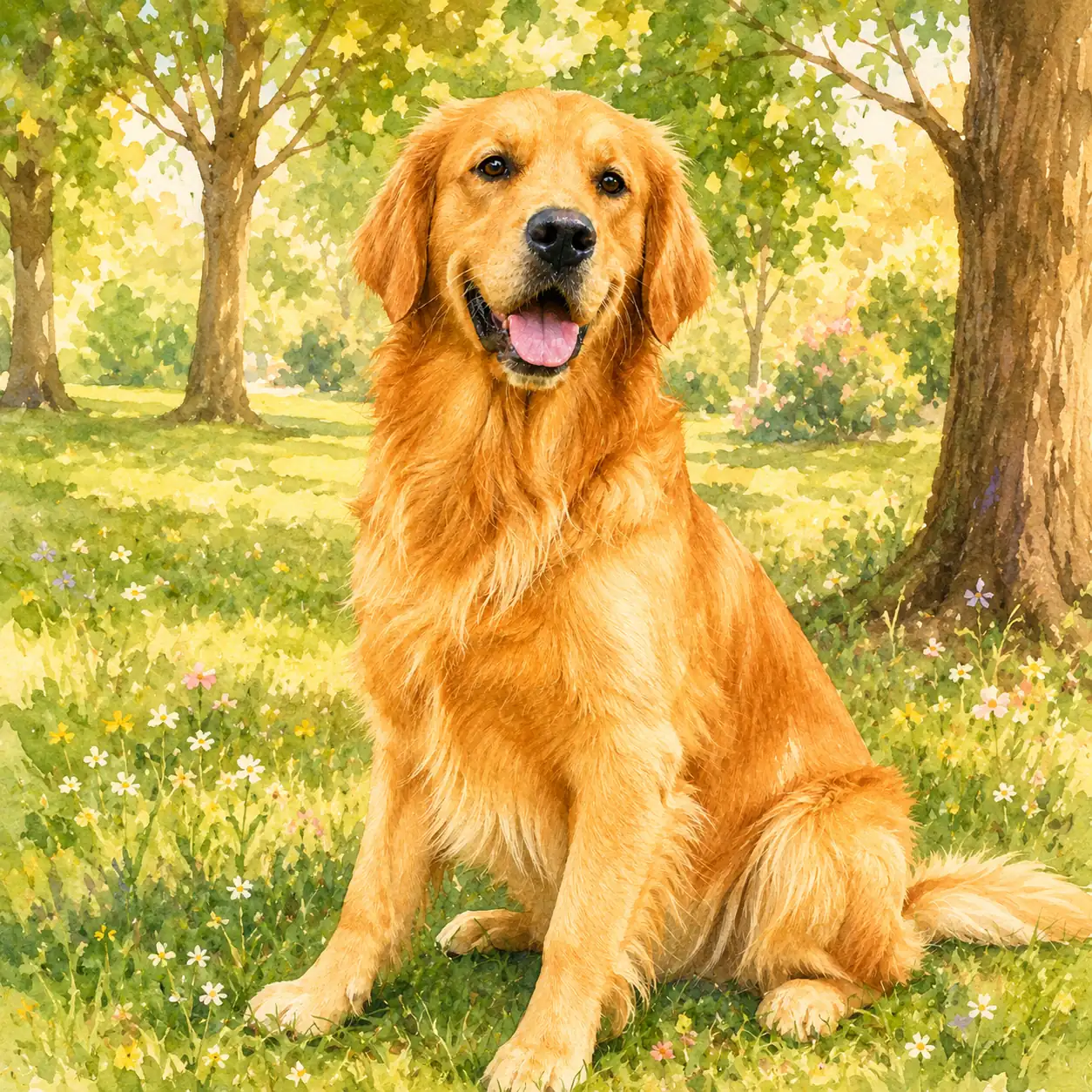
Dog photo example turned into a warm illustrated portrait
AI Result
Image to Image AI

Turn a pet photo into an illustration

Upload a pet photo and create an illustrated portrait while keeping the same pet recognizable.

Best for
Pet portraits, dog photos, cat photos, custom pet illustrations
What changed
The pet keeps its expression and pose, but changes into a warm illustration.

Copyable prompt

Turn this golden retriever photo into a warm illustrated pet portrait in a flower garden. Keep the same face, fur color, expression, body proportions, and seated pose.

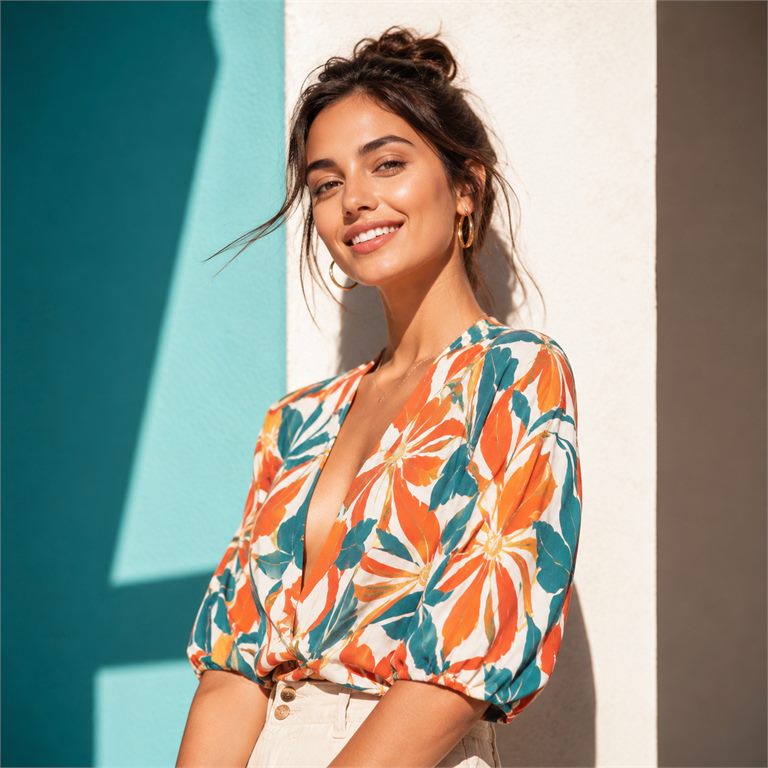
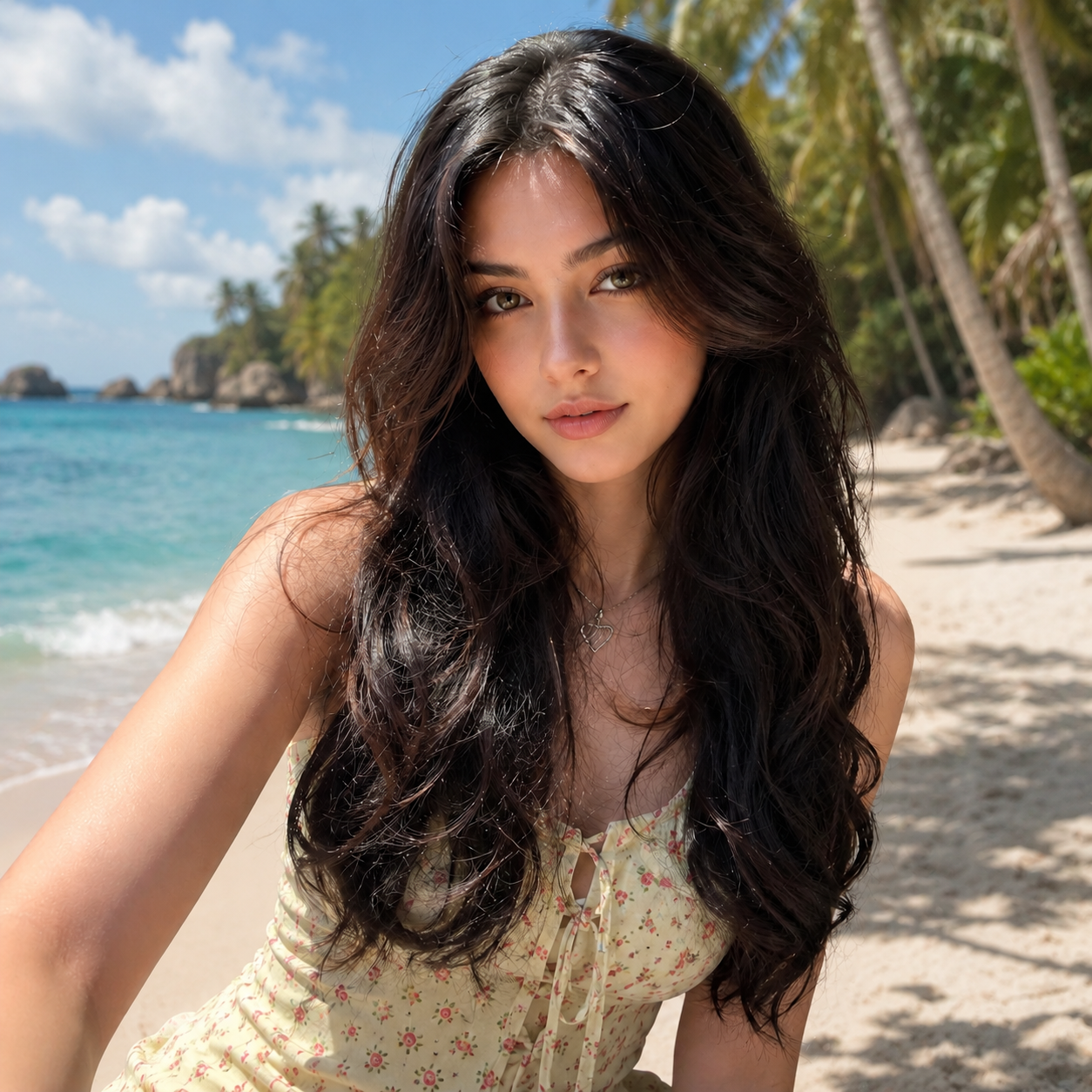
Original portrait before a beach background example
Original
Portrait example with a tropical beach background
AI Result
AI Background Changer

Replace a portrait background with a beach scene

Change a portrait background to a new scene while keeping the same person recognizable.

Best for
Profile photos, creator portraits, travel photos, social posts
What changed
The person stays the same while the background changes to a beach.

Copyable prompt

Replace the balcony background with a tropical beach. Keep the same person, face, hair, pose, outfit, crop, and framing.
Original skincare product before a background example
Original
+
Uploaded room background for skincare product background replacement
Background
=
Skincare product example placed in an uploaded background
Final result
AI Background Changer

Replace a product background with your own image

Upload a product photo and a background image, then place the product into the new scene.

Best for
Product listings, ecommerce photos, skincare visuals, campaign images
What changed
The product stays intact and moves into the uploaded background scene.

Copyable prompt

Use image 1 as the skincare product and image 2 as the replacement background. Keep the product shape, label, material, scale, lighting direction, and natural contact shadow.

Original portrait before a color background example
Original
Portrait example with a soft lavender background
Color Result
White
Gray
Lavender
Brand
AI Background Changer

Change a portrait background color

Replace a busy portrait background with a clean color while keeping the person unchanged.

Best for
Profile photos, headshots, creator portraits, clean social posts
What changed
The portrait gets a clean color background without changing the person.

Copyable prompt

Replace the current background with a soft lavender studio backdrop. Keep the same person, face, hair, pose, outfit, body proportions, crop, and lighting unchanged.

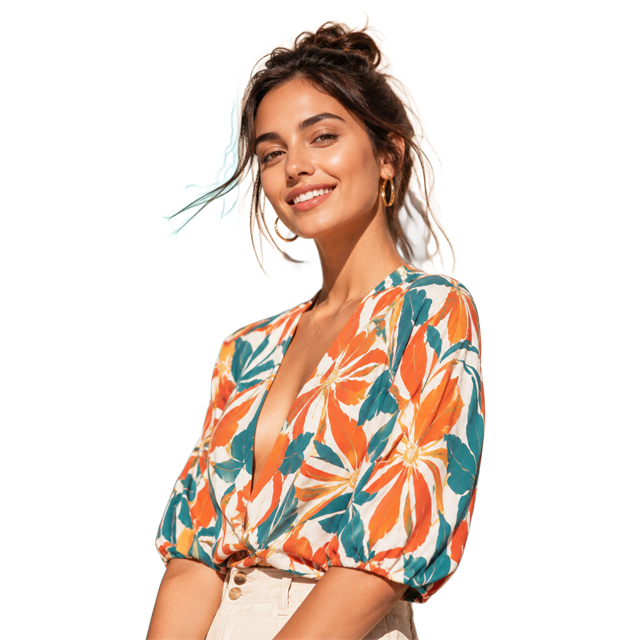
Original portrait before transparent cutout example
Portrait example with the background removed
AI Edit
Transparent Background Maker

Make a portrait background transparent

Separate a person from the background and download a transparent PNG for profile layouts or designs.

Best for
Headshots, profile photos, creator images, clean social layouts
What changed
The person is cut out from the original background as a transparent PNG.

Copyable prompt

Remove the background behind the person and export a transparent PNG while preserving hair, face, clothing, pose, and lighting.

Original product photo before transparent cutout example
Product example with the background removed
AI Edit
Transparent Background Maker

Make a product photo background transparent

Remove the background from a product photo so the product can be reused in catalogs, ads, or layouts.

Best for
Catalog cutouts, ecommerce photos, marketplace listings, ads
What changed
The product becomes a clean transparent cutout with the main shape preserved.

Copyable prompt

Remove only the background and keep the hand, sleeve, handbag, gold handle, shape, texture, and lighting unchanged.

Original sticker graphic before transparent cutout example
Sticker graphic example with the background removed
AI Edit
Transparent Background Maker

Make a sticker or graphic transparent

Remove the background from sticker art, icons, illustrations, or small graphic elements.

Best for
Stickers, icons, illustrations, badges, thumbnails, social graphics
What changed
The graphic becomes a reusable transparent PNG.

Copyable prompt

Remove the background from this sticker or graphic and export a transparent PNG while keeping the object crisp, centered, and unchanged.

Original portrait before line drawing example
Portrait example converted into a clean line drawing
Clean line drawing
Photo to Line Drawing

Turn a portrait into a clean line drawing

Convert a portrait into black-and-white line art while keeping the face and pose easy to recognize.

Best for
Profile photos, creator portraits, personal art, simple avatar references
What changed
The portrait becomes clean line art with the main face and pose preserved.

Copyable prompt

Convert this portrait into a clean black-and-white line drawing. Keep the face structure, hair outline, clothing shape, pose, and simple portrait composition.

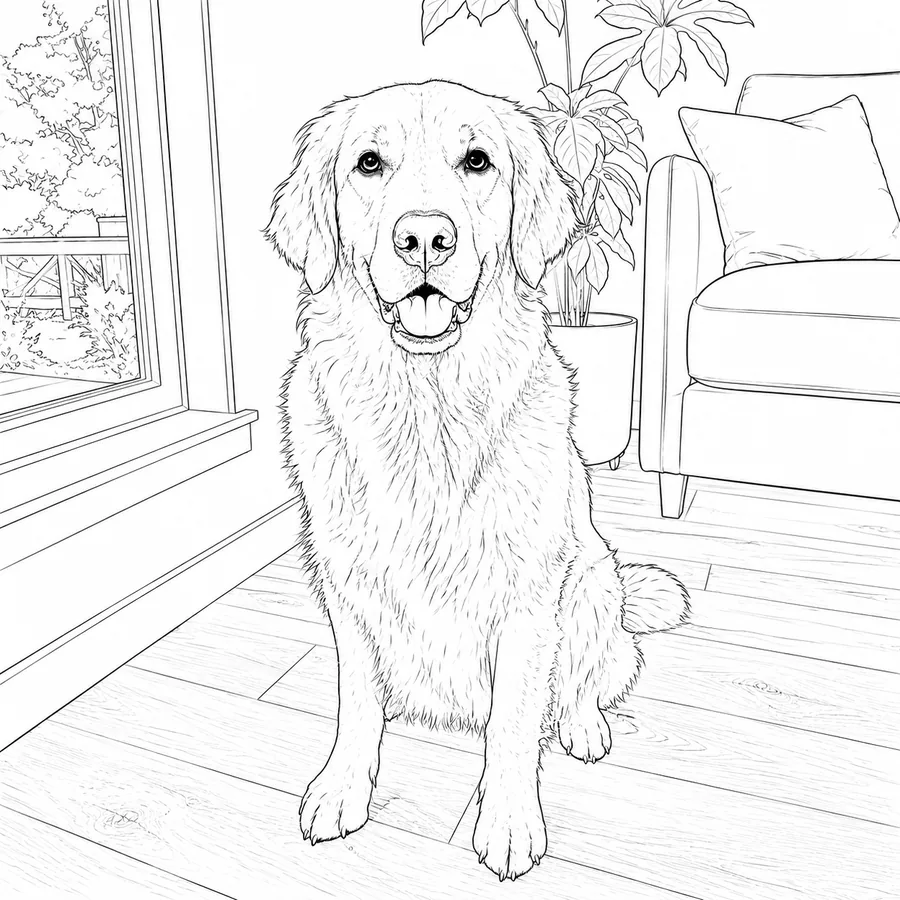
Original pet photo before line art example
Pet photo example converted into clean line art
Clean line drawing
Photo to Line Drawing

Turn a pet photo into clean line art

Convert a pet photo into a readable line drawing with clear eyes, ears, fur outline, and body shape.

Best for
Pet portraits, coloring sheets, keepsake drawings, animal reference images
What changed
The pet becomes a clean drawing with readable animal features.

Copyable prompt

Convert this pet photo into clean black-and-white line art. Keep the pet expression, head shape, ears, eyes, fur direction, and body silhouette.

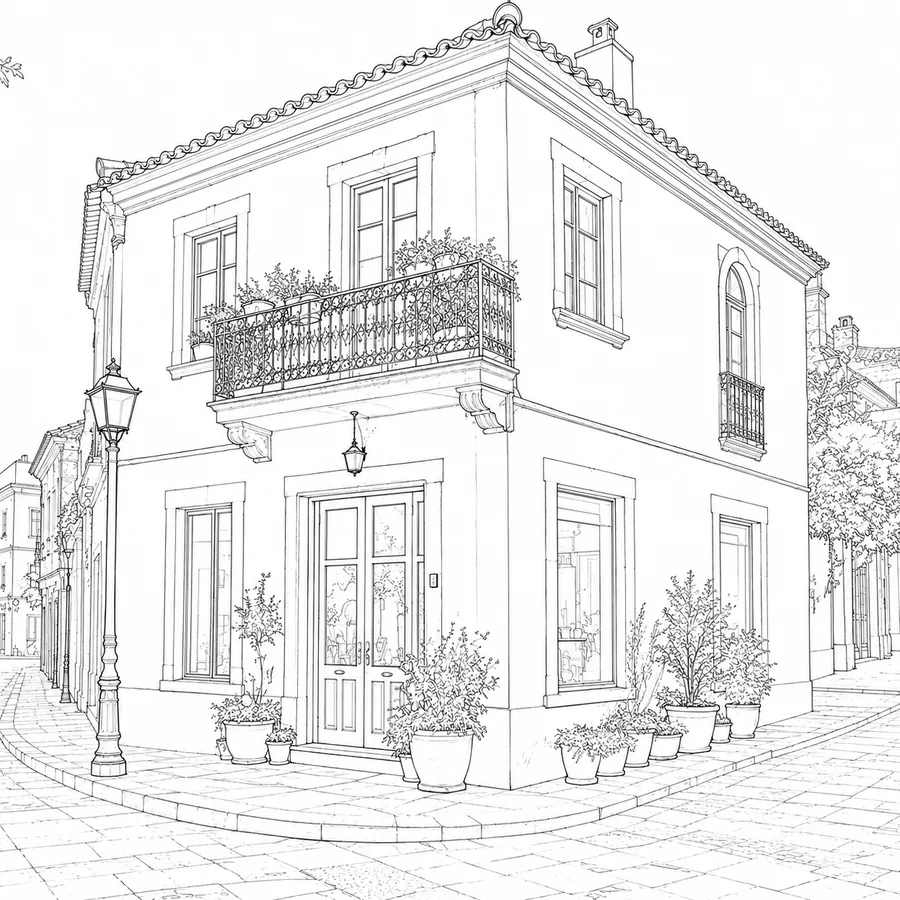
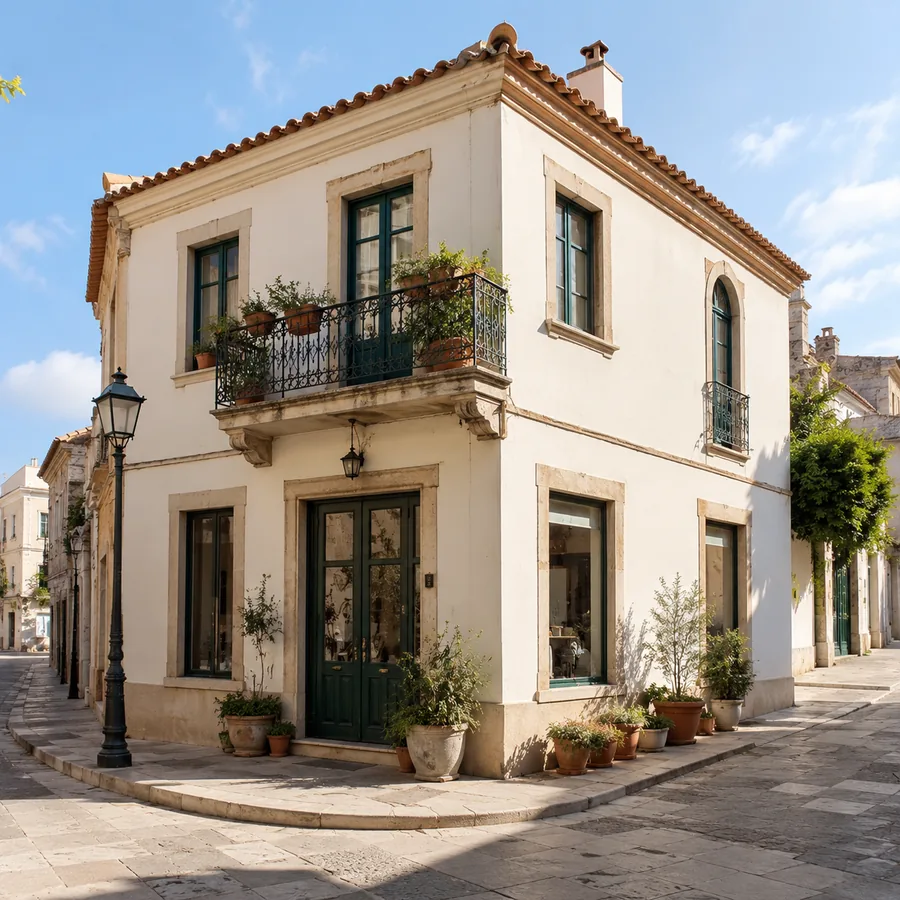
Original architecture photo before drawing example
Architecture example converted into a clean drawing
Clean line drawing
Photo to Line Drawing

Turn architecture into a clean drawing

Convert a building or street scene into a line drawing while keeping structure and perspective clear.

Best for
Architecture references, room sketches, travel photos, planning boards
What changed
The scene becomes a simpler drawing with clear building structure.

Copyable prompt

Convert this architecture photo into a clean black-and-white line drawing. Keep the perspective, rooflines, windows, doors, main walls, and overall scene layout.

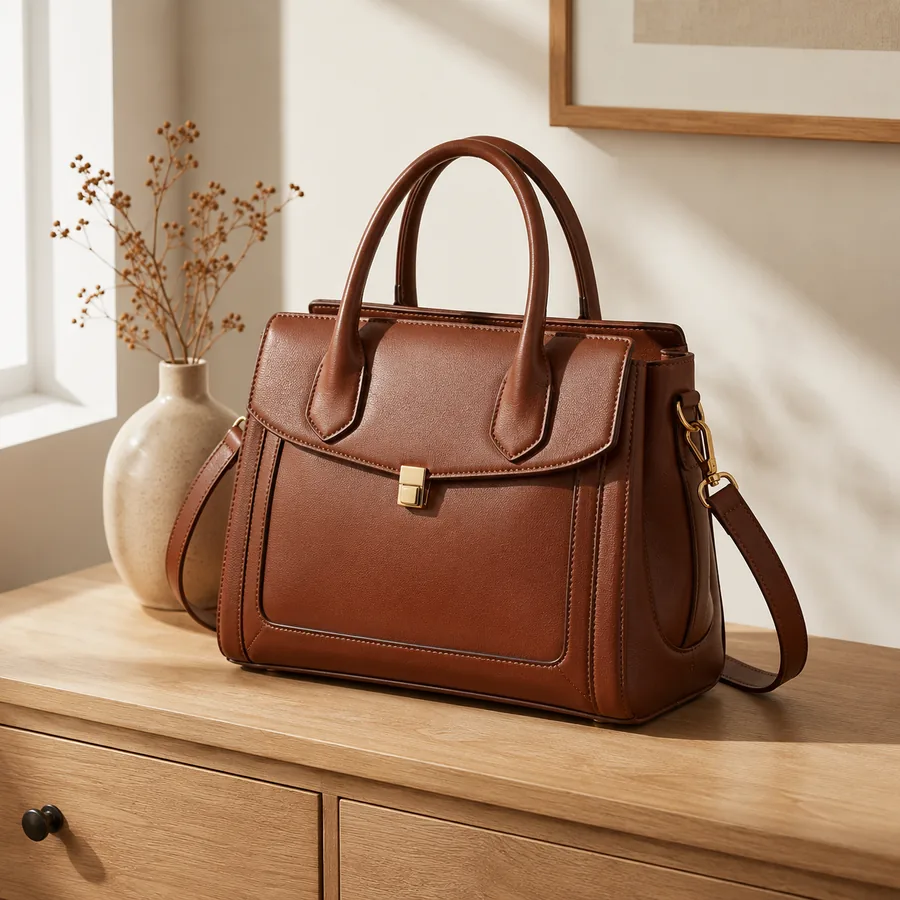
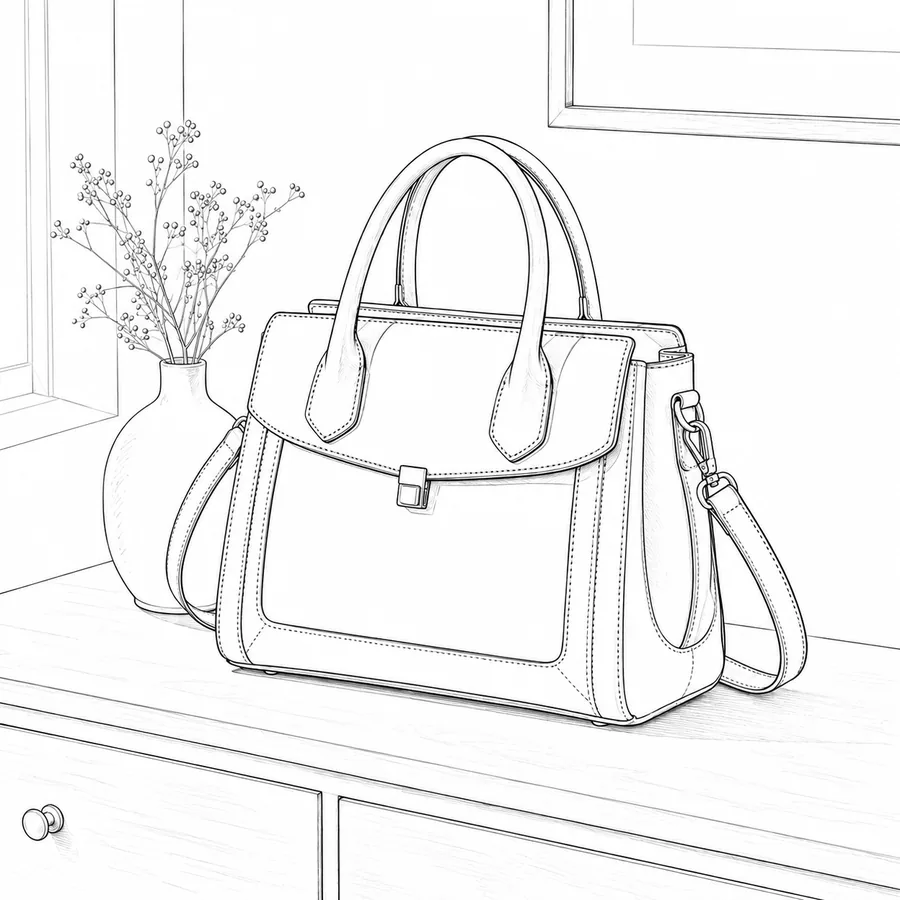
Original product photo before outline example
Product example converted into a clean outline drawing
Clean line drawing
Photo to Line Drawing

Turn a product photo into a clean outline

Create a clean product outline for design drafts, manuals, marketplace visuals, or product concept reviews.

Best for
Product outlines, catalog drafts, instruction visuals, packaging mockups
What changed
The product becomes a simple outline with less background noise.

Copyable prompt

Convert this product photo into a clean black-and-white outline drawing. Keep the product silhouette, key edges, label shape, object proportions, and important surface details.

How to write a better image prompt

A good prompt says what the uploaded image is, what should change, what should stay the same, and what should be avoided.

Say what the uploaded image is

Tell Nano2Image if the upload is a person, product, room, clothing reference, logo, or sketch.

Describe the change clearly

Mention the new background, clothing, room style, lighting, crop, or mood you want.

Say what should stay the same

Call out the face, pose, product shape, room layout, logo, or colors if they need to stay accurate.

Say what to avoid

Add short notes like no text, no watermark, no harsh shadows, no blur, or no extra objects.

AI Image Examples FAQ

How to use the examples, copy a prompt, and adjust it for your own image.
Use this page when you want ideas before editing your own image. If you already know the exact job, such as changing a background or making a transparent PNG, start from the matching tool page.
Yes, but change the details that do not fit your image. Keep the useful parts, then replace the subject, background, lighting, style, or clothing with your own needs.
Each example comes from a Nano2Image tool page, so the link sends you to the tool that matches that exact before-and-after result.
Not always. Your photo, lighting, crop, and subject matter affect the result. Use these prompts as starting points and adjust the wording for your image.

Start with an Example

Choose the closest before-and-after result, copy the prompt, and open the matching Nano2Image tool.

Browse Nano2Image tools