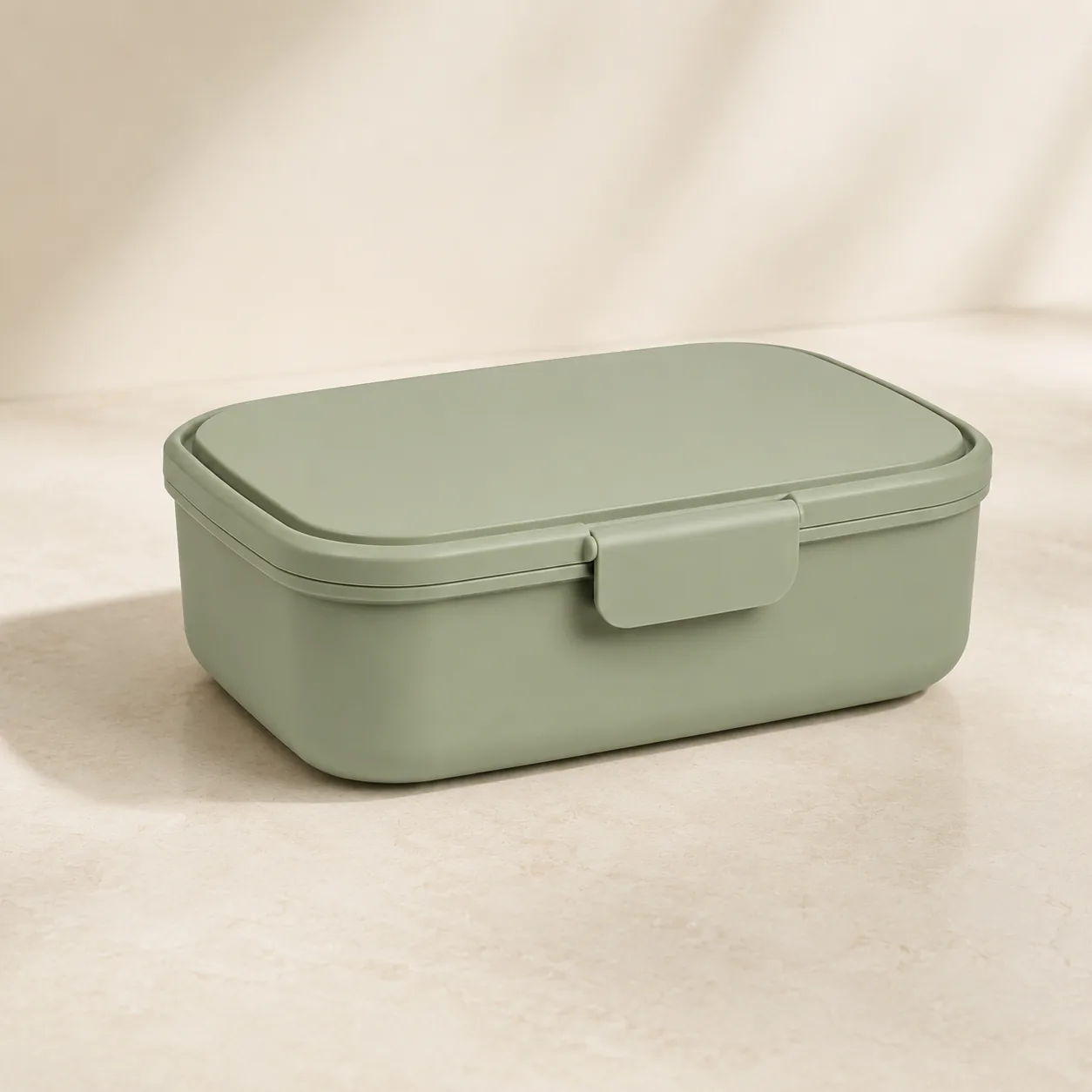
Source photo
Supplier catalog photo
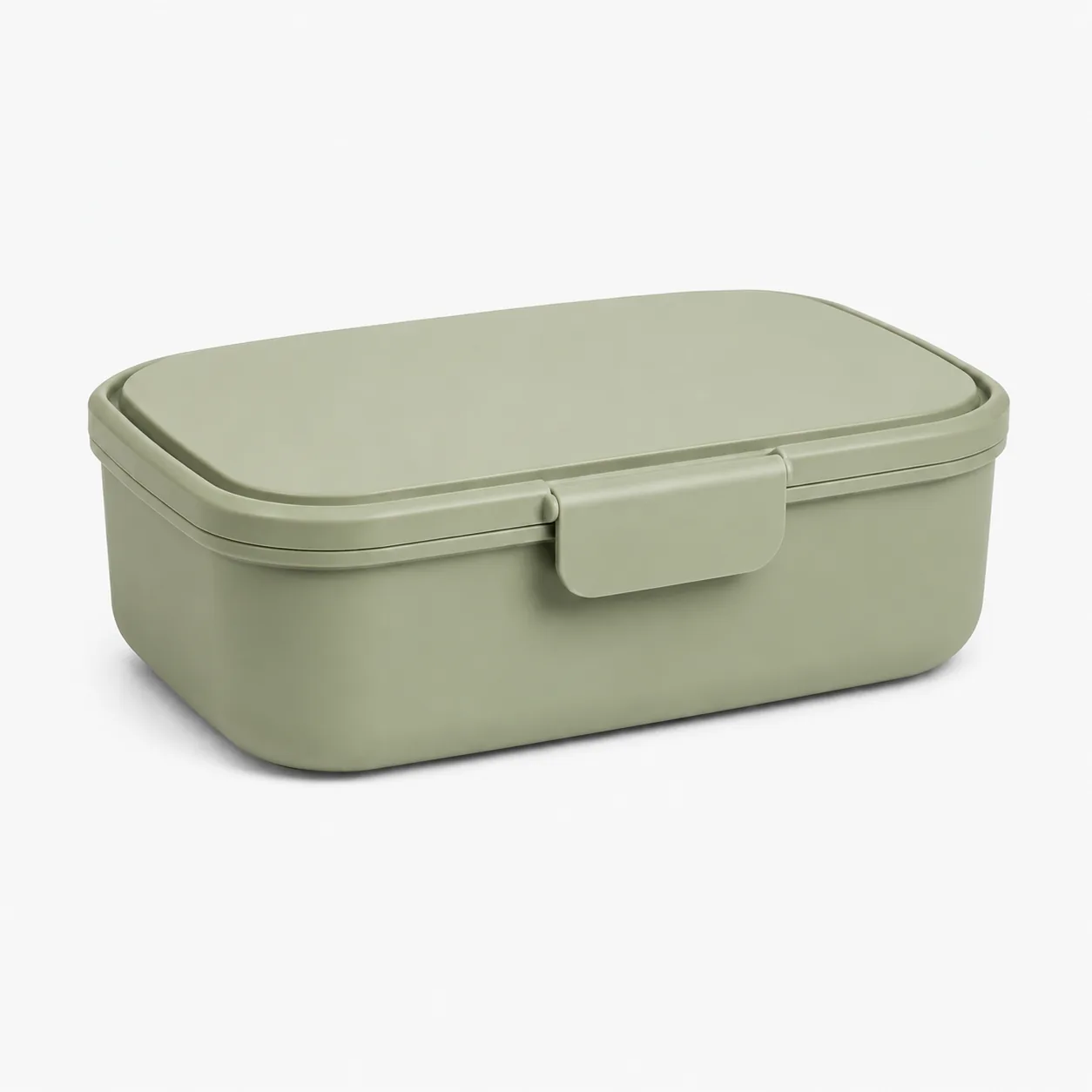
The catalog image you already have.
Upload one product photo and create ecommerce product photos for your store, ads, Shopify pages, and seasonal campaigns.
Turn a single product photo into product listing images, lifestyle scenes, and ad creatives without arranging another photoshoot.
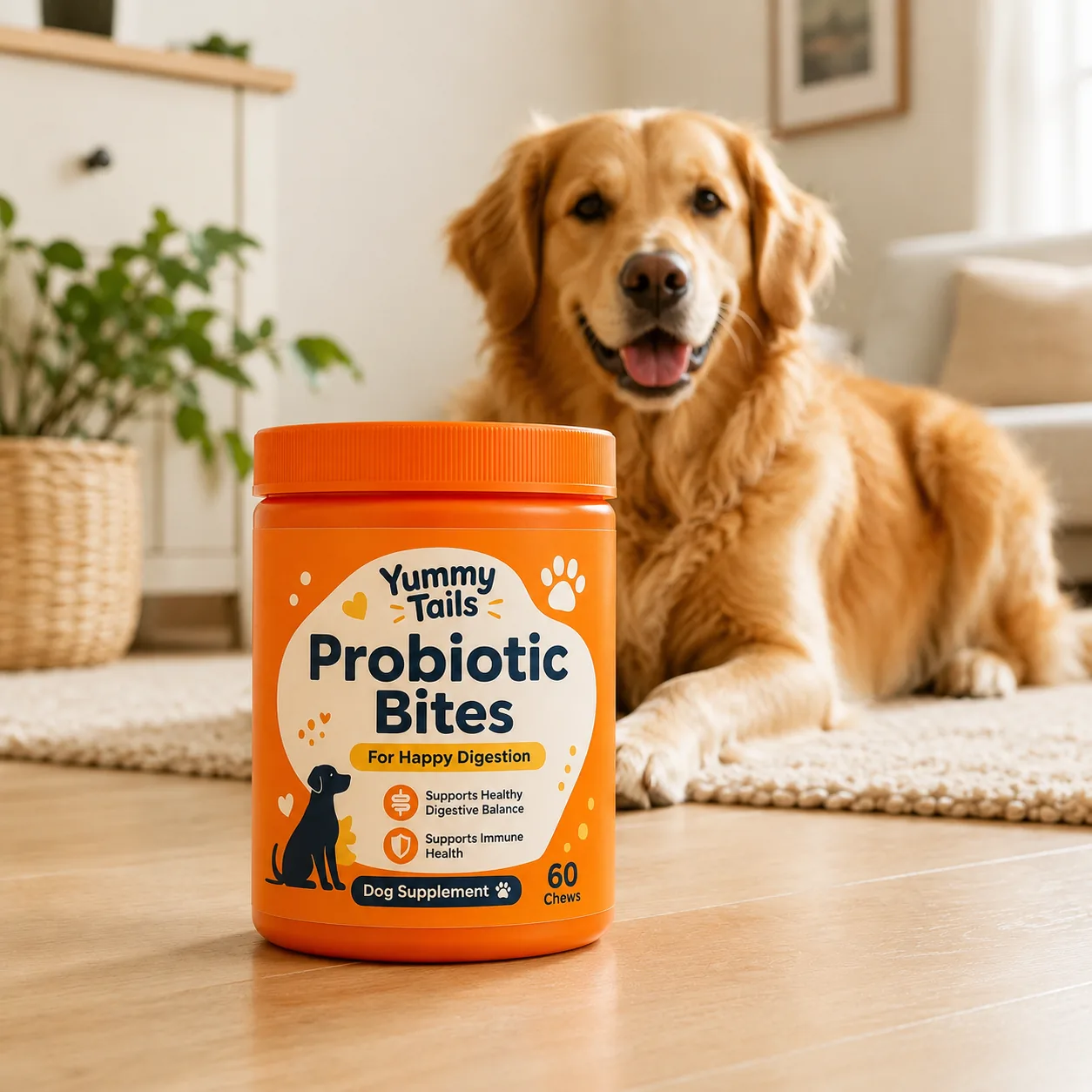
Turn one pet supplement photo into store-ready lifestyle images for product pages, social posts, and ads—while keeping the original packaging, label, colors, shape, and proportions recognizable.
Try this pet product example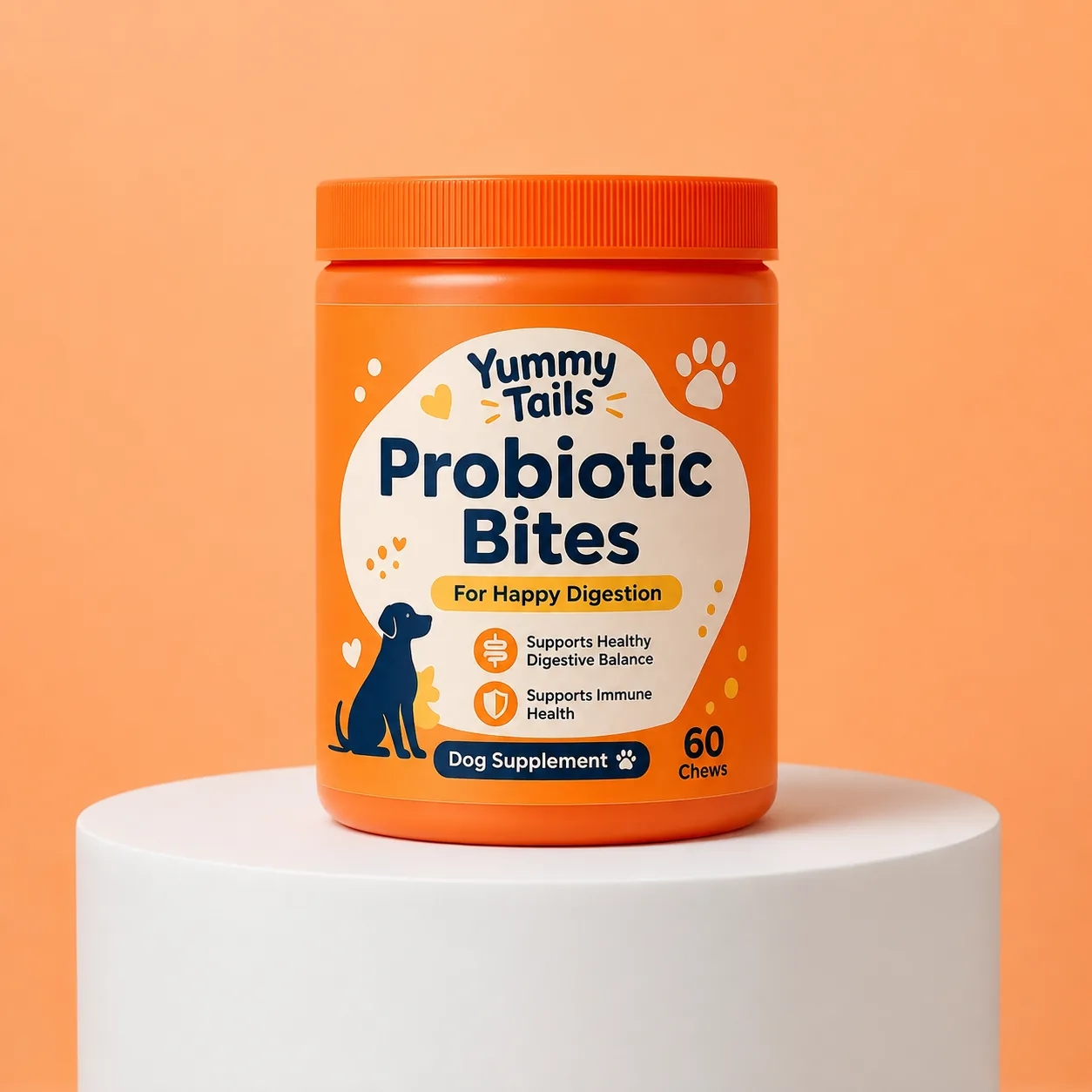
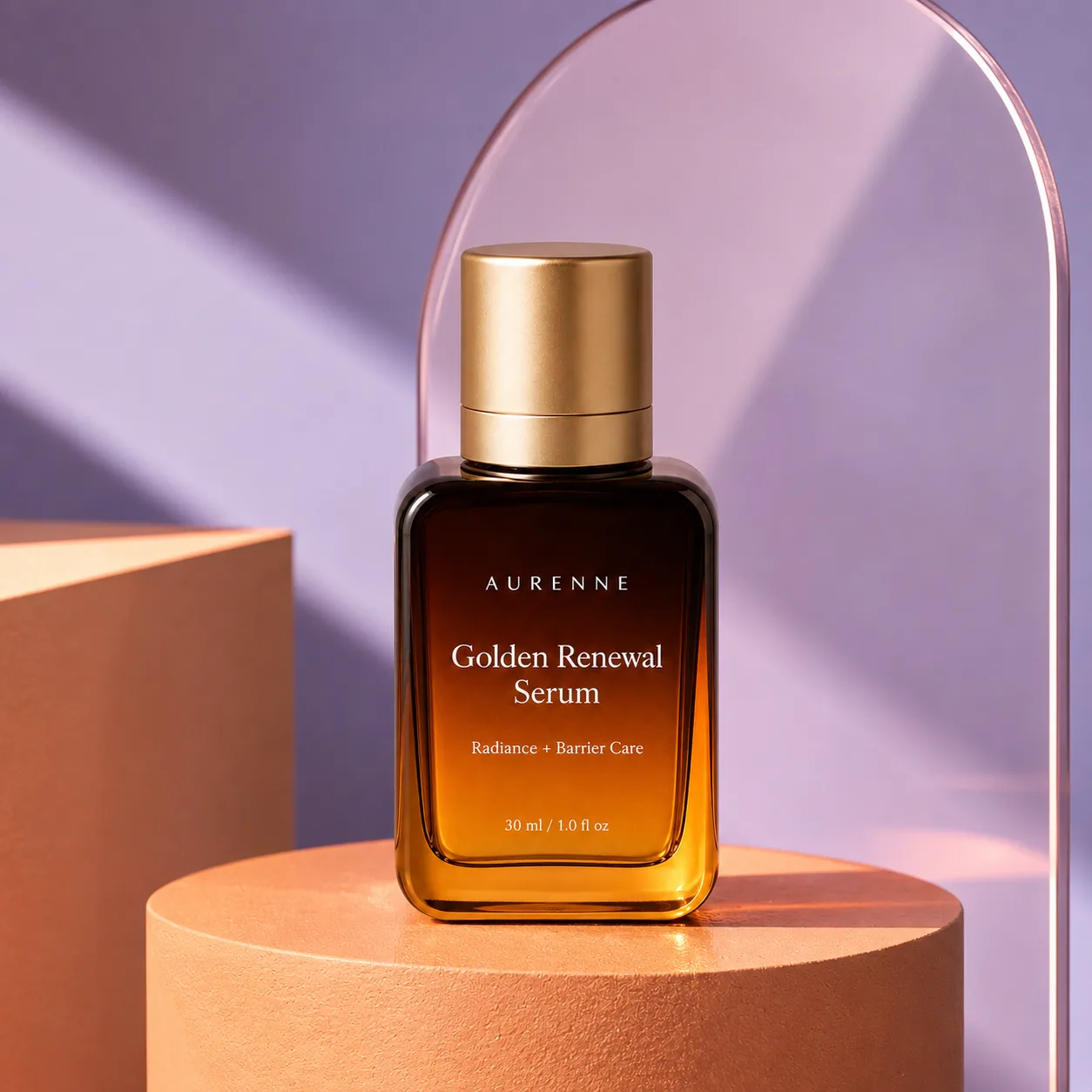
Create polished skincare visuals for product listings, social media, and ads while preserving the original packaging, label, color, shape, and proportions.
Try this skincare example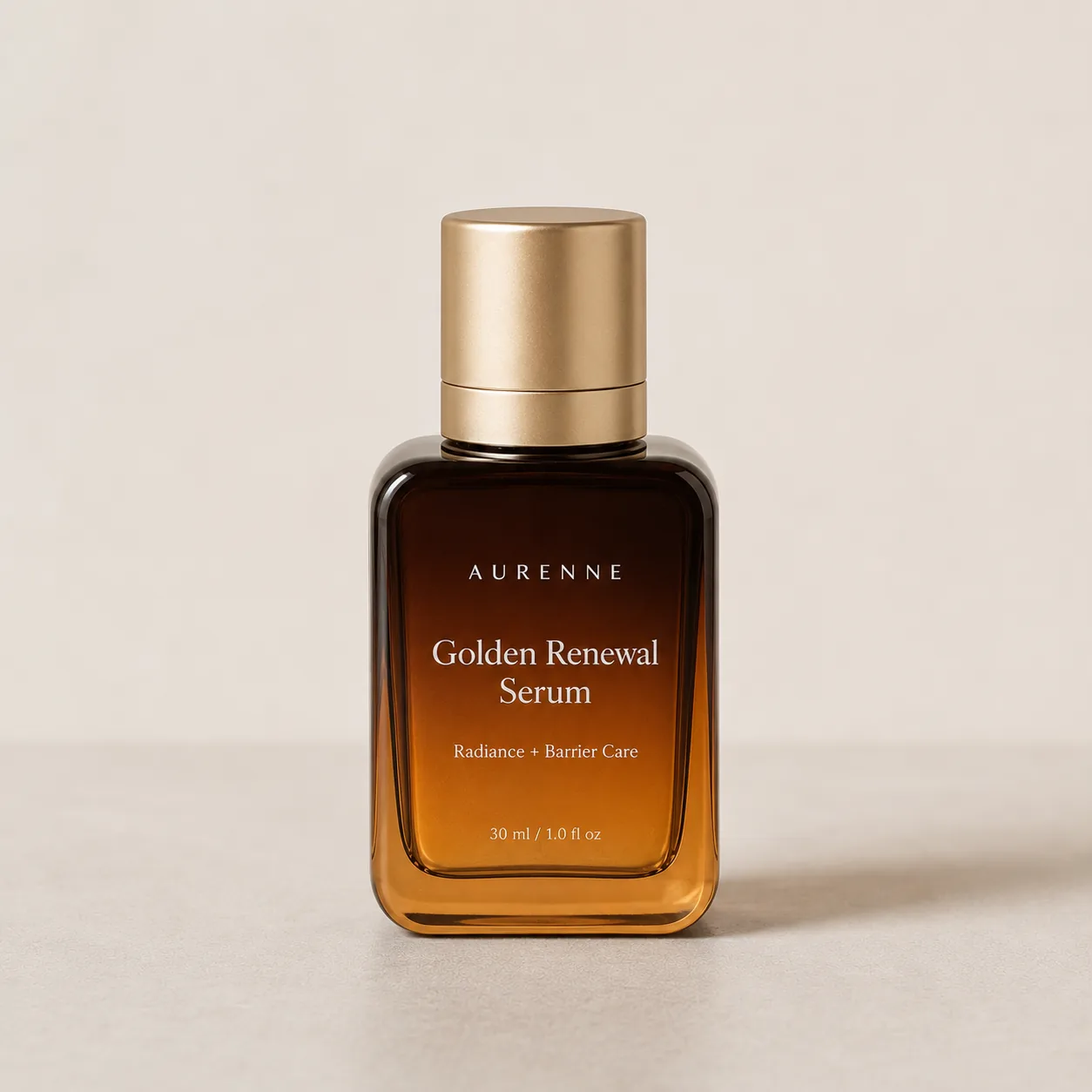
Create polished hand cream visuals for product listings, social media, and ads while preserving the original tube design, label, colors, and proportions.
Try this hand cream example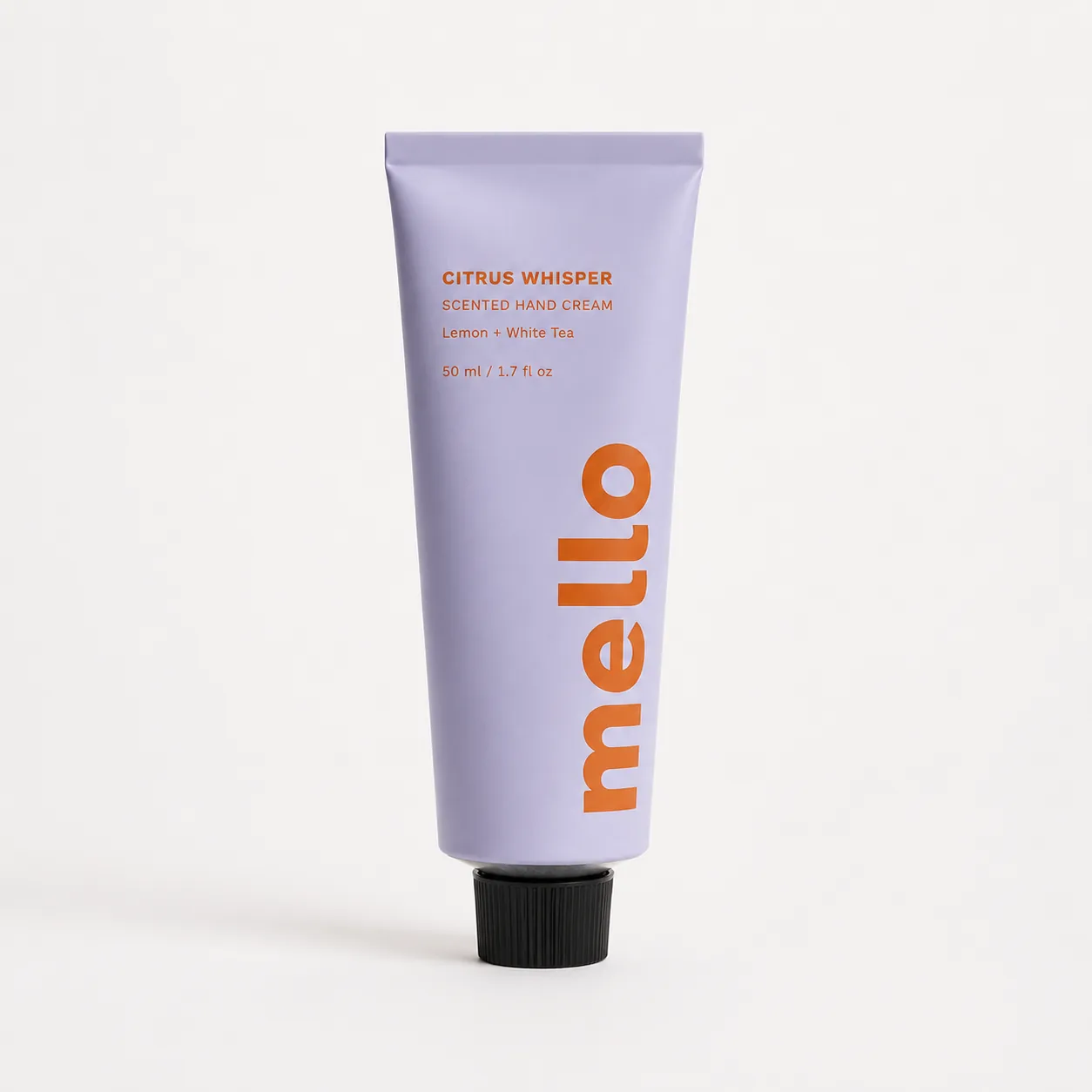
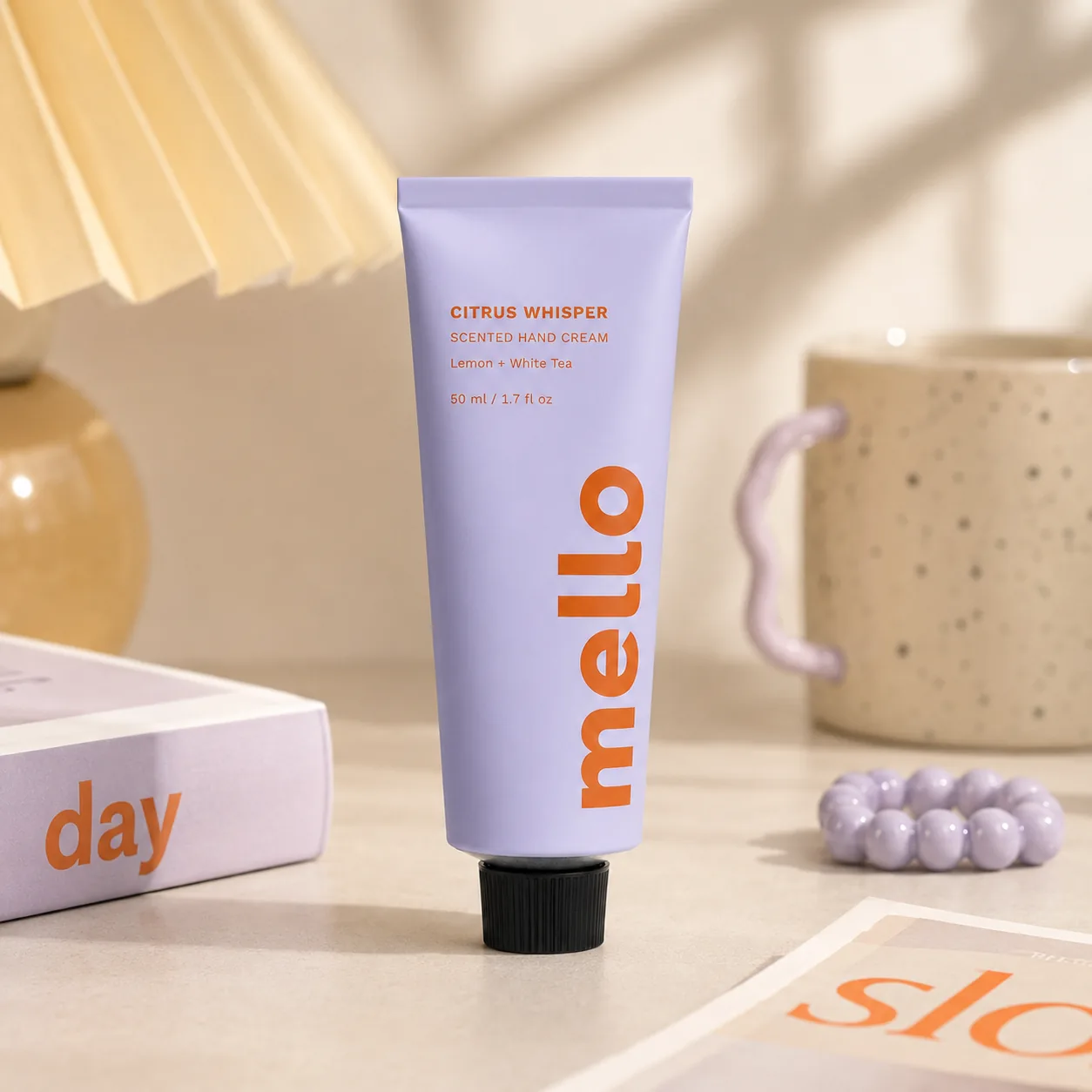
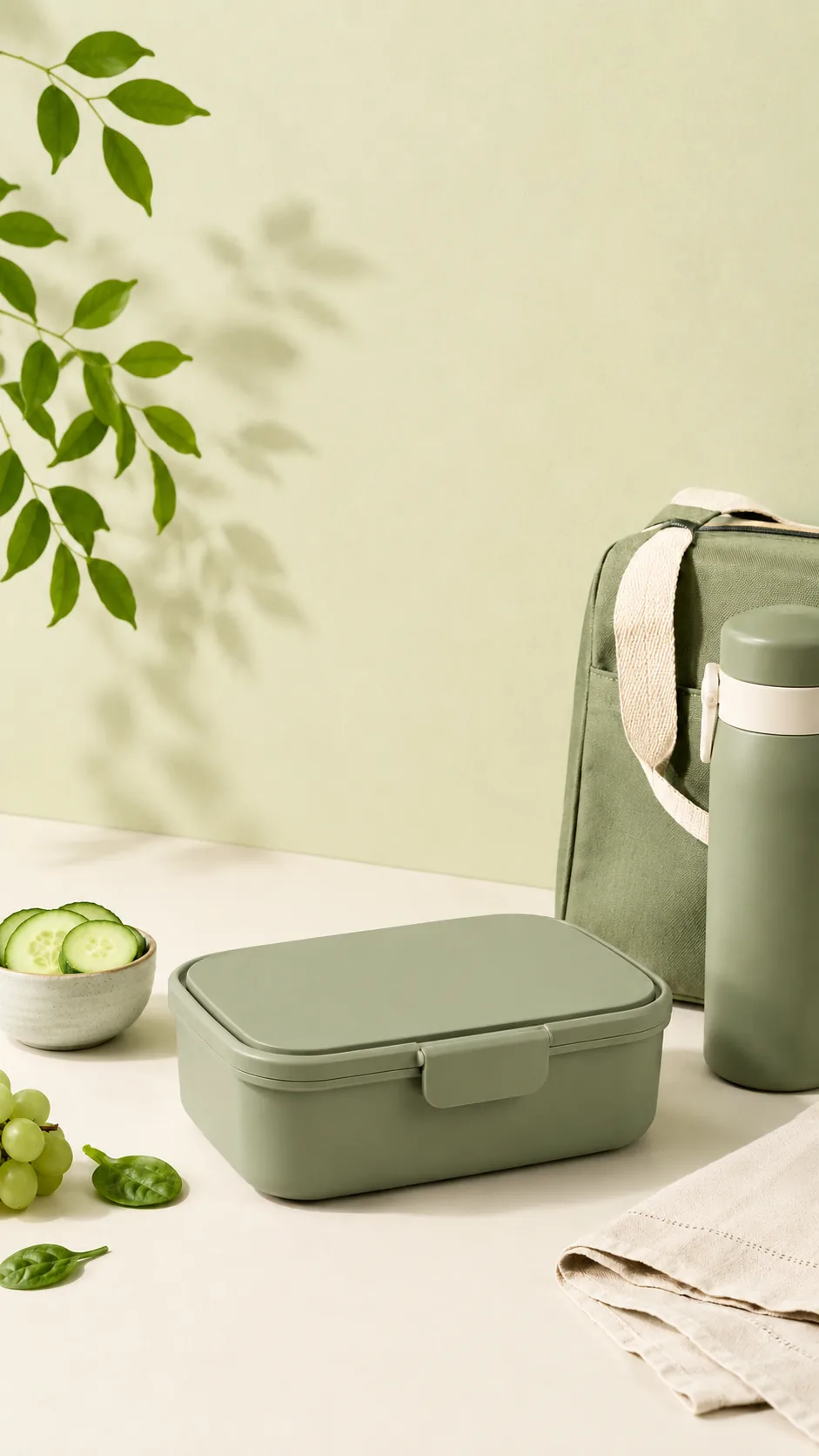
Generate a clean product-page image, a natural lifestyle scene, and a social ad creative from the catalog photo you already have.
Source photo
The catalog image you already have.
Product image set
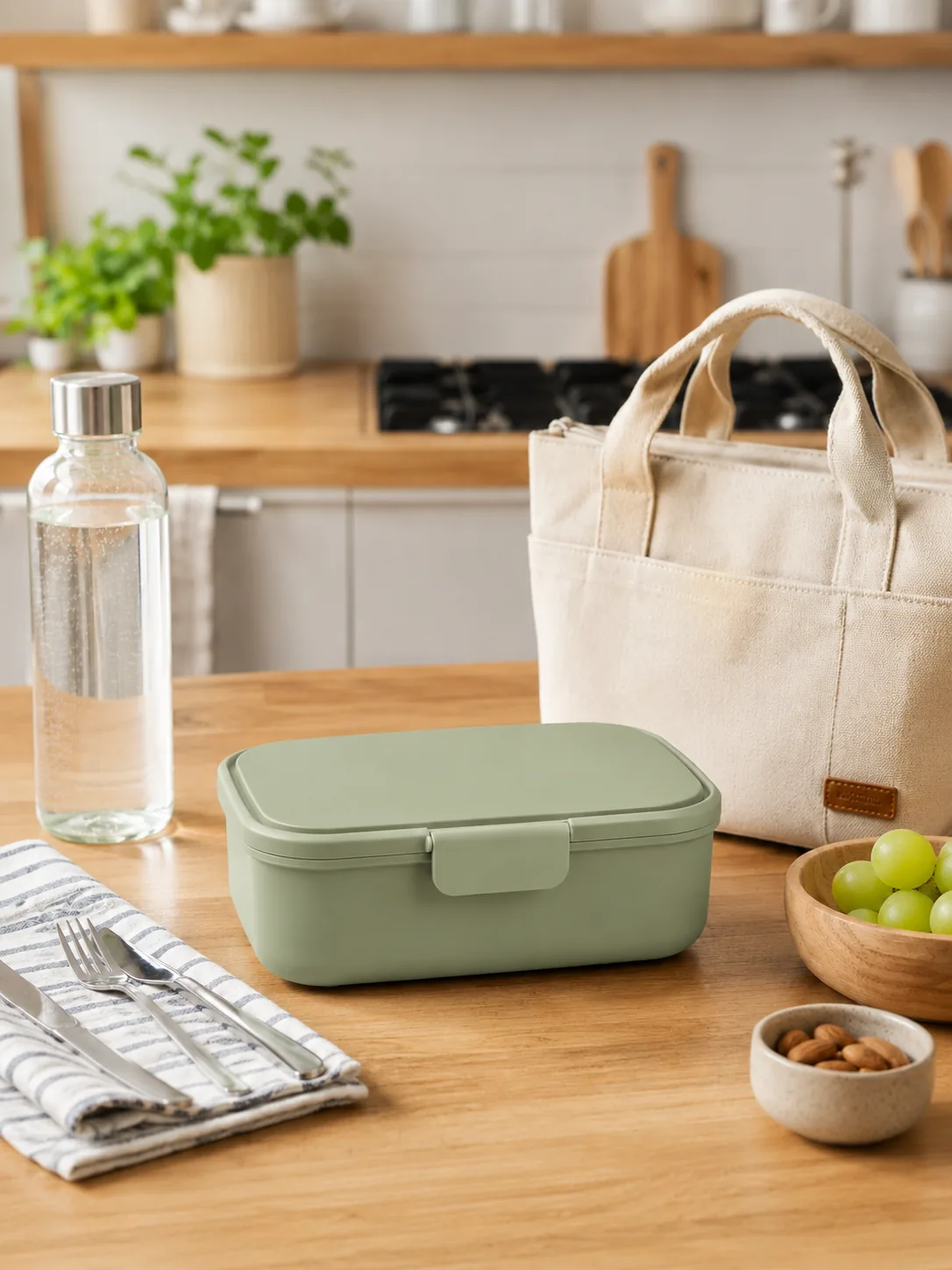
Ready for your store, campaigns, and social channels.
Try the lunch box exampleCreate new product scenes while preserving the shape, label, logo, color, material, and proportions that make the product unmistakably yours.
Maintain the original silhouette, cap, structure, viewing angle, and relative dimensions of your bottle, box, pouch, or jar.
Preserve brand names, logo placement, label layout, and key packaging text so the product remains clearly recognizable.
Retain the original colors, finish, transparency, reflections, and material characteristics across generated images.
Match scale, perspective, lighting, contact shadows, and reflections so the product feels physically present, not pasted onto the background.
Upload one product photo, choose or describe a scene, generate a new visual, and download your favorite result.
Start with a clear photo where the product, packaging, and label are easy to see. A simple background and good lighting usually produce better results.
Start from an example or describe the studio, lifestyle, seasonal, or ad-style setting you want to create.
Create a new product visual, then review the packaging, label, colors, and overall composition.
Download your favorite result, or adjust the scene and generate another version.
Need a reusable product cutout? Use the transparent PNG maker to export a PNG with no background.
Turn one real product photo into Shopify product page images, marketplace listings, launch assets, ad creatives, and seasonal campaign visuals.
Create launch-ready product photos from one source image for launch pages, email banners, and campaign teasers.
Creative direction
Premium launch hero with sculptural props, directional lighting, and clear space for campaign copy.
Turn a simple source photo into polished images for Shopify product pages, collections, and marketplace listings.
Creative direction
Clean ecommerce styling with accurate packaging, natural scale, and consistent product proportions.
Generate platform-ready product images for Meta ads, TikTok posts, Instagram carousels, and rapid creative testing.
Creative direction
Strong product focus, a platform-friendly crop, and negative space for headlines or promotional copy.
Reuse one product photo across holiday, summer, gifting, wellness, and brand-led campaigns.
Creative direction
Seasonal props and lighting that fit the campaign while keeping the original product clearly recognizable.
Turn one source photo into listing images, lifestyle scenes, and campaign visuals for the products you sell.
Skincare & beauty
Create polished listing and lifestyle images for bottles, tubes, jars, and boxed beauty products.
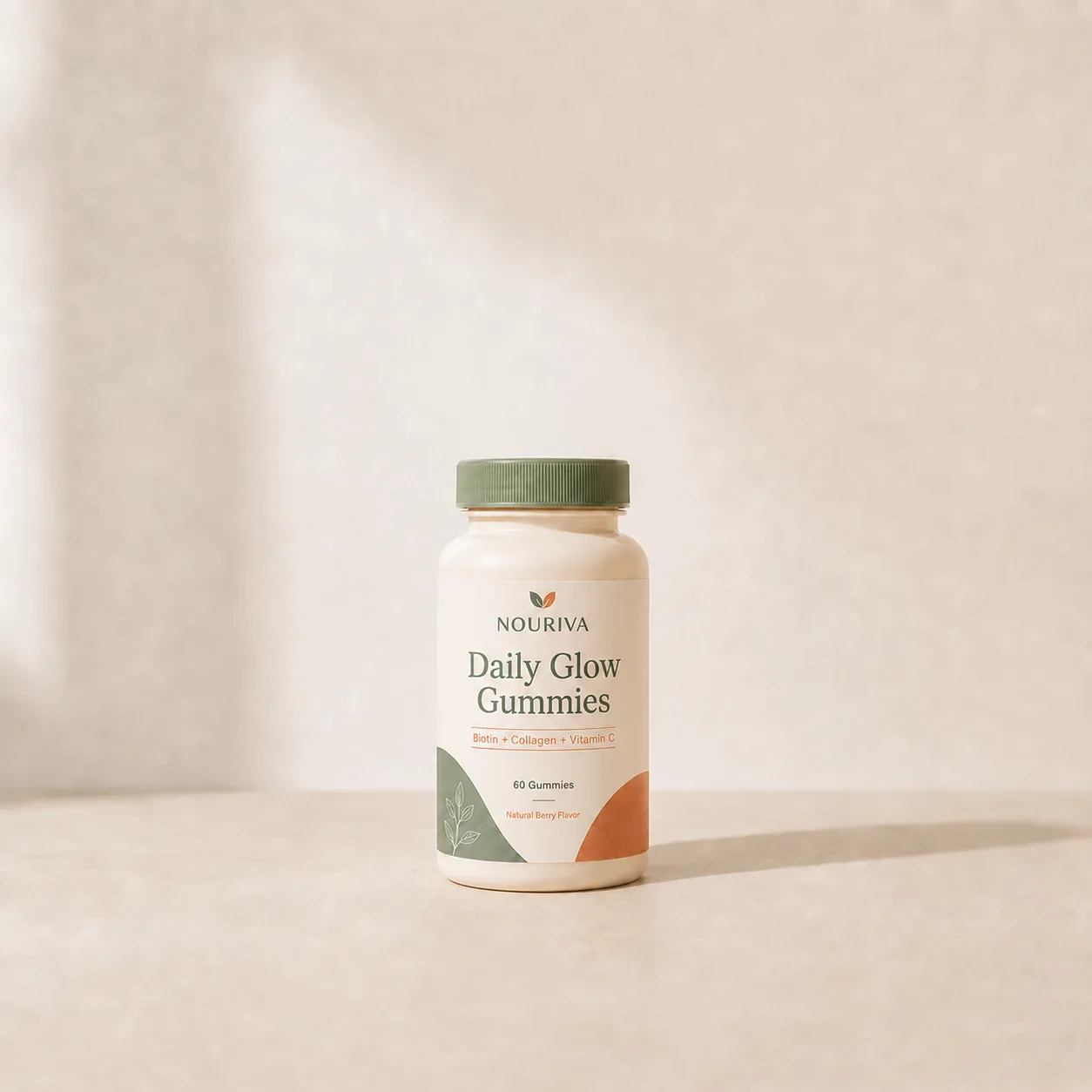
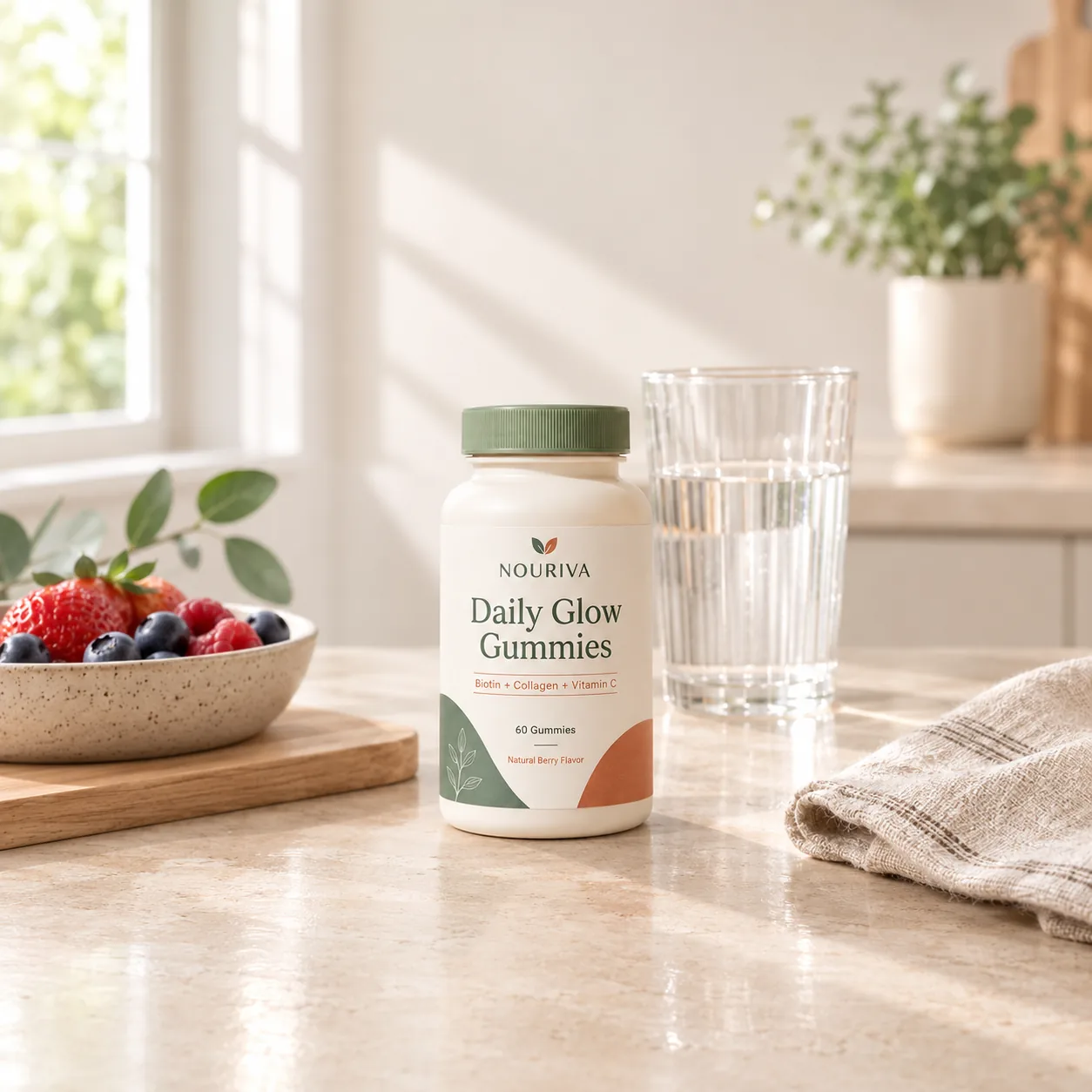
Supplements & wellness
Create kitchen-counter, morning routine, and lifestyle images for vitamins, gummies, powders, and wellness products.
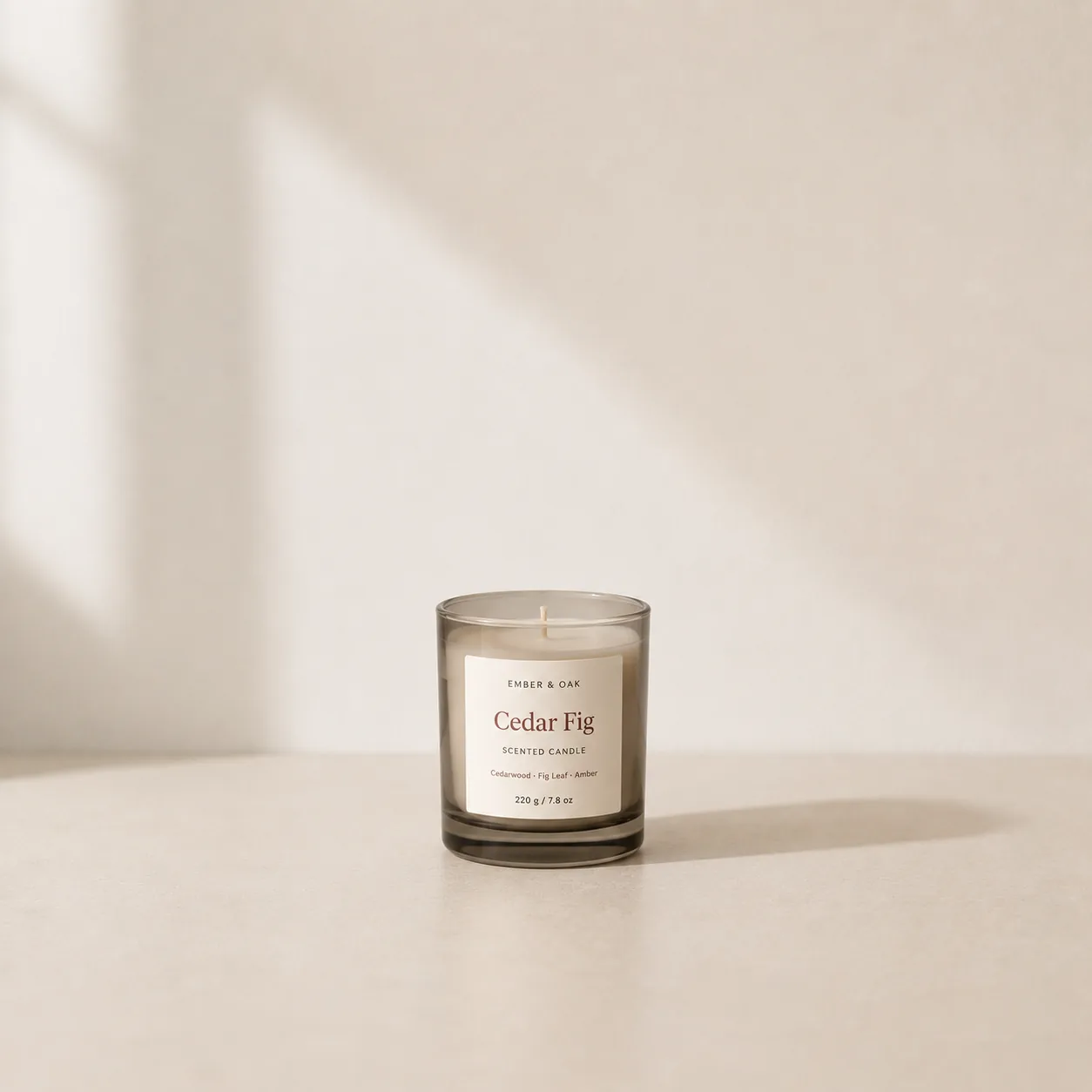
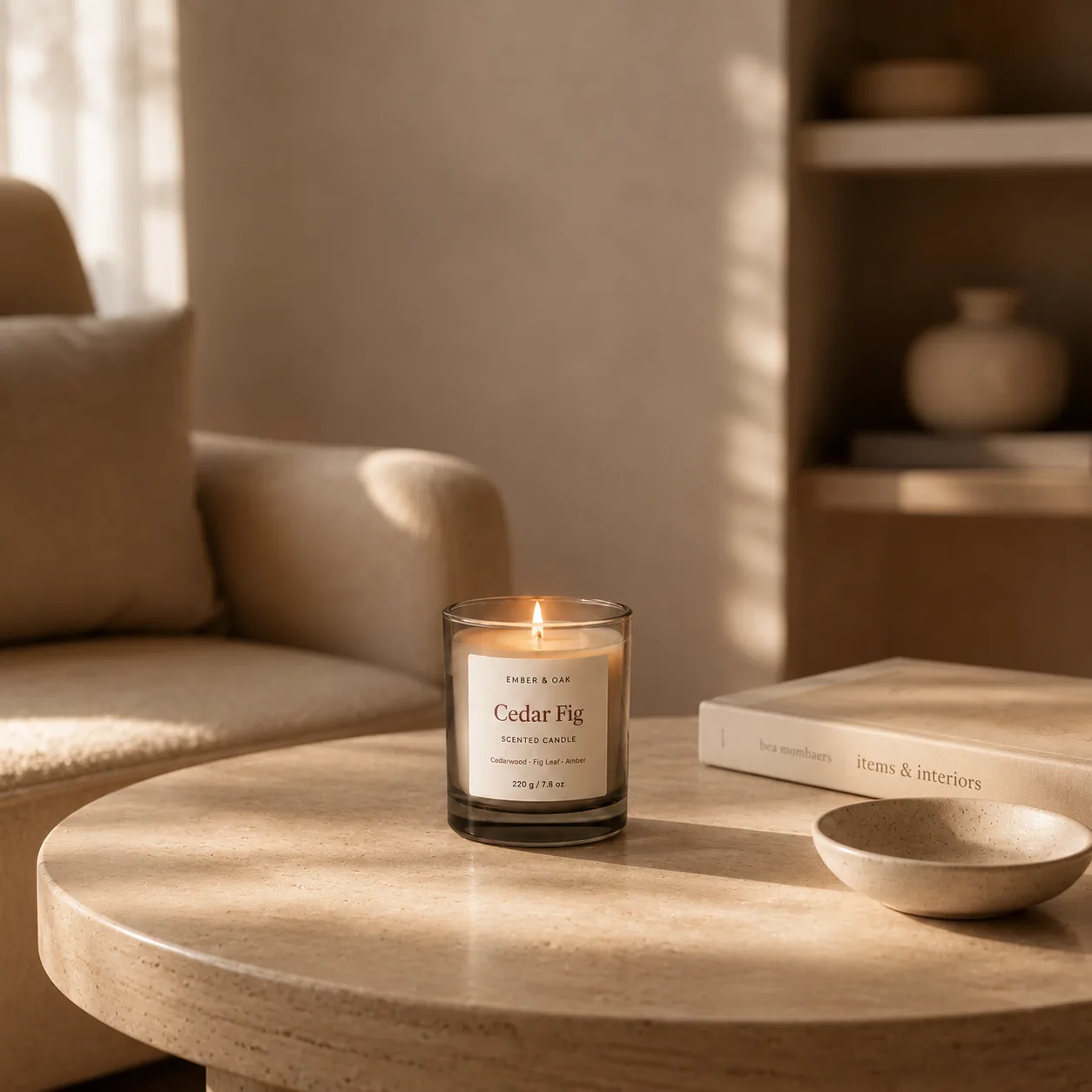
Candles & home goods
Place candles and home fragrance products on styled shelves, bathroom counters, and in natural living spaces without arranging another photoshoot.
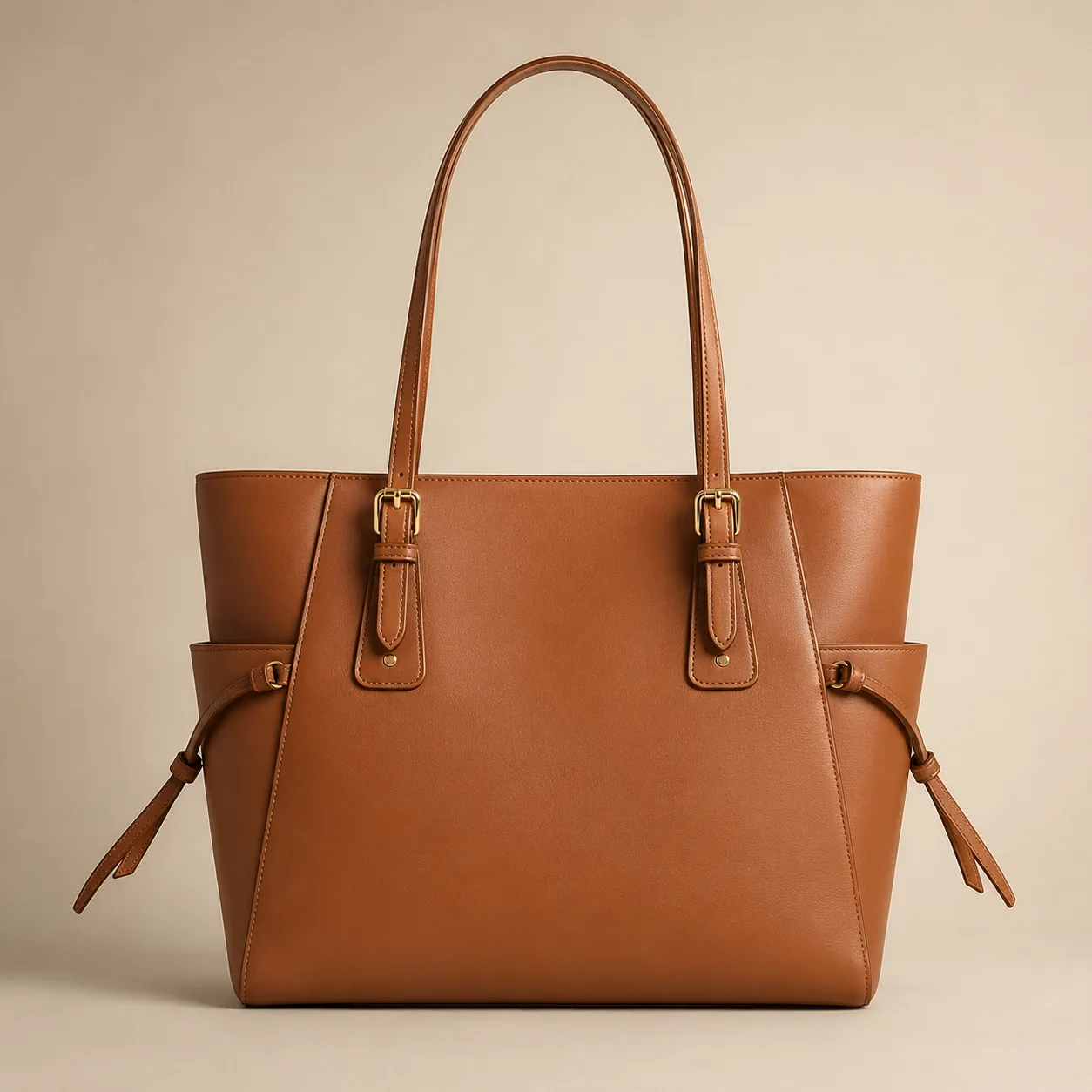
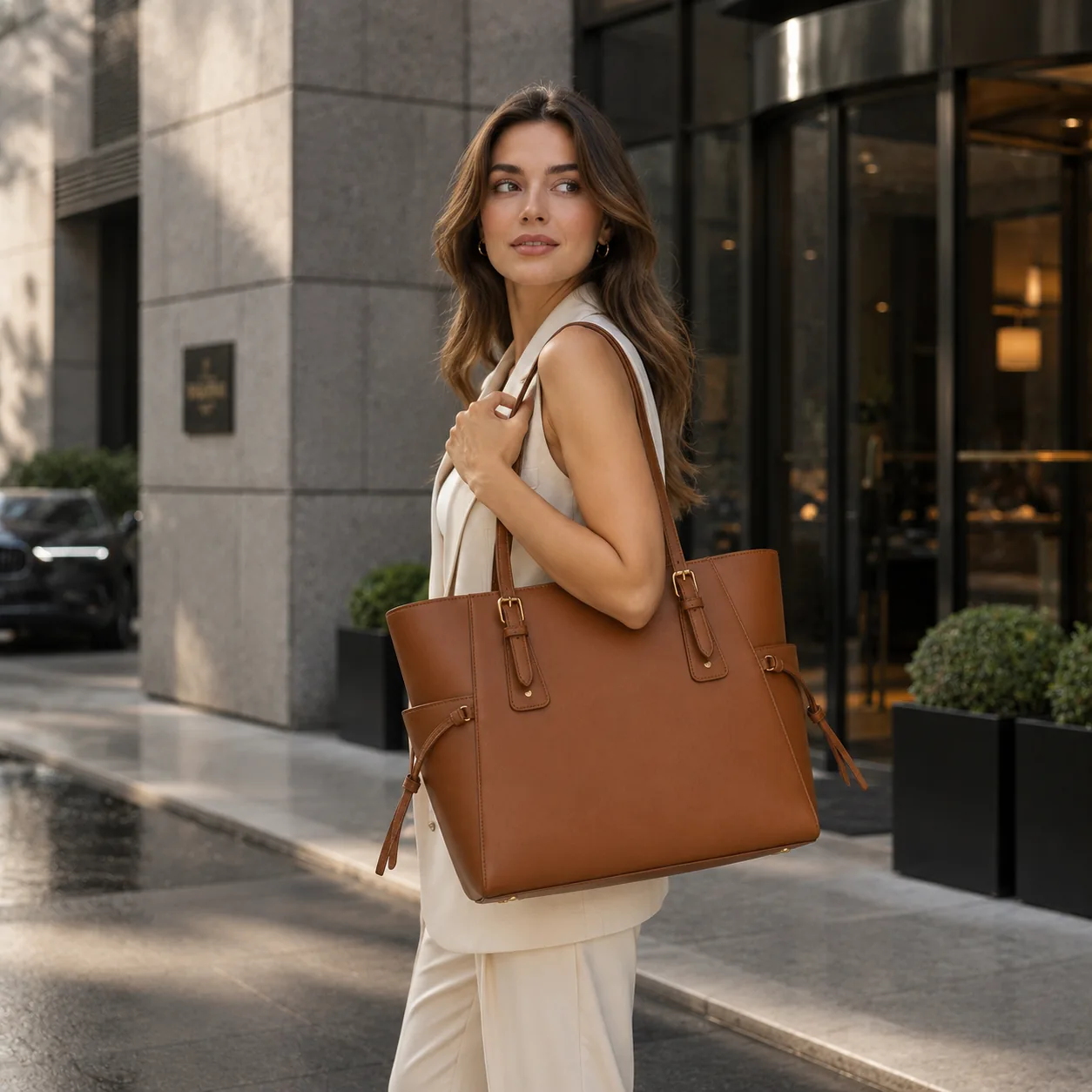
Bags & accessories
Create campaign-ready visuals for handbags, jewelry, and accessories in realistic lifestyle settings.
Compare AI product photos, a professional photoshoot, freelance editing, and basic background replacement based on the control, speed, and output you need.
Best when
You need real models or props, controlled lighting, exact physical details, or images that document how the product looks in real use.
Trade-off
Requires more planning, time, and budget, and is harder to repeat for every new campaign or seasonal idea.
Best when
You already have strong source photos and need precise cleanup, compositing, retouching, or manual finishing.
Trade-off
Requires briefing and revision cycles, and each new concept or variation usually adds time and cost.
Best when
You only need to remove or replace a background while keeping the original product cutout.
Trade-off
Limited for complete lifestyle scenes, and generic tools may not preserve packaging details consistently.
Best when
You need listing, lifestyle, or campaign visuals from one source photo without arranging another photoshoot.
Trade-off
Review labels, packaging, proportions, and materials before publishing, especially for detail-sensitive products.
Upload one product photo and generate store, ad, or social images while checking the label, logo, color, and packaging.
Create product photos