AI Photo Enhancer
Upload a blurry, pixelated, compressed, or low-resolution photo. Improve image quality with AI and download a clearer image for product listings, social posts, websites, or print.
Photo enhancer examples for blurry, low-quality images
See how an AI image enhancer can improve photo quality for blurry, compressed, and low-resolution images used in product listings, social posts, websites, and print.
Enhance product photos for listings
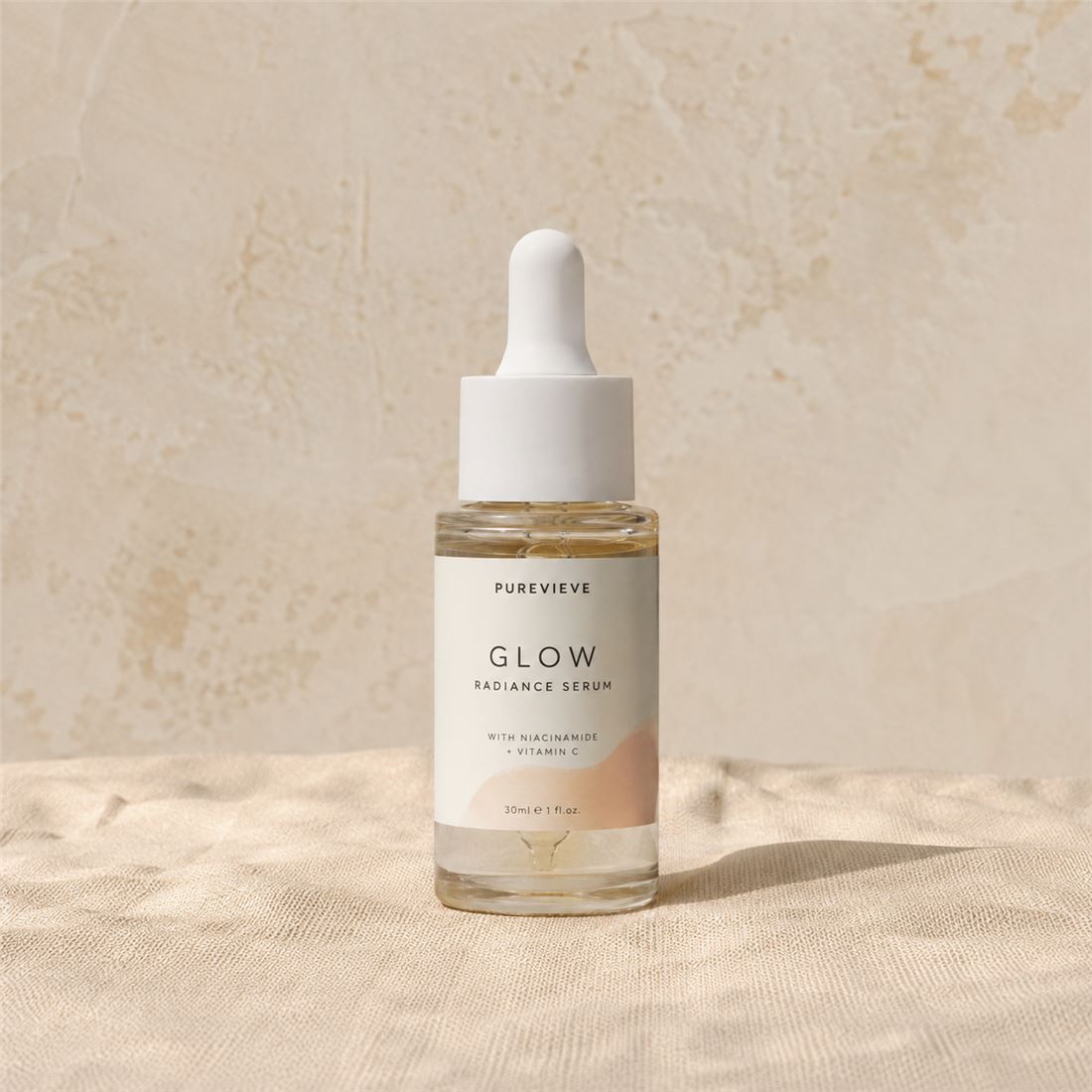
Upload a blurry, compressed, or low-resolution product photo and make it clearer for marketplace listings, catalogs, or ads.
The product photo is too soft, compressed, or low-detail for a listing.
Product photo enhancement
Marketplace listings, catalog images, product thumbnails
Check color, label shape, material texture, and product edges before publishing.
- Sharper product edges
- Clearer listing photo
- Preserved product shape
Make portrait and profile photos clearer
Upload a blurry or compressed portrait and improve face, hair, and clothing detail for a profile photo, creator image, or personal post.
The portrait is recognizable, but the face, hair, or clothing looks soft after compression.
Portrait photo enhancement
Profile photos, creator images, headshots, personal photos
Check face identity, hair, clothing texture, and skin detail before download.
- Clearer profile photo
- More visible face and hair detail
- No creative restyle


Improve low-resolution or compressed images
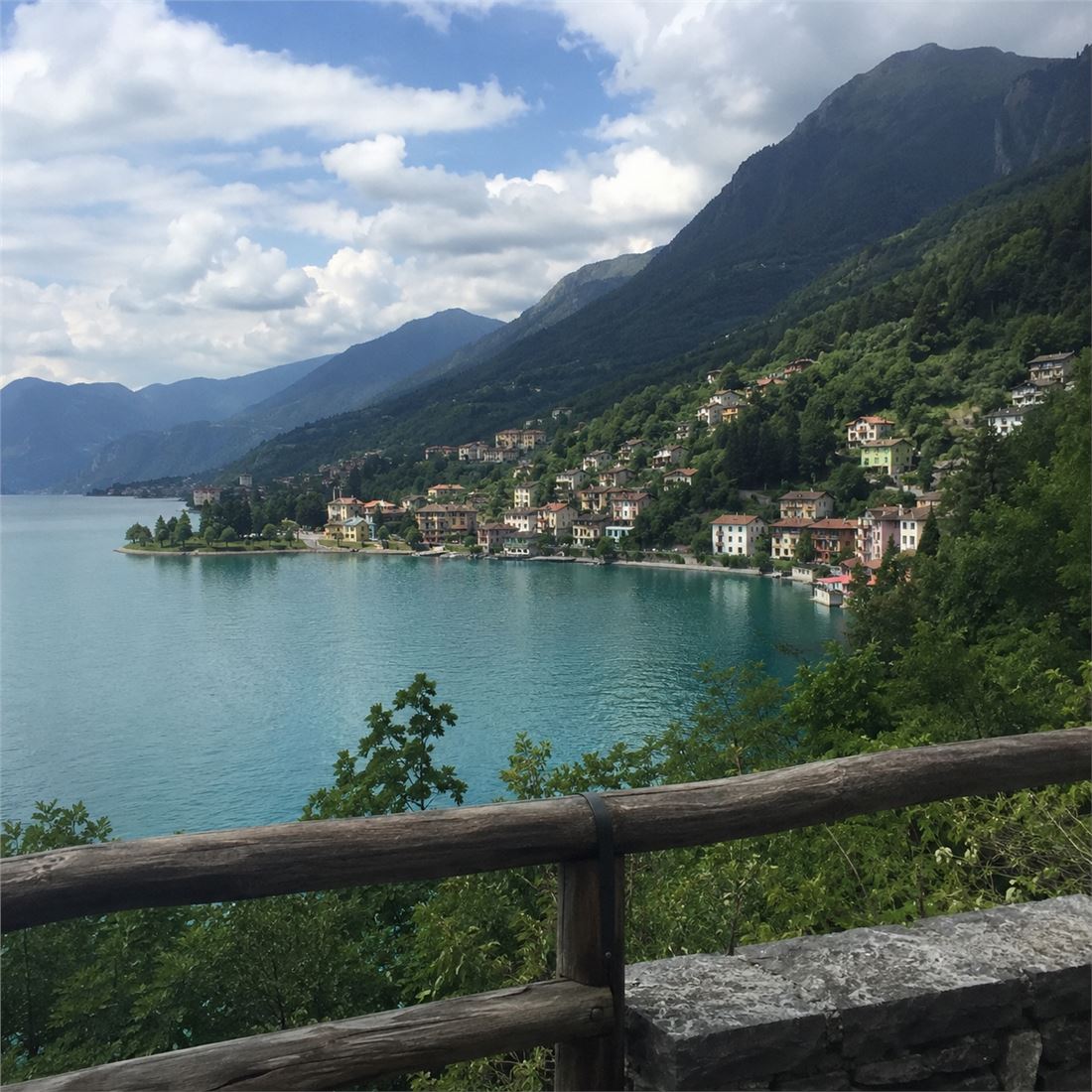
Upload a small, pixelated, or compressed landscape photo and make it clearer for social posts, websites, presentations, or downloads.
The image is recognizable, but it looks pixelated, compressed, or too small to use.
Image quality enhancement
Travel photos, landscape images, saved social images, compressed downloads
Check fine details and edges; very small source files may still have limits.
- Clearer image detail
- Less visible compression
- Better for web use

Upscale AI images for design or print
Upload an AI-generated poster or design asset and create a larger, clearer version for prints, cards, mockups, or design handoff.
The image looks good, but it is too small or soft for a larger design or print file.
AI image upscaling
AI posters, art prints, cards, mockups, design exports
Check text edges, fine lines, small details, and paper texture before using the image for print or production.
- Larger image export
- Sharper text and line detail
- Better design handoff


Improve photo quality before you share, sell, publish, or print
Upload a blurry, pixelated, compressed, or low-resolution photo to an image quality enhancer and make it clearer for social posts, product listings, websites, thumbnails, or print.
Make portraits and profile photos clearer
Enhance a blurry selfie, profile photo, or social image before you post it.
Enhance product photos for listings
Improve product photo quality for marketplace, ecommerce, and second-hand listings.
Fix compressed images for websites
Make compressed images clearer for blog posts, landing pages, thumbnails, and ads.
Upscale low-resolution photos for print
Make small or low-resolution photos larger and cleaner for posters, cards, keepsakes, or design files.
How to improve photo quality with AI
Upload a blurry, pixelated, compressed, or low-resolution image, enhance image quality with AI, compare the result, then download a clearer version.
Upload a blurry or low-quality image
Start with a JPG, PNG, or WebP photo that looks blurry, pixelated, compressed, or too small to share, list, publish, or print.
Choose how to improve the image
Improve overall quality, upscale the image, sharpen product details, enhance a portrait, or prepare a larger file for print.
Compare the enhanced image
Check the original and enhanced image side by side so the product, face, logo, texture, and colors still look right.
Download the clearer image
Save the improved image, or keep editing it with background removal, background change, or other image tools if needed.
Choose how to fix blurry photos, sharpen images, or upscale
Pick the image enhancer option that matches your photo: fix blur, upscale a small image, sharpen product details, improve a portrait, or prepare a larger file for print.
Start with what is wrong in the image
Not every photo needs the same enhancement. Use quality enhancement for blurry or compressed photos, 2x upscaling for small images, product clarity for listings, and portrait detail for people photos.
Enhance a photoEnhance quality: improve a blurry, pixelated, or compressed photo.
Upscale 2x: make a small or low-resolution image larger and clearer.
Product clarity: sharpen product photos for listings without changing the item.
Portrait detail: make faces and profile photos clearer while keeping them natural.
Sharpen image online: make soft edges, texture, and visible details clearer.
Print ready: create a larger, cleaner image for design or print.
AI Photo Enhancer FAQ
What is an AI photo enhancer?
How can I improve image quality online?
Can I fix blurry photos online?
Can I use this as an unblur image tool?
Can I upscale an image or increase resolution?
Can I sharpen an image online?
Is a photo enhancer the same as an image upscaler?
Will the AI change my face, product, or logo?
What images work best?
Can I use the AI photo enhancer for free?
Can I remove watermarks with it?
Enhance a photo before you share, list, publish, or print
Upload a blurry, pixelated, compressed, or low-resolution photo and download a clearer version for product listings, social posts, websites, or print.
Enhance a photo