Transparent Background Maker for Clean PNG Cutouts
Upload a product photo, portrait, logo, or object image, then make the background transparent in Nano2Image.
Transparent background maker examples for every image type
Use Nano2Image to make image backgrounds transparent for people, products, graphics, and logos without turning this page into a platform-specific tutorial.
Make portrait and profile backgrounds transparent
Use the transparent background maker on portraits, profile photos, creator images, and headshots when you need the person separated from a busy scene.
Headshots, profile photos, creator images, clean social layouts
"Remove the background behind the person and export a transparent PNG while preserving hair, face, clothing, pose, and lighting."
Face, hair detail, pose, clothing texture, and lighting
- Portrait cutouts
- Profile-ready PNGs
- Clean layout assets


Make product photo backgrounds transparent
Turn product photos into transparent PNG cutouts for catalog pages, marketplace listings, mockups, thumbnails, and reusable ad assets.
Catalog cutouts, ecommerce photos, marketplace listings, ads
"Remove only the background and keep the hand, sleeve, handbag, gold handle, shape, texture, and lighting unchanged."
Product shape, edges, material texture, hand, and lighting
- Transparent PNG output
- Clean product cutouts
- Reusable ad assets
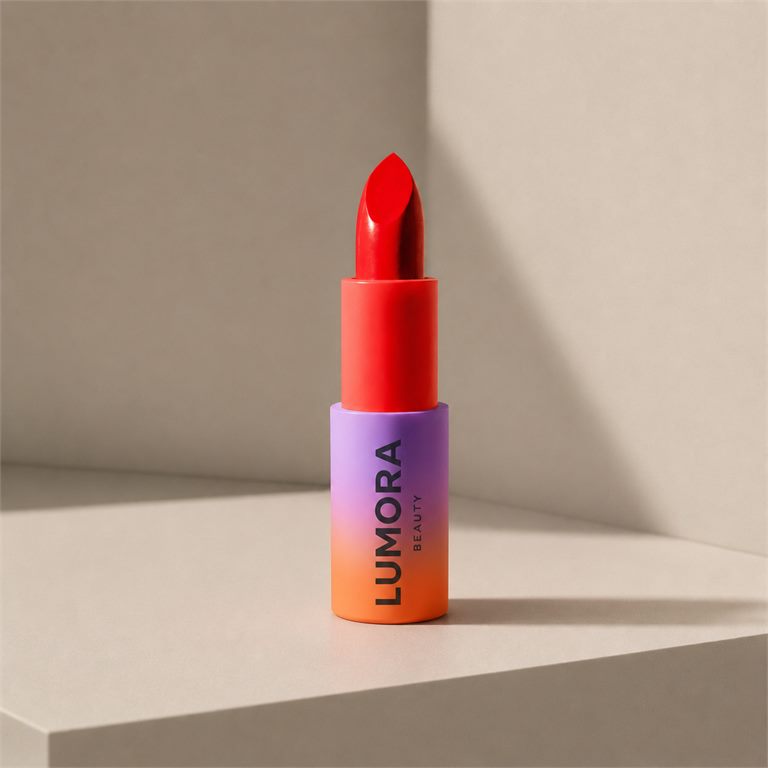
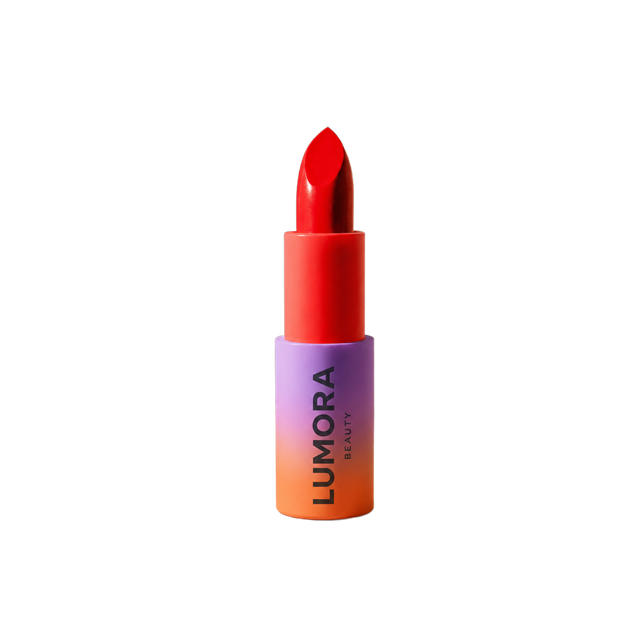
Make stickers and graphics transparent
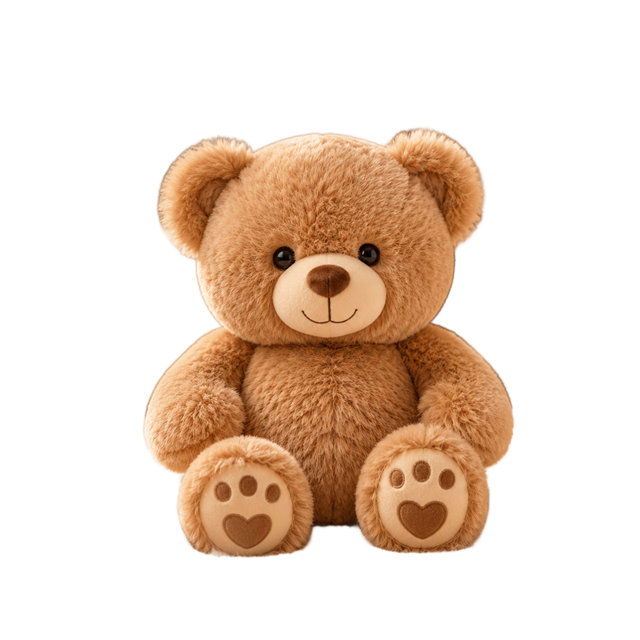
Turn sticker art, icons, illustrations, badges, and small design elements into transparent PNG assets for banners, presentations, ads, and social posts.
Stickers, icons, illustrations, badges, thumbnails, social graphics
"Remove the background from this sticker or graphic and export a transparent PNG while keeping the object crisp, centered, and unchanged."
Object edges, color, texture, scale, and proportions
- Graphic PNG cutouts
- Sticker-style assets
- Flexible design layers

Create logo files with transparent PNG backgrounds
Upload a JPG or WebP logo image, remove the flat background, and export a transparent PNG logo for websites, decks, social profiles, and product pages.
Logo images, social profiles, slide decks, websites, brand assets
"Remove the flat logo background and export a transparent PNG. Keep the logo shape, colors, text, and edges unchanged."
Logo shape, colors, text, edges, and proportions
- Transparent PNG logos
- Brand-ready assets
- No SVG conversion

How to make a background transparent
Upload your image, remove the background, then download a transparent PNG or keep editing in Nano2Image when you need to make background transparent for a reusable asset.
Upload your image
Choose a product photo, portrait, logo, sticker, or object image with a clear subject.
Make the background transparent
Nano2Image removes the visible background while keeping subject edges, lighting, texture, and proportions intact.
Download or continue editing
Export a transparent PNG cutout, or continue with a white, brand-color, or custom scene background.
Transparent PNG maker output for reusable design assets
Use the editor to make transparent background PNG cutouts that can move into product pages, profile layouts, slide decks, social graphics, and brand files.
Alpha-style PNG cutouts
Make image background transparent while preserving the foreground subject, then place the PNG over color, photo, or layout backgrounds. If you need to make PNG background transparent for a design file, start here.
Clean edges for layout work
Use portrait, product, logo, and sticker cutouts in reusable design systems without rebuilding the image from scratch.
Continue editing after removal
Start with a cutout, then keep editing in Nano2Image when you need white backgrounds, brand colors, or new scene backgrounds.
Transparent Background Maker FAQ
How do I make a background transparent?
Can I make a PNG with a transparent background?
How do I make a product photo background transparent?
Can I make a logo background transparent?
Can I make stickers or graphics transparent?
What images work best for a transparent background maker?
What is the difference between a white background and a transparent background?
Is Nano2Image a free transparent background maker?
Can it remove watermarks?
Make a Transparent Background PNG
Upload a product photo, portrait, logo, or graphic and export a clean transparent PNG cutout.
Open background editor