Character Consistency in AI Images with Nano Banana
Keep the same face, hair, and identity across scenes, outfits, and styles. Use strict preservation prompts so the model changes only the one thing you asked for.
One Character, Multiple Scenes
Use one reference image as the identity anchor, then change one variable at a time. These examples keep the character recognizable while changing lighting, pose, outfit, or scene.
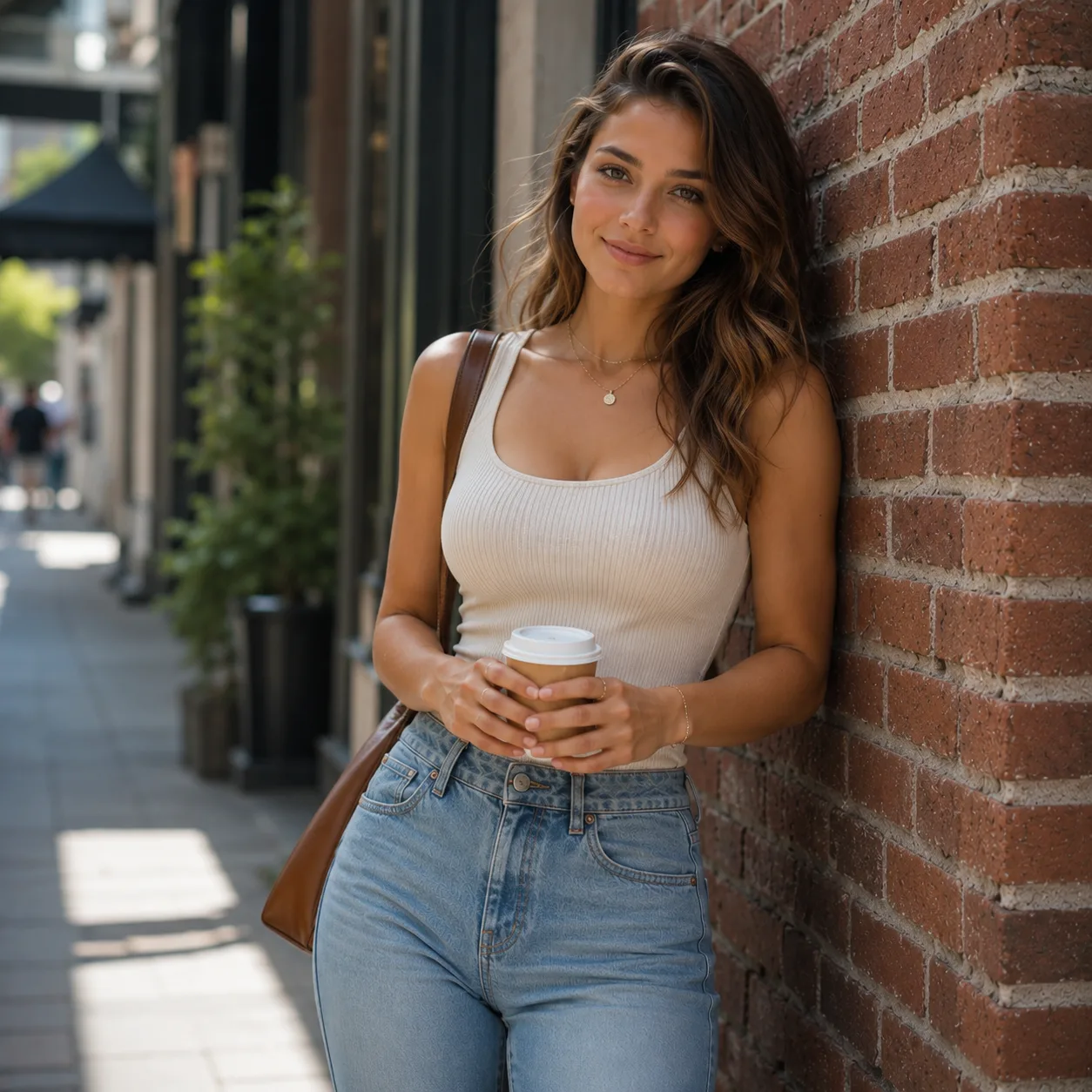
Original identity
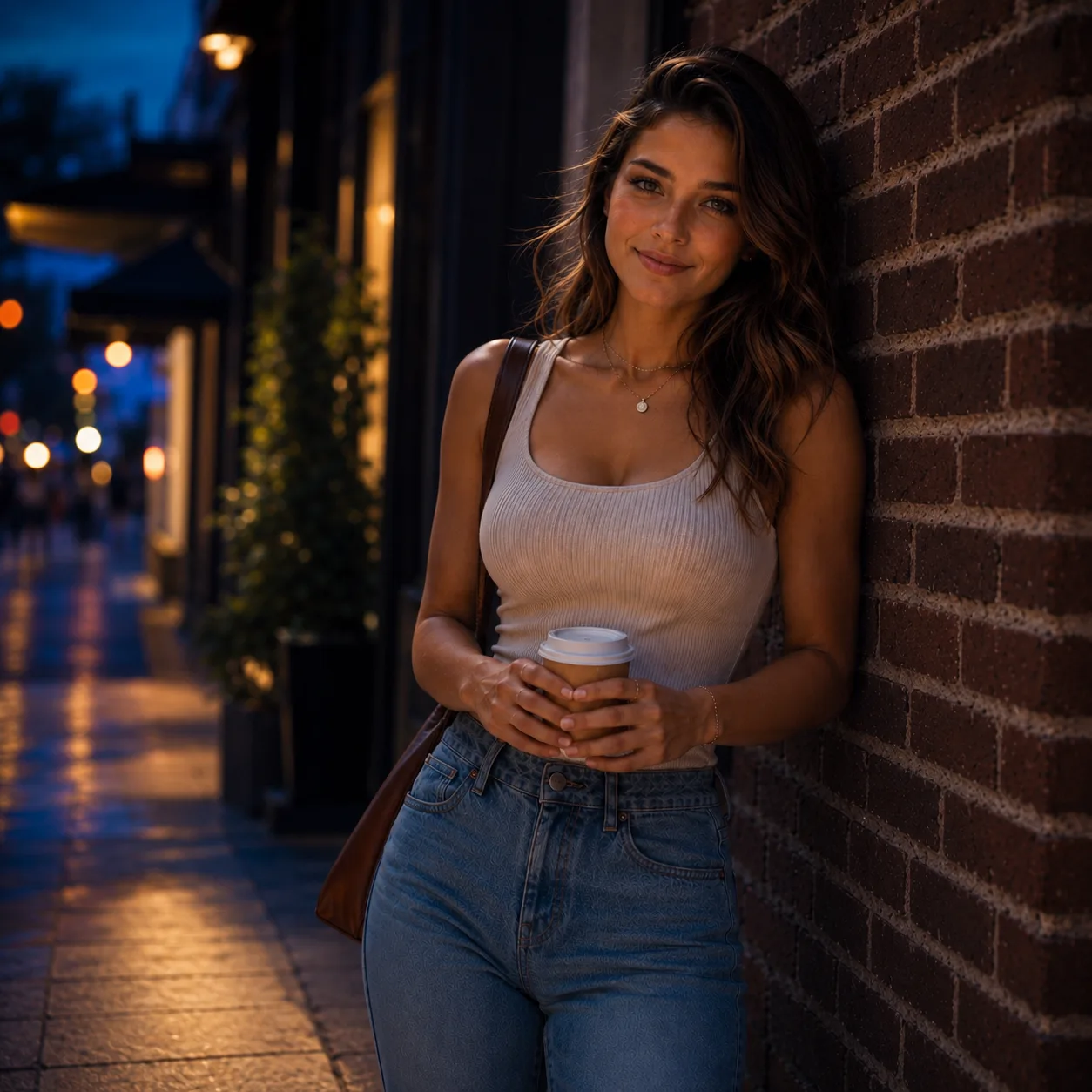
Night street
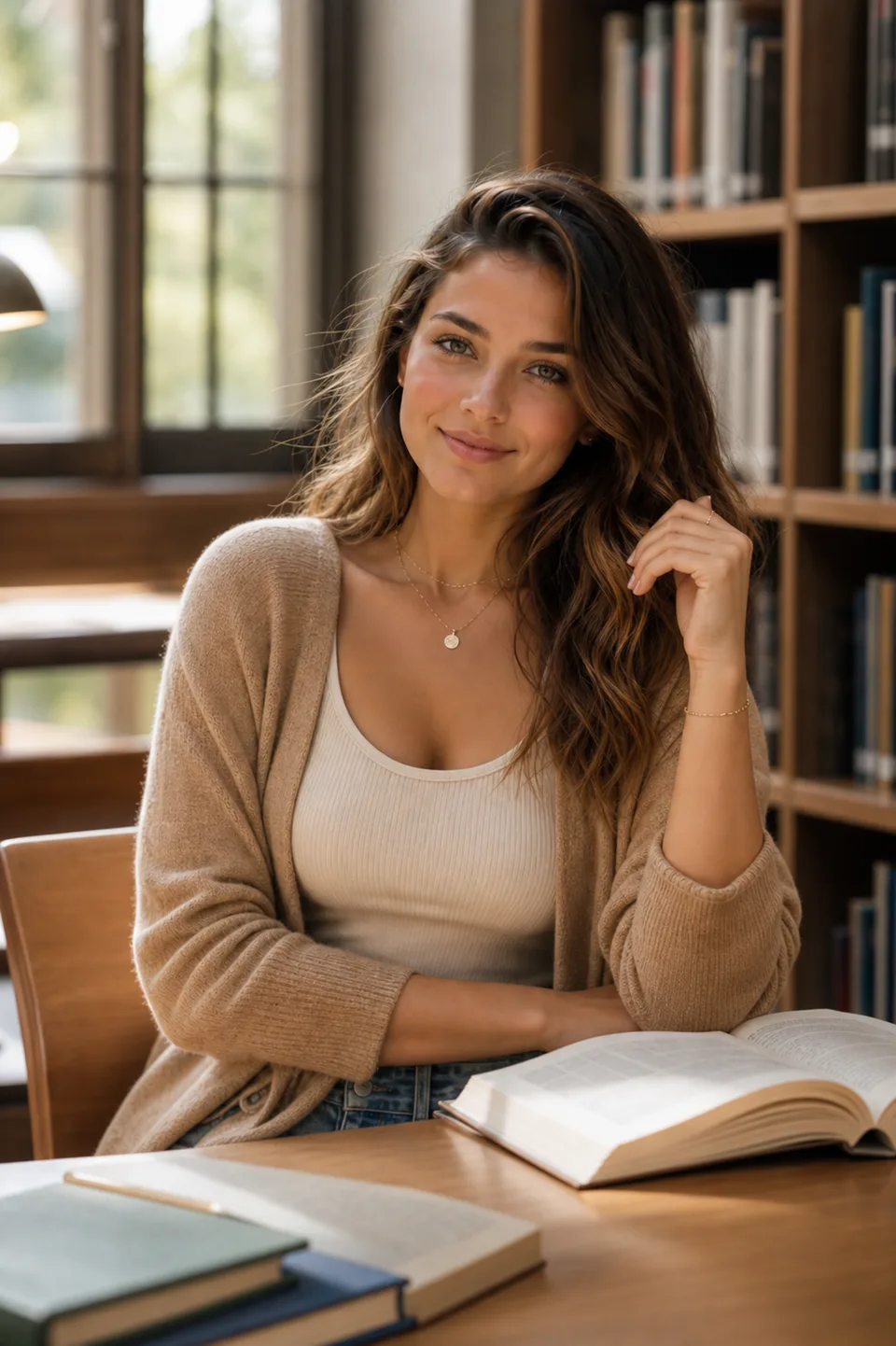
Library scene
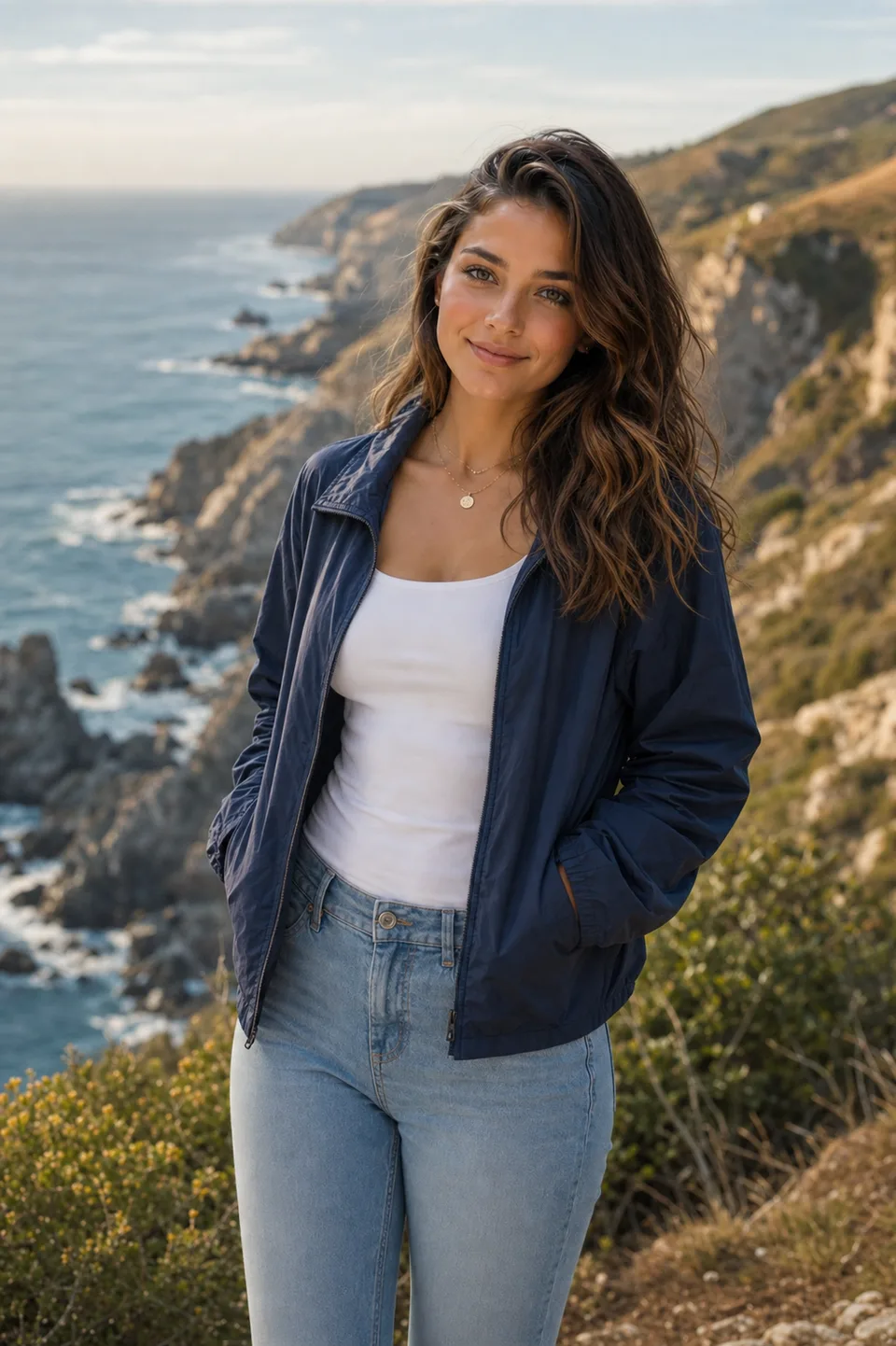
Coastal scene
Quick Answer
Character consistency means locking identity cues such as face, hair, expression, and body proportions while changing only one variable at a time. The most reliable workflow is image-to-image with explicit preservation constraints and a single editing objective.
Use image-to-image editing to make a new version from your reference photo.
For a blurry reference, try the photo enhancer and review the face before using the result as your source.
How It Works
Upload a clear photo (good lighting, minimal blur).
Use a strict "preserve identity" prompt template.
Change ONE thing at a time (outfit OR background OR style).
Prompt Recipes
Copy a recipe, replace the [brackets] with your specifics, and generate.
Recipe 1 - Outfit change only
The safest approach to change clothing while keeping everything else identical.
CRITICAL: Keep the subject EXACTLY the same (face identity, hair, skin tone, expression, body proportions, pose, background, camera framing). ONLY CHANGE: replace clothing with [new outfit]. Photorealistic fabric folds. No text.Recipe 2 - Style transfer (subtle)
Apply a style while preserving identity and composition.
Preserve identity and composition EXACTLY. Apply a subtle [style] look with realistic skin texture and natural shadows. Do NOT change face, hair, or background structure.Recipe 3 - Background change only
Swap the background while keeping the subject perfectly intact.
Keep the subject EXACTLY the same. ONLY CHANGE the background to [new scene]. Match lighting direction and color temperature. Clean edges, no halos.When you only need a new scene, change photo background with AI and review the subject for unwanted changes.
Common Issues & Quick Fixes
Face changes unintentionally
Fix: Add "DO NOT beautify or alter facial features in any way."
Background changes when you only wanted outfit change
Fix: Add "Keep background EXACTLY the same."
Too many things change at once
Fix: Rewrite prompt to "ONLY CHANGE: ..." (one objective only)
Frequently Asked Questions
Why does the face change in Img2Img?
What photos work best for consistency?
Can I keep the background too?
Is there a free try?
Ready to keep character consistency?
Create a free account to get 3 free credits. No credit card required.
Generate a Consistent Character