Transform Any Photo with AI Workflows
Go from idea to production in minutes. Each use case includes a step-by-step workflow, prompt templates, and export sizes—ready for marketing, e-commerce, social, and design.
E-commerce & Catalog

AI Virtual Try-On
See how outfits look on you in seconds—upload a portrait and generate realistic try-on results while preserving face and background.
Learn More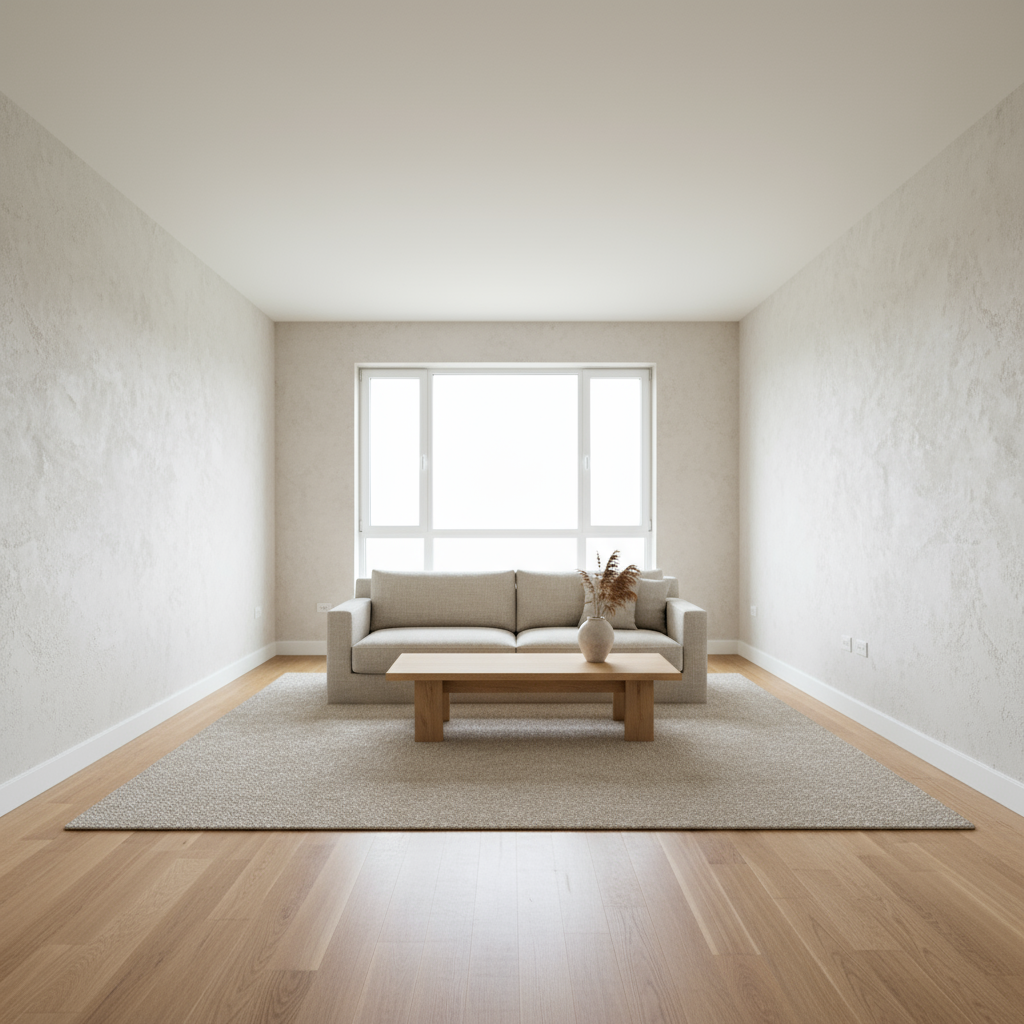
Product Photo Studio
Generate catalog-ready product images with clean pure-white backgrounds (#FFFFFF), plus realistic shadows.
Learn MorePortrait & Creative
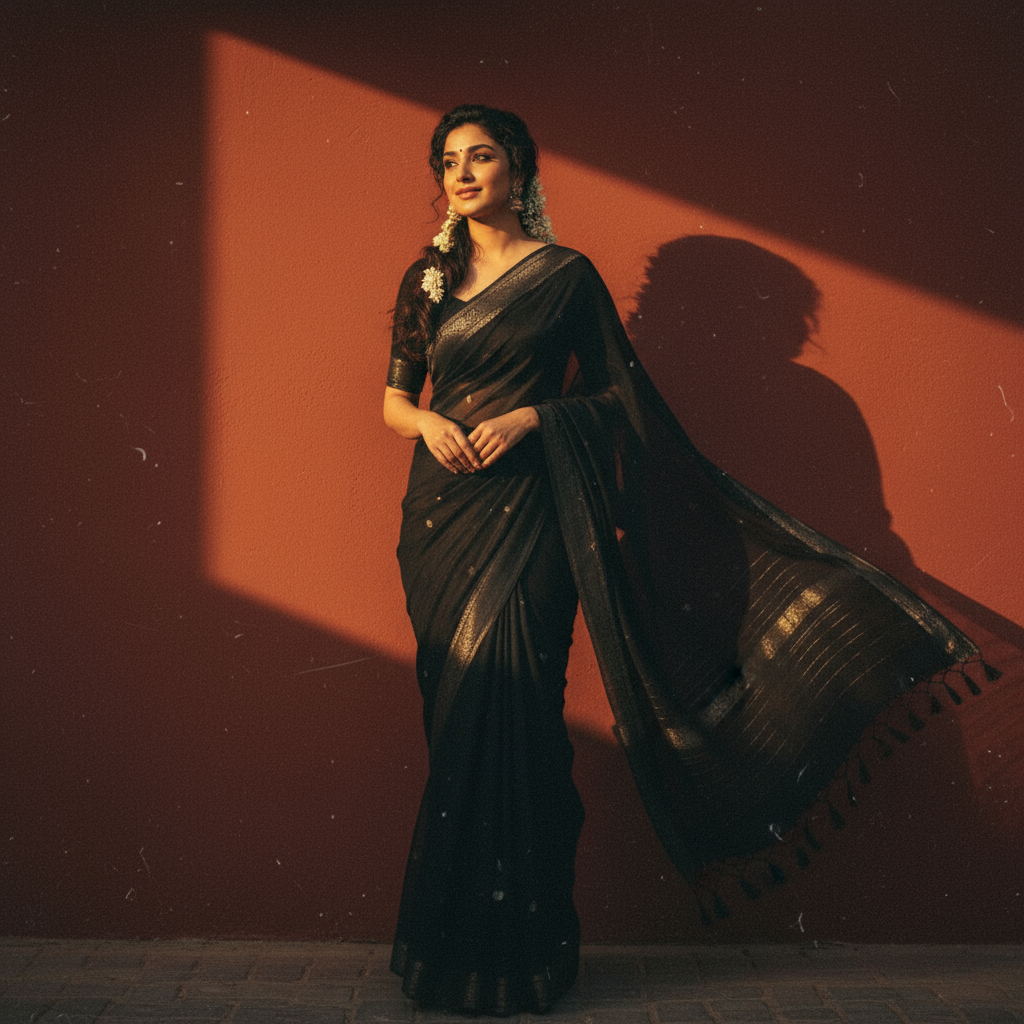
Professional Headshot
Generate multiple professional headshots from one photo with consistent identity and lighting—LinkedIn-ready.
Learn More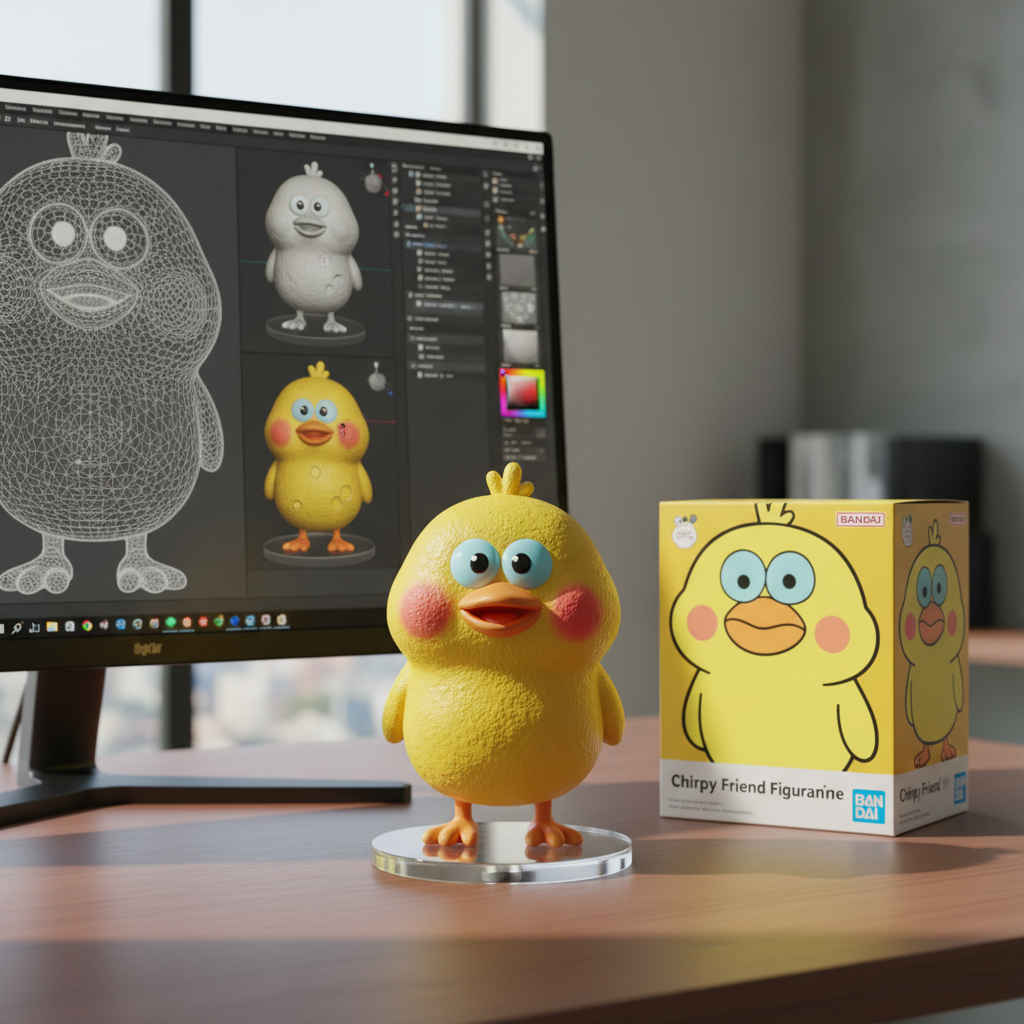
3D Figurine Portrait
Turn a selfie into toy-style 3D figurine art—viral-ready avatars and collectible looks without 3D skills.
Learn More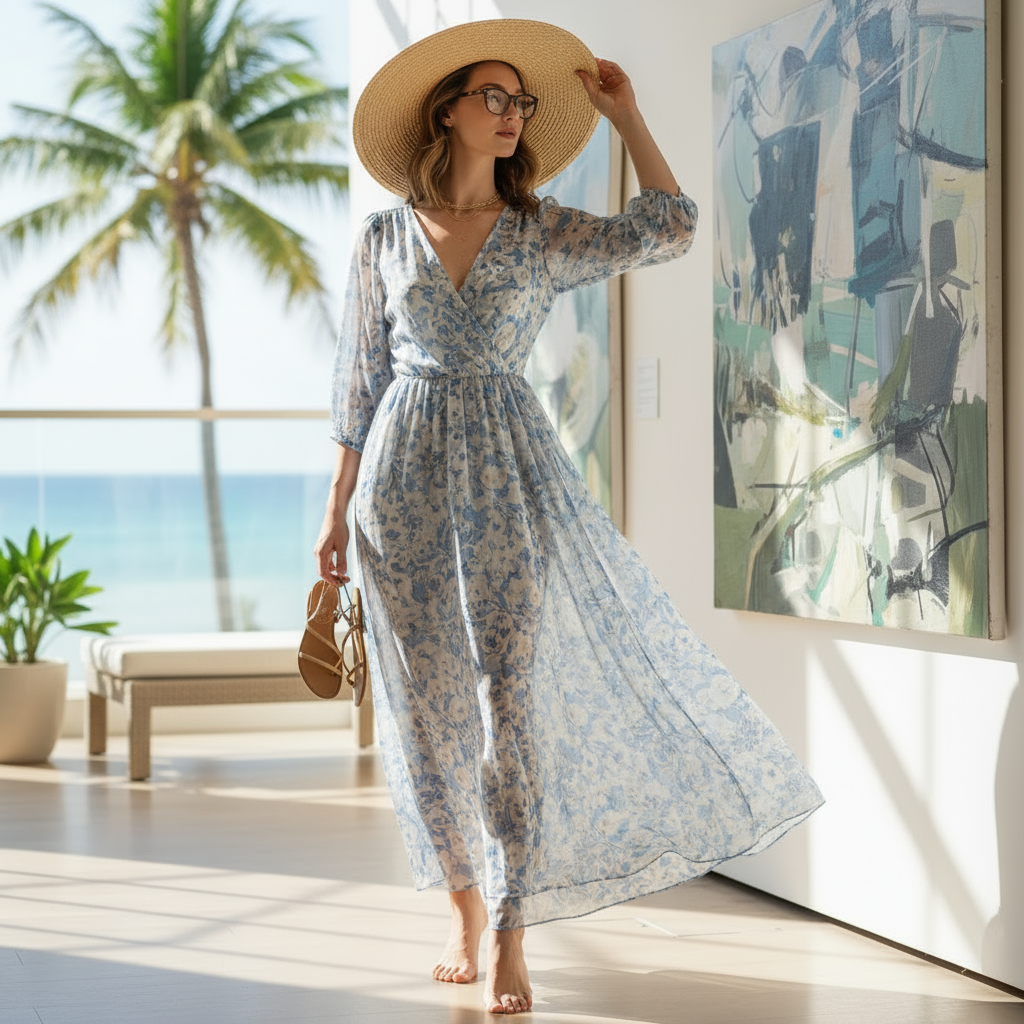
Vintage Portrait
Transform photos into retro film aesthetics with authentic grain, warm cinematic tones, and 90s vibes.
Learn MoreLifestyle & Design

How It Works
Four simple steps to transform any photo into production-ready content.
Upload
Drop in your photo or start from a text prompt
Describe
Tell us what you want to change or create
Generate
AI creates your image in 2-5 seconds
Download
Export in the right size for your platform
Frequently Asked Questions
What is an AI image "use case" workflow?
A repeatable prompt + export process designed for a specific outcome (e.g., Amazon white background images, LinkedIn headshots, or virtual try-on).
Do I need sign-up to try?
No. A free account is required before your first generation, and signup gives you 3 free credits.
How do I keep identity consistent?
Use a clear input photo, keep prompts focused on what changes, and avoid conflicting lighting/background instructions.
What export sizes should I choose?
Pick the platform first (Amazon/Shopify vs IG vs blog). Each workflow page includes recommended export dimensions.
Explore More
Examples Gallery
Browse before/after examples with prompts
ExplorePrompt Library
Copy-paste templates for any style
ExploreTransparent Background Maker
Make product, portrait, logo, and graphic backgrounds transparent for reusable PNG assets.
Open ToolPhoto to Line Drawing
Turn portraits, pets, products, or building photos into Clean, Cartoon, Cute rounded, or Sketch line art.
Open ToolStart Creating
Try our AI image generator free — account required
Open GeneratorReady to Transform Your Photos?
Create a free account for 3 free credits now — account required. Create stunning images in seconds.
Start Free Now