Nano Banana Prompt Library
Browse Nano Banana prompt templates for headshots, product photos, and popular styles. Copy-paste examples to get better results with fewer wasted attempts.
This is the Nano Banana Prompt Library: copy-paste templates for common goals like headshots, product photos, and popular creative styles. Use these to get better results while spending fewer attempts.
Pick a style and start creating — no account needed for your first generation.
Browse by style

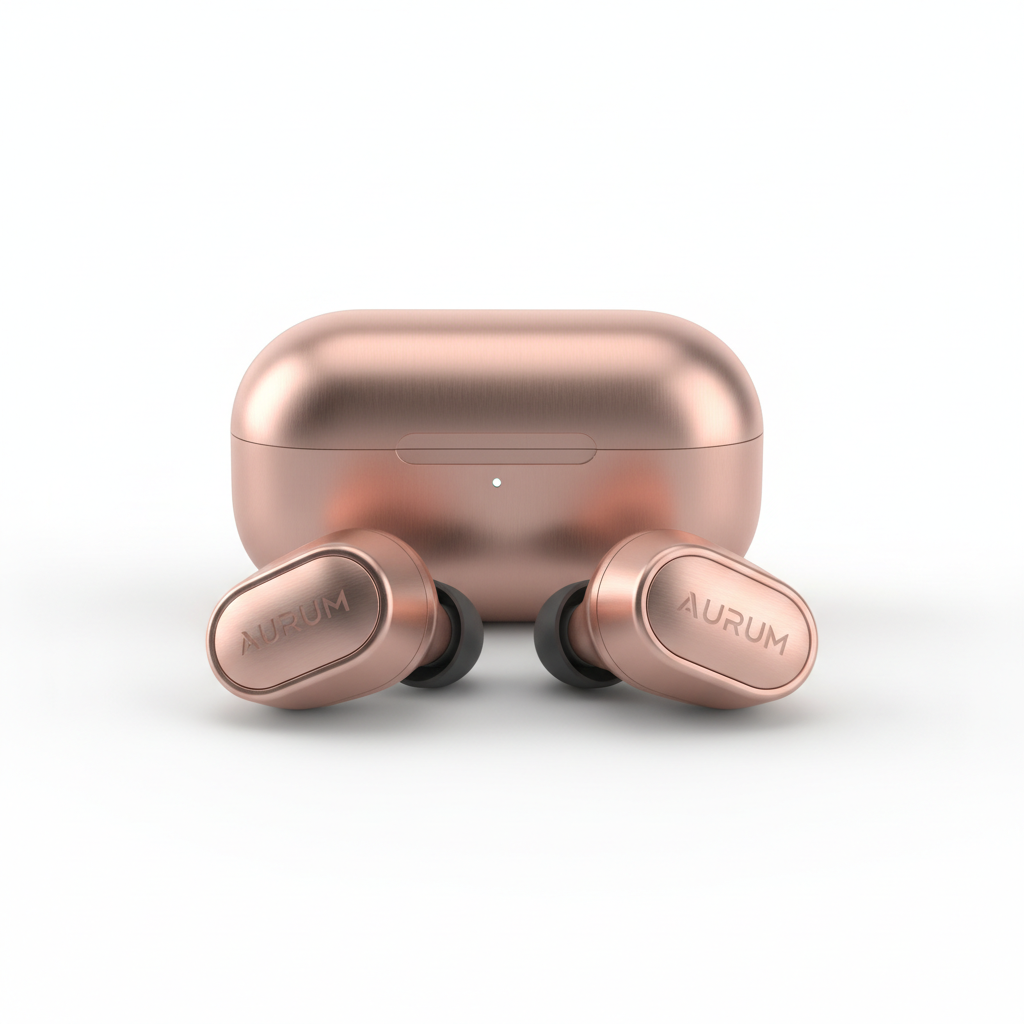
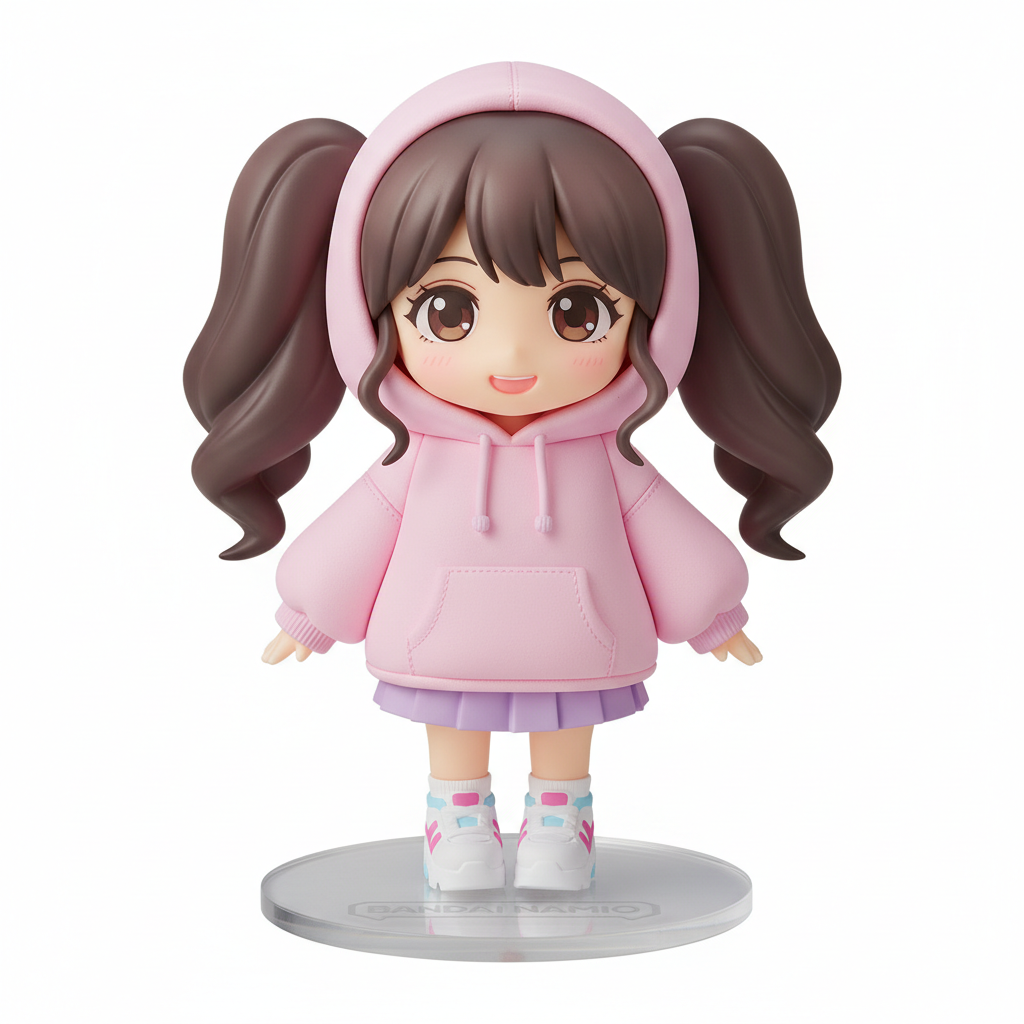
All prompt categories
Professional portrait templates with natural skin texture
E-commerce templates with clean backgrounds
Popular toy-style render templates
Top templates including 2025 trending styles
Learn the structure and rules for writing effective prompts
A simple "winning" prompt formula
Use these elements in your prompts:
"A professional headshot photo, neutral background, soft studio lighting, realistic skin texture, subtle retouch, keep the same person, no text."
How to use prompts (quick)
Pick a template from the categories above
Replace bracketed parts like [background] or [scene] with your own values
Generate, then adjust one variable at a time
Workflow page: Start guide • Image-to-image prompts: Image to Image AI
Frequently Asked Questions
Quick answers to common questions about Nano Banana prompts
The Nano Banana Prompt Library is a collection of ready-to-use, copy-paste prompt templates organized by use case. Instead of writing prompts from scratch, you can start with a proven template for headshots, product photos, 3D figurines, and more. Each template includes the right constraints and style keywords to get good results on your first or second attempt.
Start with the category that matches your goal. For professional portraits, try headshot prompts. For e-commerce, use product photo prompts. For creative work, explore 3D figurine or best prompts. If you're new to AI image generation, the prompt guide teaches you how prompts work so you can modify templates or write your own.
Pick a template from any category, then customize the bracketed parts (like [background] or [scene]) with your specific requirements. Most templates work as-is for common scenarios. Generate your image, then if needed, adjust one variable at a time. This iterative approach saves credits compared to rewriting entire prompts.
Yes, templates are starting points. Feel free to add constraints, change styles, adjust lighting descriptions, or combine elements from different templates. The prompt guide explains the structure so you understand which parts to modify for different effects.
Yes! You get 3 free credits after signup — just open the generator and try any prompt. Want more? Sign up (email only, no credit card) to receive 3 free credits. That's 3 free credits total. The templates are designed to get good results quickly, reducing wasted attempts.
Yes, most templates work for both modes. For text-to-image, use the prompt as-is. For image-to-image, add 'keep subject unchanged' or similar constraints to preserve elements from your uploaded image. The library includes specific editing templates for common image-to-image tasks like background replacement.
AI image generators sometimes add unwanted text or letters to images. Including 'no text' in your prompt helps prevent this. It's a common constraint in templates because most professional use cases (headshots, product photos) don't want random text appearing in the image.
A successful prompt clearly states: (1) subject (what or who), (2) environment (where), (3) style (photo/illustration/3D), (4) lighting, (5) constraints (what to keep unchanged), and (6) quality cues. Templates in this library follow this formula. Missing elements often lead to unpredictable results.
We regularly add new templates based on popular use cases and user feedback. The library evolves as we discover prompts that work well with the Gemini 2.5 Flash model. Check back periodically for new categories and improved templates.
While we don't have a formal submission process, we pay attention to common use cases and user needs. If you find prompts that work particularly well, you can share feedback through our support channels. Popular requests may become new library categories.
Yes, templates are tested with Gemini 2.5 Flash, the model powering Nano Banana. Prompts that work well on other AI tools may need adjustment here. Our templates account for how this specific model interprets constraints, styles, and quality keywords.
API access is not offered at this time. Nano Banana is available through the web interface only. You can copy prompts from the library and use them in the web interface.