How to Use Nano Banana
A simple workflow to use Nano Banana on Nano2Image: try 3 free credits after signup, get 3 free credits after signup. Generate from prompts or images and iterate with fewer wasted attempts.
To use Nano Banana on Nano2Image: try 3 free credits after signup - sign up for 3 free credits - write a prompt or upload an image - generate - download. This page shows a repeatable workflow so you get a good result quickly.
The 5-step workflow
Create from a text description
Transform your existing images
Complete workflow takes under 2 minutes - try your first free generation now
See it in action
Here's a real example of what Nano Banana can do in just one generation:
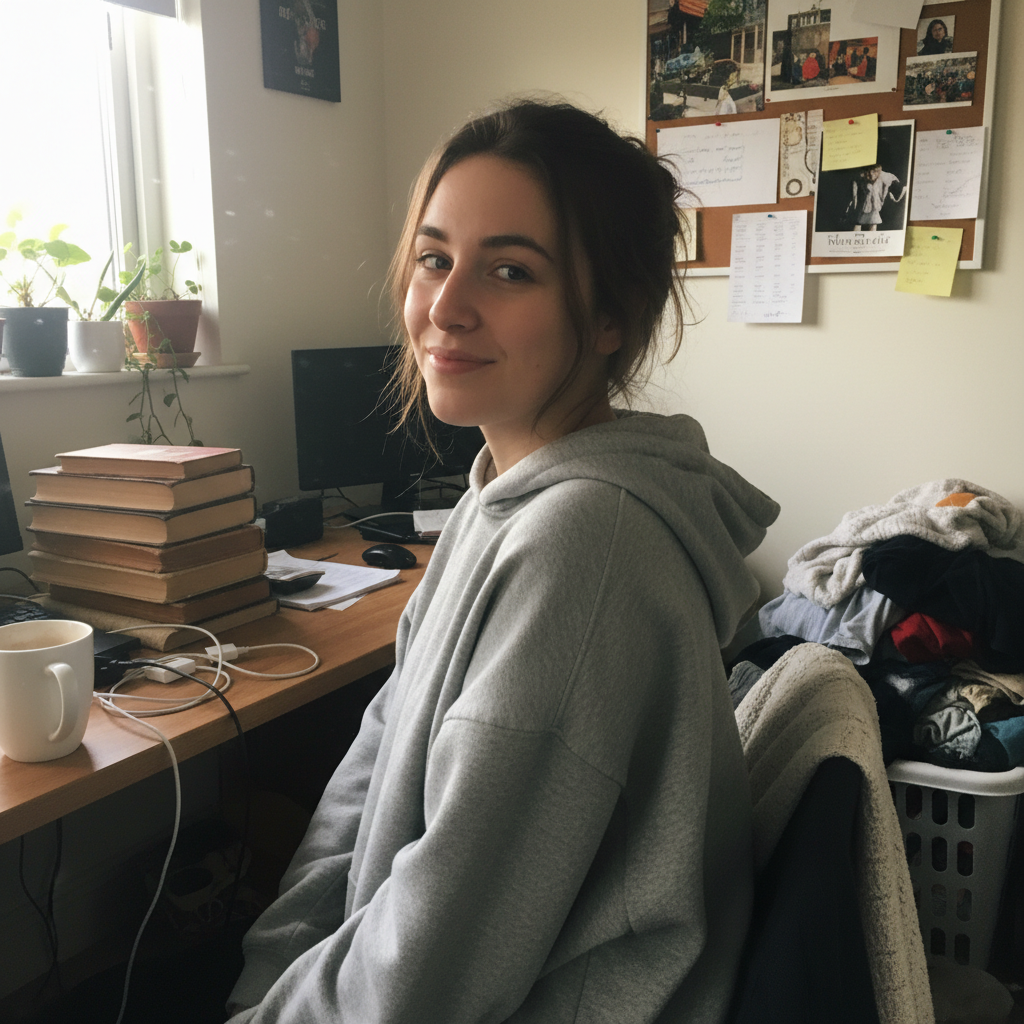

Prompt used: "Professional headshot, soft studio lighting, neutral background, keep the same person, natural skin texture, no text"
Step-by-step details
Create an account
You need an account to generate images. After sign-up, you receive 3 free credits.
Choose your starting point
Pick one:
Need definitions first? See: What is Nano Banana?
Use a "safe" prompt structure
A high-success prompt usually includes:
Example: A professional headshot photo, neutral background, soft studio lighting, realistic skin texture, subtle retouch, keep the same person, no text.
Generate, then iterate with small edits
Don't change everything at once. Adjust one variable at a time:
background - lighting - style - details
Download and evaluate
If you like the direction, save the result and refine. If not, revise your prompt using the tips below.
Prompt tips that save credits
Be specific, but not chaotic: avoid long prompts with conflicting instructions.
Add constraints: "keep the subject unchanged", "no extra people", "no text".
Use templates for common goals: Prompt Library
Common mistakes (and fixes)
Frequently Asked Questions
Quick answers to common questions about using Nano Banana
An account is required before generation so Nano2Image can apply moderation, manage credits, and save your workflow history.
You get 3 free credits total: 3 free credits after signup (no credit card required). Each image generation or edit uses 1 credit, so you can try 3 different prompts or edits to test the service before deciding on a paid plan.
Text-to-image creates a new image from your text description alone. Image-to-image uploads an existing photo and transforms it based on your prompt while preserving elements you specify. Both use 1 credit per generation. Choose text-to-image for new creations; image-to-image for editing or variations.
Most generations complete in 2-5 seconds using Gemini 2.5 Flash. Complex prompts or higher resolution outputs may take slightly longer. This fast generation time allows for quick iteration-if the first result isn't perfect, you can adjust and regenerate quickly.
Use prompt templates from our library instead of writing from scratch. Add constraints like 'keep subject unchanged' to prevent unwanted modifications. Change only one variable per iteration so you can identify what works. Avoid very long prompts with conflicting instructions.
Start with a template or well-structured prompt (subject, environment, style, lighting, constraints). Generate and evaluate. If adjustments are needed, change one element at a time: first try different lighting, then background, then style. This systematic approach typically gets good results within 2-3 attempts.
You can upload JPG, PNG, and WebP images up to 10MB. For best results, use images at least 512x512 pixels. Higher resolution source images (1024x1024 or above) produce better detail in the output. Generated images are delivered as high-quality PNGs.
The AI sometimes needs stronger constraints. Try adding multiple preservation phrases: 'keep the same person exactly', 'no face changes', 'preserve identity and pose', 'maintain original composition'. Being more explicit about what should stay the same improves consistency.
Yes, all images you generate can be used commercially. This includes business marketing, product listings, social media content, client work, and professional profiles. You retain full usage rights to your outputs regardless of which plan you're on.
Yes! Try 3 free credits after signup. After signup, you get 3 free credits (no credit card required). 3 free credits total to test all features before deciding on a paid plan.
When your free credits are used, you'll need to upgrade to continue generating. Your generated images remain accessible in your account. You can upgrade at any time-there's no pressure or expiration. Subscriptions start at $10/month (100 credits) or grab a one-time credit pack from $15 (80 credits).
API access is not offered at this time. Nano Banana is available through the web interface only. The focus is on a simple, accessible workflow for individual users rather than programmatic integration.