Portrait Variations: AI-Powered Professional Headshots
Nano Banana AI generates multiple professional headshots from a single photo with consistent identity, studio-quality lighting, and LinkedIn-ready polish. Create portrait variations for corporate profiles, press kits, and social media - no expensive photoshoot required.
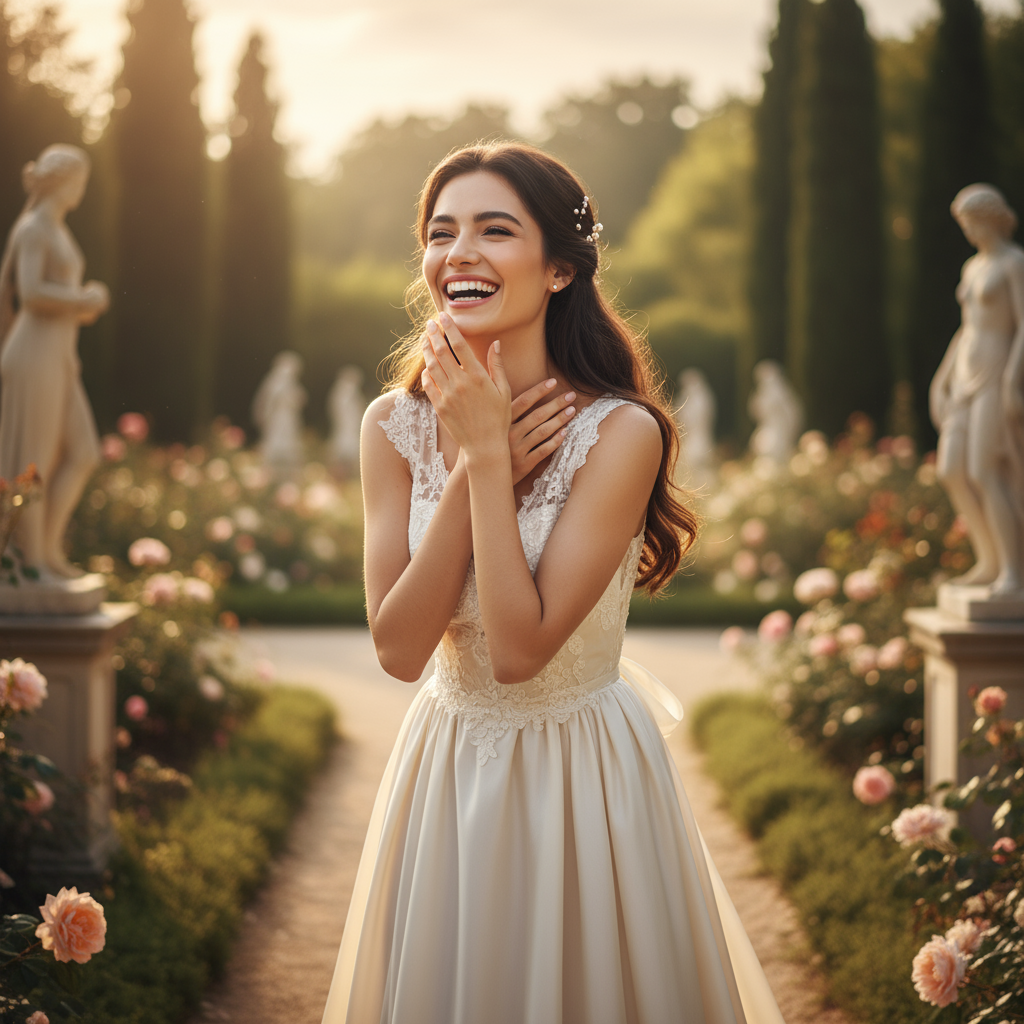

Generated in 6 seconds
Tools and Guides for Portrait Variations
Create Professional Headshots in 4 Steps
Follow this simple workflow to generate consistent, professional portrait variations. Perfect for LinkedIn, corporate websites, and press kits.
Upload Your Photo
Upload 2-4 reference photos showing different angles (front, 3/4 view, side). Ensure clear facial features and good lighting.
Customize Your Style
Choose lighting style (soft key, rim light), background (gray, white, blue), and expression (calm, confident, friendly).
Export & Use
Download high-resolution headshots ready for LinkedIn, company websites, press kits, and professional portfolios.
Generate Variations
Create 4-6 portrait variations with consistent facial features, bone structure, and eye color across all outputs.
Pro Tip: Generate multiple variations and select the best 2-3 for different professional contexts.
Quick Start Guide
Follow these best practices for professional-quality headshots
Input Photo Requirements
- Multiple Angles:
Upload 2-4 photos showing front view, 3/4 profile, and side angle
- Clear Features:
Avoid occlusions (hats, sunglasses, heavy shadows)
- High Resolution:
Minimum 1024px, avoid heavy compression or noise
- Simple Background:
Reduce distractions with neutral backgrounds
Lighting & Style Tips
- Soft Key Light:
Main light from 45° angle for professional look
- Rim Light:
Add subtle rim lighting for depth and separation
- Controlled Temperature:
Specify neutral or warm color temperature
- Natural Texture:
Avoid over-smoothing; keep natural skin texture
Expression & Posing Guide
Corporate Headshots
Calm, confident expression with direct eye contact and slight smile
LinkedIn Profile
Approachable, professional with natural smile and relaxed shoulders
Editorial Portraits
Thoughtful, artistic with varied expressions and angles
Export Sizes & Formats
Choose the right aspect ratio for your professional headshot needs
LinkedIn Profile
1:1 • 1024×1024
Square format for LinkedIn profile photos and social media avatars
Corporate Website
4:5 • 1080×1350
Vertical portrait for company team pages and about sections
Press Kit
2:3 • 1080×1620
Professional portrait format for media kits and publications
Editorial Use
3:4 • 1536×2048
High-resolution format for magazine features and editorial content
Instagram Story
9:16 • 1080×1920
Vertical format for Instagram stories and mobile displays
Technical Recommendations
File Format
- PNG: Best for web use, transparent backgrounds
- JPEG: Smaller file size for email and uploads
- TIFF: Highest quality for print publications
Quality Settings
- DPI: 300 DPI for print, 72 DPI for web
- Color Space: sRGB for digital, Adobe RGB for print
- Compression: 85-95% quality for JPEGs
Professional Headshot Examples & Prompts
Explore real-world professional portrait use cases with copy-paste prompt templates. From corporate headshots to editorial portraits — see how AI maintains consistent identity.
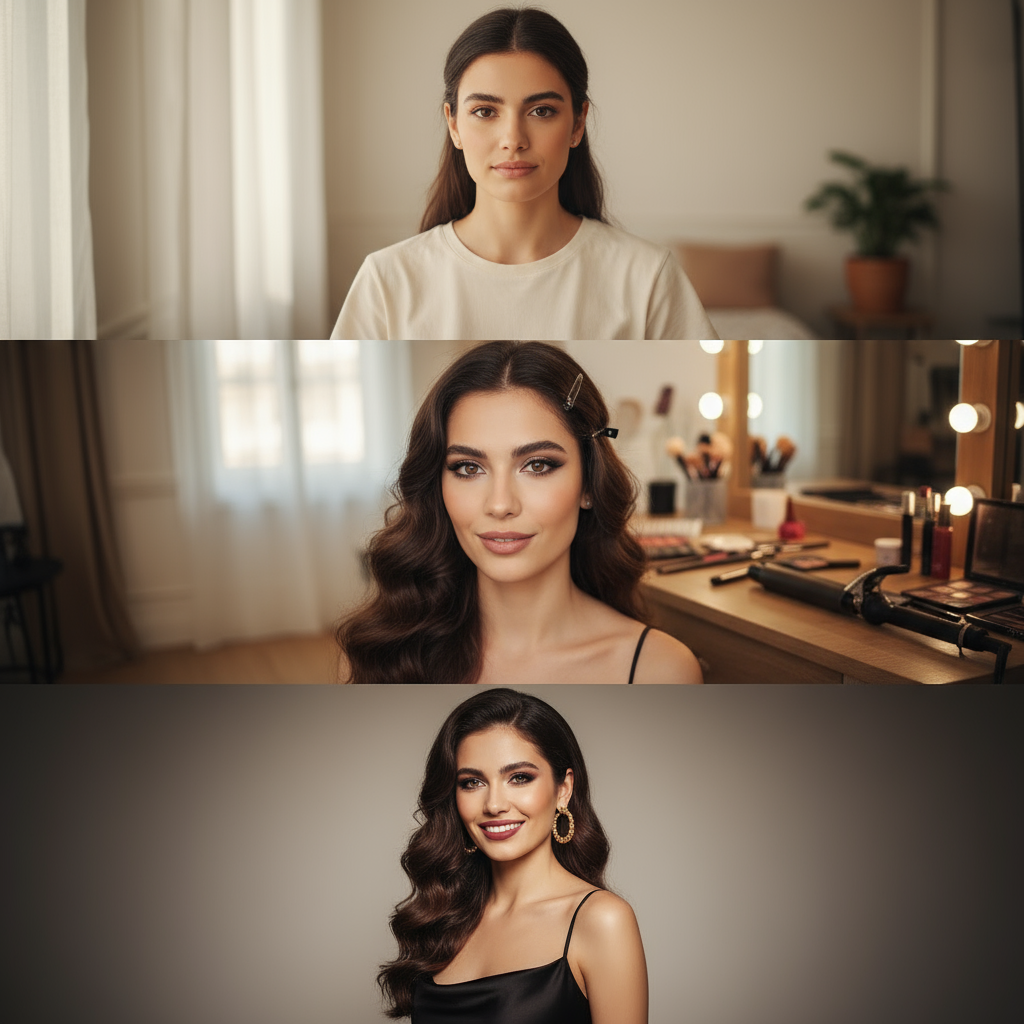
Glow-Up Transformation Triptych
Create a stunning before-and-after glow-up story showing the transformation from casual daytime look through makeup application to full glam evening style, perfect for beauty content and personal branding.
Use the uploaded portrait as the main face reference, keep identity and skin tone consistent. Casual daytime look: soft natural window light, minimal makeup, simple T-shirt or loungewear, relaxed neutral expression, slightly wider framing, tidy but unstyled hair. In-progress glow-up: same room and lighting, closer crop, makeup halfway done, hair partially styled with visible clips or curling iron on the table, playful expression, sense of transition. Full glam look: same person with finished evening makeup, styled hair, statement earrings and an elegant black party dress, confident smile, refined beauty lighting, subtle vignette. Generate all three scenes above based on the uploaded image, then combine them into one vertical three-frame collage with a consistent color grade.
Winter Cinematic Portrait Series
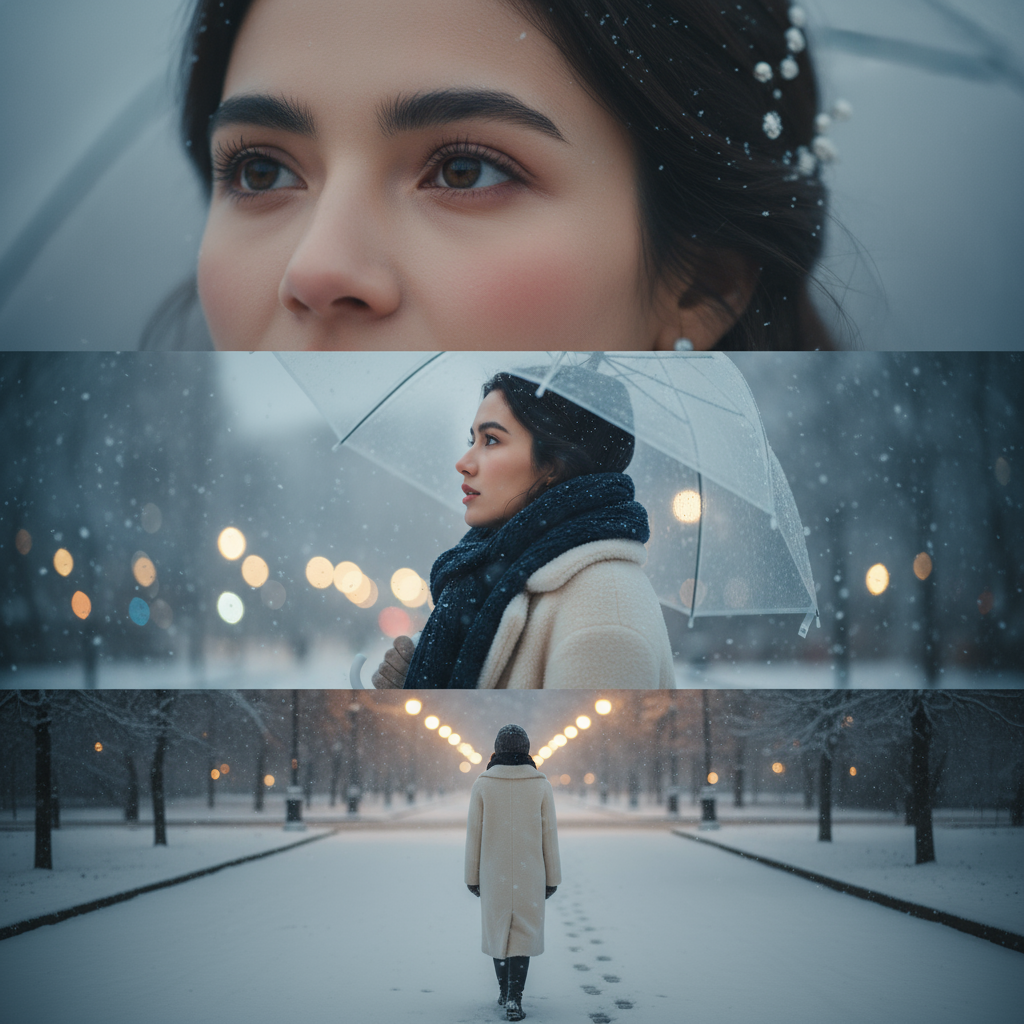
Generate a dreamy K-drama style winter portrait triptych with close-up details, emotional mid-shot, and atmospheric full-body scene — perfect for storytelling and aesthetic social content.
Use the uploaded portrait as the face reference, keep the person realistic and unchanged. Create a cinematic winter snow triptych: Top frame: extreme close-up of one eye and cheek, soft winter light, natural skin texture, tiny snowflakes resting on eyelashes and hair, subtle cold blush on the skin, cool blue-gray color palette. Middle frame: chest-up side profile, the subject looking slightly upward while holding a clear umbrella, gentle snowfall across the frame, cozy wool coat and knitted scarf, soft bokeh city lights in the background. Bottom frame: full-body shot from behind, the subject walking through a snowy street or park, footprints in fresh snow, warm streetlights in the distance, quiet and nostalgic K-drama vibe. Generate the three winter scenes above based on the uploaded image and merge them into one vertical three-panel collage with consistent cinematic grading.
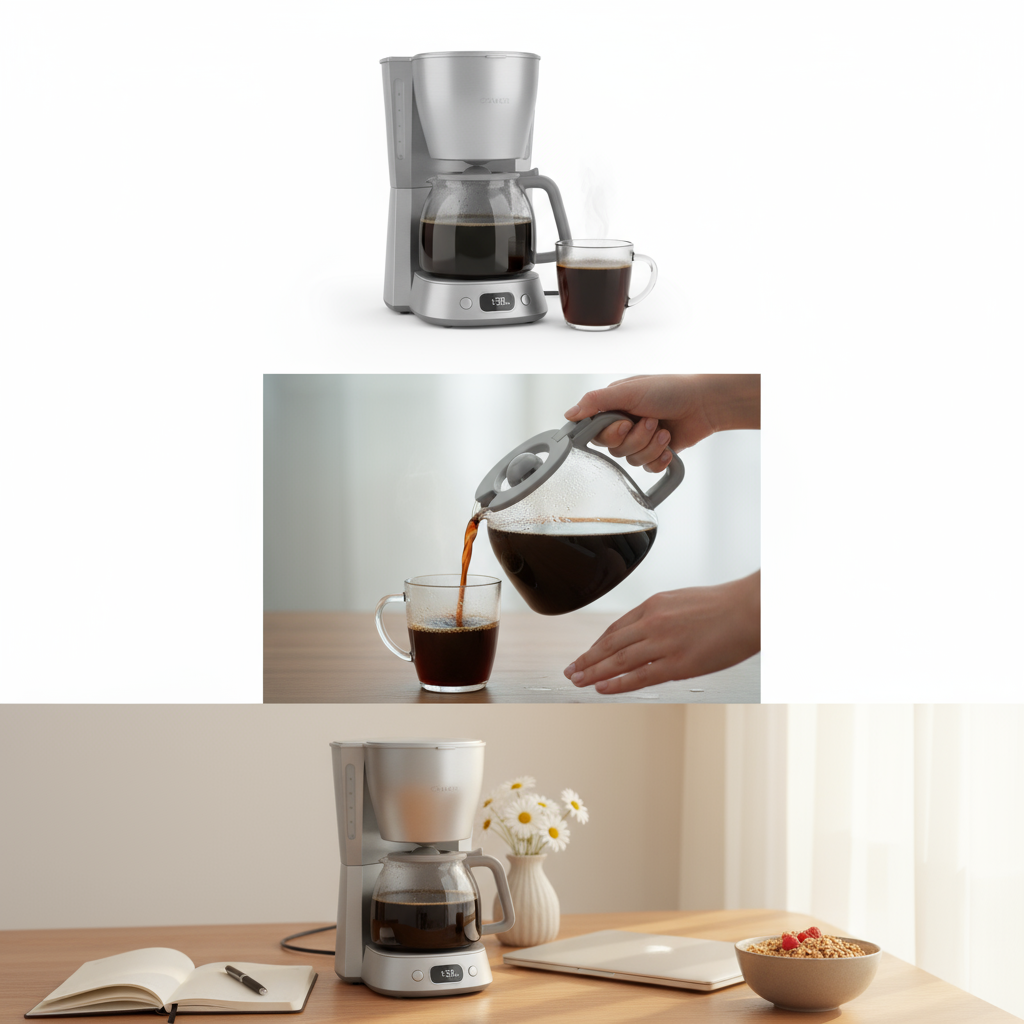
Product Story Three-Frame Collage
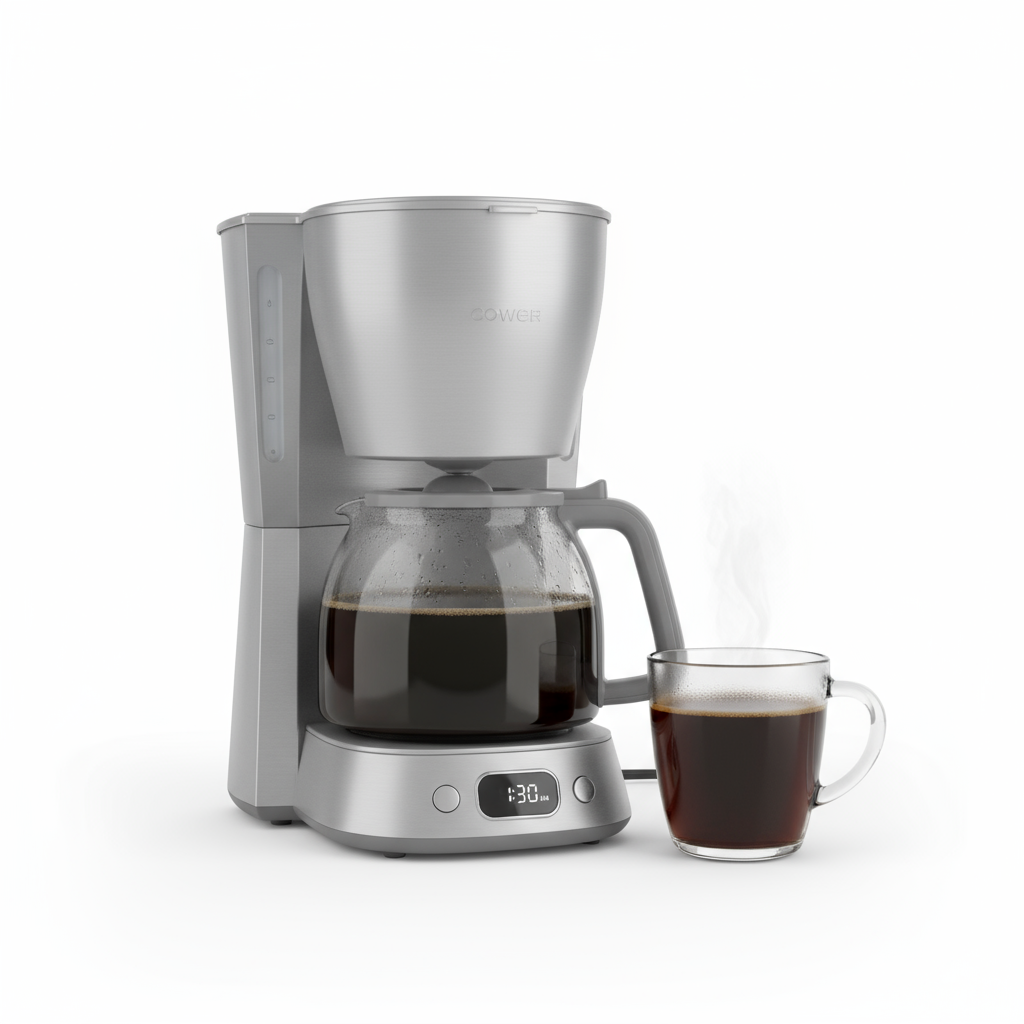
Transform product photos into engaging commercial story collages with hero shot, interaction detail, and lifestyle context — ideal for social media ads and e-commerce marketing.
Use the uploaded product photo (bottle / cup / skincare jar) as the main reference. Keep logo and label readable but do not add any new text. Create a clean commercial three-frame story collage: First frame: hero shot of the product centered on a seamless studio background, soft diffused light, gentle shadow, minimalistic composition. Second frame: close-up of human hands interacting with the product — pouring the drink into a glass / pressing the pump / opening the lid — shallow depth of field, focus on texture and liquid, droplets or bubbles visible. Third frame: lifestyle scene on a wooden desk or marble table, the product placed beside matching props (notebooks, laptop, flowers, breakfast, etc.), natural window light, cozy and aspirational mood. Generate the three product scenes above based on the uploaded image, then combine them into one vertical three-panel collage suitable for social media posts and ads.
Ready to create professional headshots with consistent identity?
Professional Headshot Prompt Library
Copy-paste ready prompts for consistent professional portraits. Start with beginner templates or master advanced identity consistency techniques.
Simple Portrait Triptych
Social Media Stories
Use the uploaded portrait as face reference, keep identity consistent. Create a simple three-frame vertical collage: close-up face shot with soft lighting, medium chest-up shot with natural expression, full-body lifestyle shot. Maintain same person, natural skin texture, cohesive color palette.
text, watermark, distortion, extra limbs, blur, identity drift, inconsistent features
Product Three-Frame Story
E-commerce & Social Ads
Use uploaded product as reference. Create clean three-frame collage: studio hero shot with soft shadows, close-up detail of texture/label, lifestyle scene with matching props. Keep product recognizable, soft natural lighting, commercial quality.
watermark, added text, distortion, blur, inconsistent product, artificial shadows
Seasonal Portrait Set
Content Creator Themes
Use the uploaded portrait maintaining identity. Create seasonal themed three-frame set: consistent facial features across all frames, natural lighting appropriate to season, cohesive color grading, same person with seasonal styling and background changes.
text, identity drift, harsh lighting, oversaturation, artifacts, plastic skin
Identity Consistency Tips: Use multiple reference angles (front, 3/4, side) to maintain facial features across variations. Include "consistent facial features, matching bone structure, same eye color and shape" in your prompt for better results.
Pro Tips for Professional Headshots
Master these techniques to create consistent, professional-quality portraits
Multi-Angle Reference Photos
Upload 2-4 photos showing different angles (front, 3/4 profile, side view) for better identity consistency. This helps the AI understand facial structure from multiple perspectives.
Specify Lighting Setup
Use professional photography terms: 'soft key light from 45 degrees' + 'subtle rim light' + 'fill light to reduce shadows'. This creates dimensional, studio-quality portraits.
Lock Facial Features
Include 'consistent facial features, matching bone structure, same eye color and shape' in your prompt. This prevents identity drift across multiple variations.
Natural Skin Texture
Add 'natural skin texture, visible pores, subtle retouch only' to avoid over-smoothed plastic look. Professional headshots show natural texture while still looking polished.
Generate Multiple Variations
Create 4-6 variations and select the best 2-3. Each generation may have slight differences in expression or lighting — having options ensures you get the perfect shot.
Expression Matching
For team consistency, specify exact expressions: 'calm confident expression with slight smile' or 'neutral professional expression'. This ensures all team members have matching styles.
Troubleshooting Common Issues
Identity Drifting Across Variations?
Add one more clean reference photo and emphasize "consistent identity, matching bone structure, same eye color and shape" in your prompt. Use higher quality reference images.
Lighting Mismatch Between Variations?
Specify exact lighting setup: "soft key light from 45 degrees, rim light from behind, controlled color temperature, consistent exposure". Lock lighting parameters in prompt.
Too Glossy or Plastic-Looking Skin?
Add "natural skin texture, visible pores, matte finish, subtle retouch only" to positive prompt. Include "plastic skin, over-smoothed, fake sheen" in negative prompt.
Inconsistent Background Colors?
Specify exact background: "seamless gray background RGB(128,128,128)" or "pure white background RGB(255,255,255)". Use color codes for precision.
Professional Headshot Checklist
Frequently Asked Questions
How does AI maintain consistent identity across multiple portrait variations?
Can I use these AI-generated headshots for LinkedIn and professional profiles?
What's the best way to ensure consistent lighting across team photos?
How many reference photos do I need for best results?
Why do some variations look too smooth or plastic-like?
Still have questions? Try it yourself and see the results!
Related AI Tools
Discover more powerful AI tools to transform your images
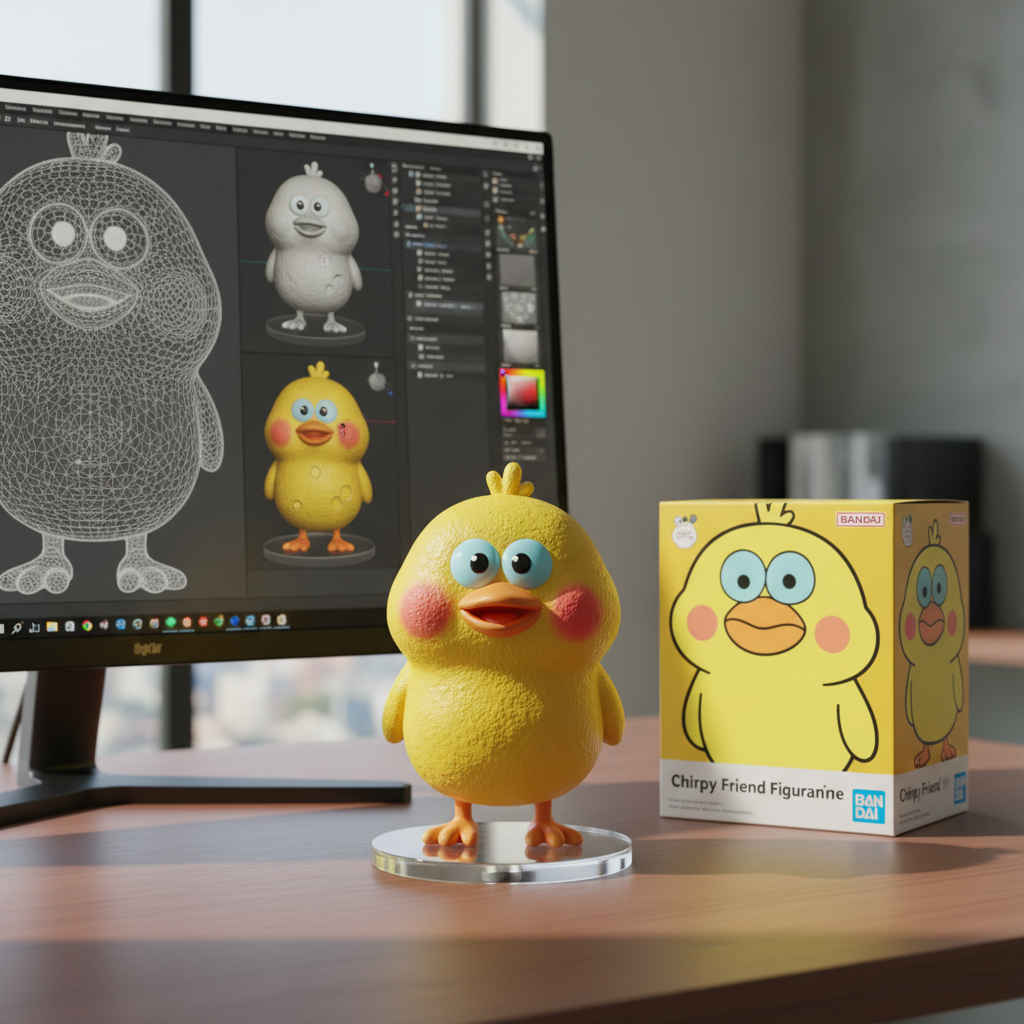
3D Figurine Generator
Turn portraits into collectible 3D figurines with realistic textures and details.
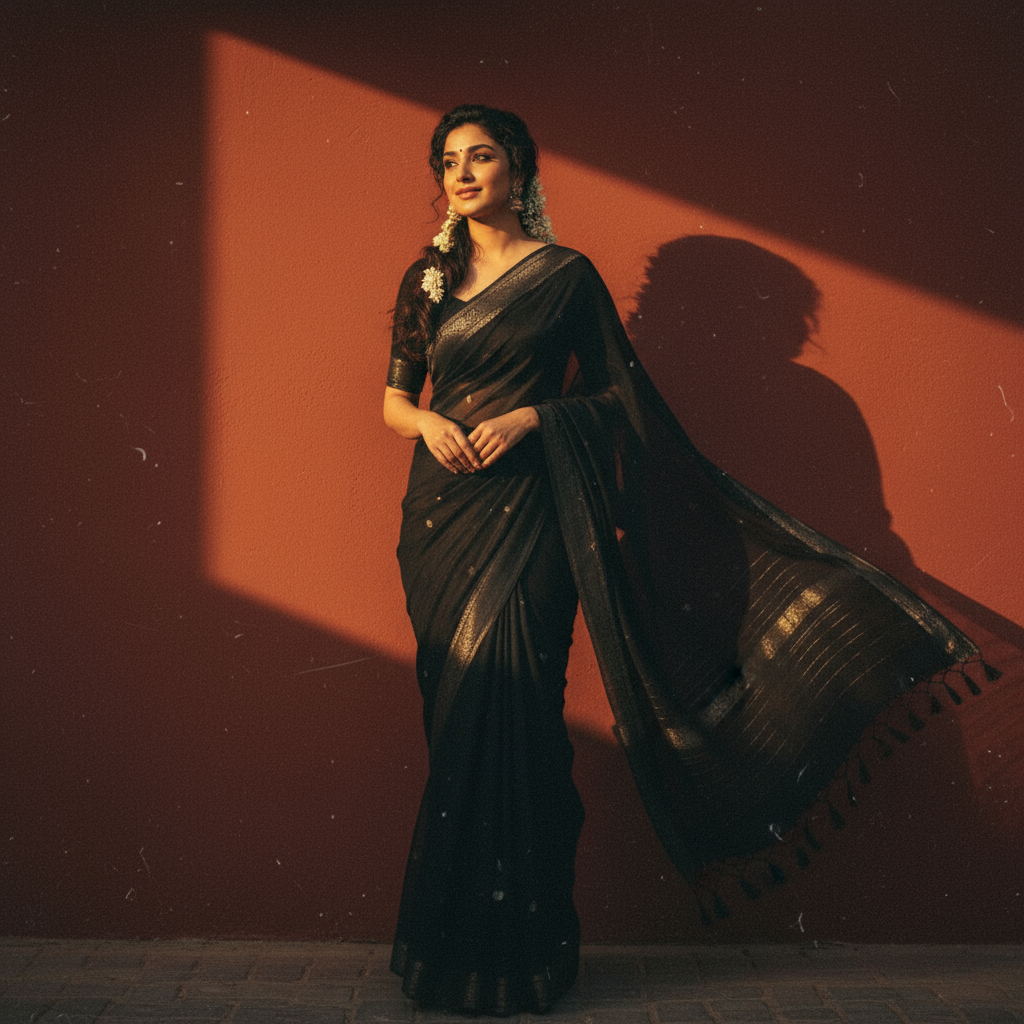
Vintage Portrait Studio
Transform photos into retro-style portraits with classic film aesthetics.
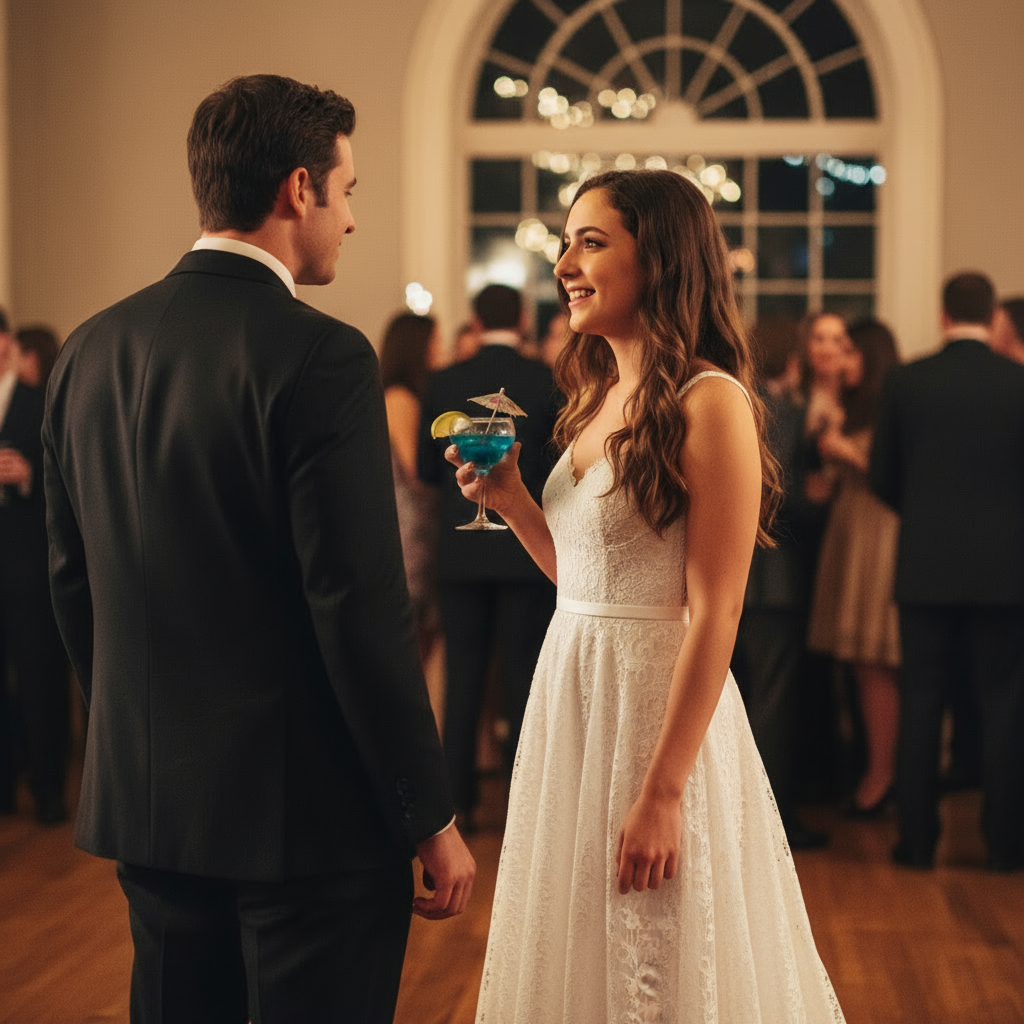
Virtual Try-On
See how any outfit looks on you with realistic AI clothing fitting and draping.
More Trending AI Prompts
Copy these proven prompts to try other viral AI styles. Each one is optimized for great results.
Create a 3D action figure of me in transparent blister packaging. Include miniature accessories like coffee cup, laptop, phone. Retro toy box style, "Limited Edition" aesthetic, studio lighting, collectible quality, no text on figure.
Transform into Studio Ghibli anime style. Soft watercolor aesthetic, warm lighting, whimsical atmosphere, hand-painted look, lush nature background, dreamlike nostalgic mood, Miyazaki-inspired, 4K detail.
Transform into a 1990s high school yearbook photo. Classic blue-gray studio backdrop, soft diffused lighting, vintage film grain, 90s hairstyle, warm nostalgic tones, authentic school photo aesthetic.
Transform this pet into a realistic human person. Keep the same pose and expression. Match eye color and fur pattern to hair color/style. Preserve the personality visible in the photo, photorealistic style.
Learn More About Nano2Image
Open focused tools, get inspired by examples, or find answers to common questions
Browse AI Image Tools
Open focused tools for image-to-image edits, background changes, photo enhancement, transparent PNGs, and line drawings
View More Examples
Get inspired by real-world transformations and copy-paste ready prompts
Common Questions
Find answers about pricing, usage rights, and technical details
Ready to Create Professional Headshots with Consistent Identity?
Generate multiple portrait variations in seconds. Perfect for LinkedIn profiles, company websites, press kits, and professional portfolios.
Powered by Google Gemini 2.5 Flash - Professional AI image generation