AI Virtual Try-On - Try On Clothes Virtually
See how outfits look on you in seconds. Upload a portrait and generate realistic virtual try-on results - while keeping your face and background as much as possible.
Create a free account to get 3 free credits.
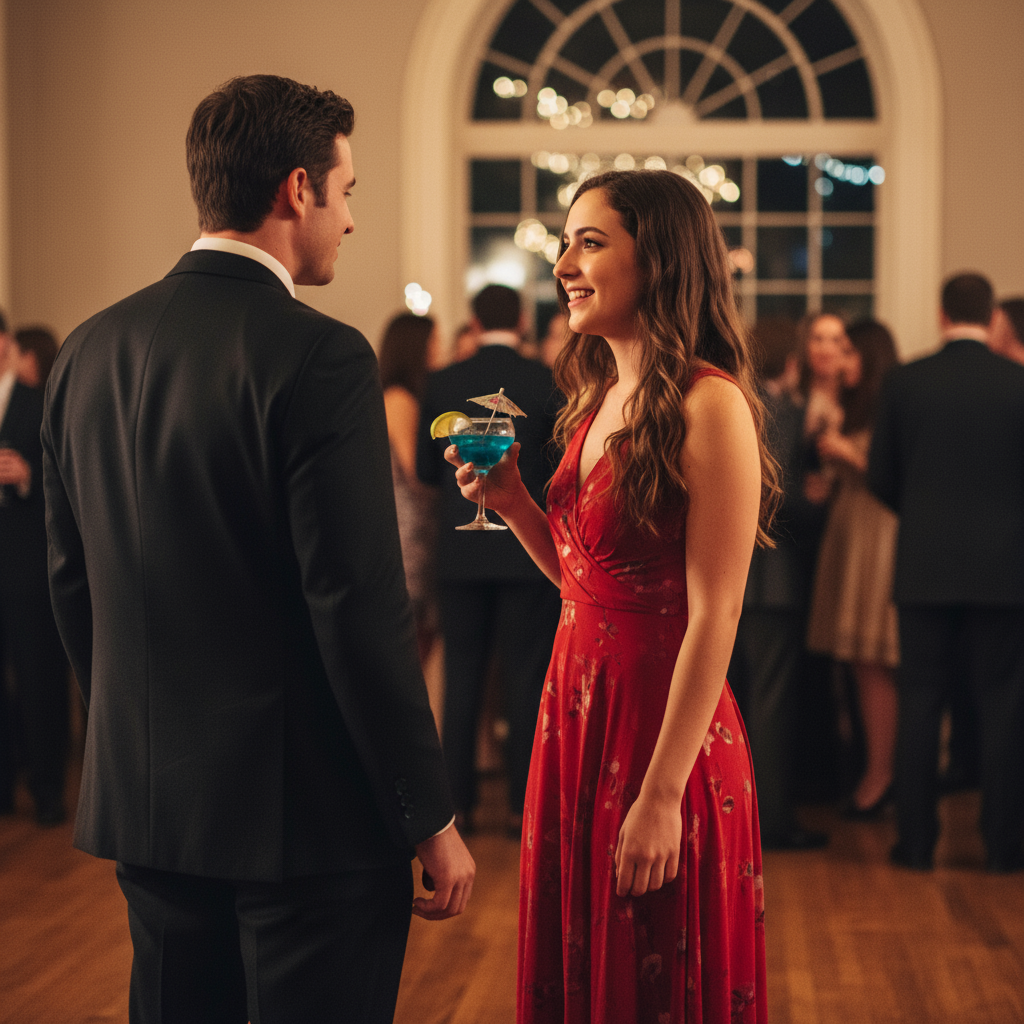
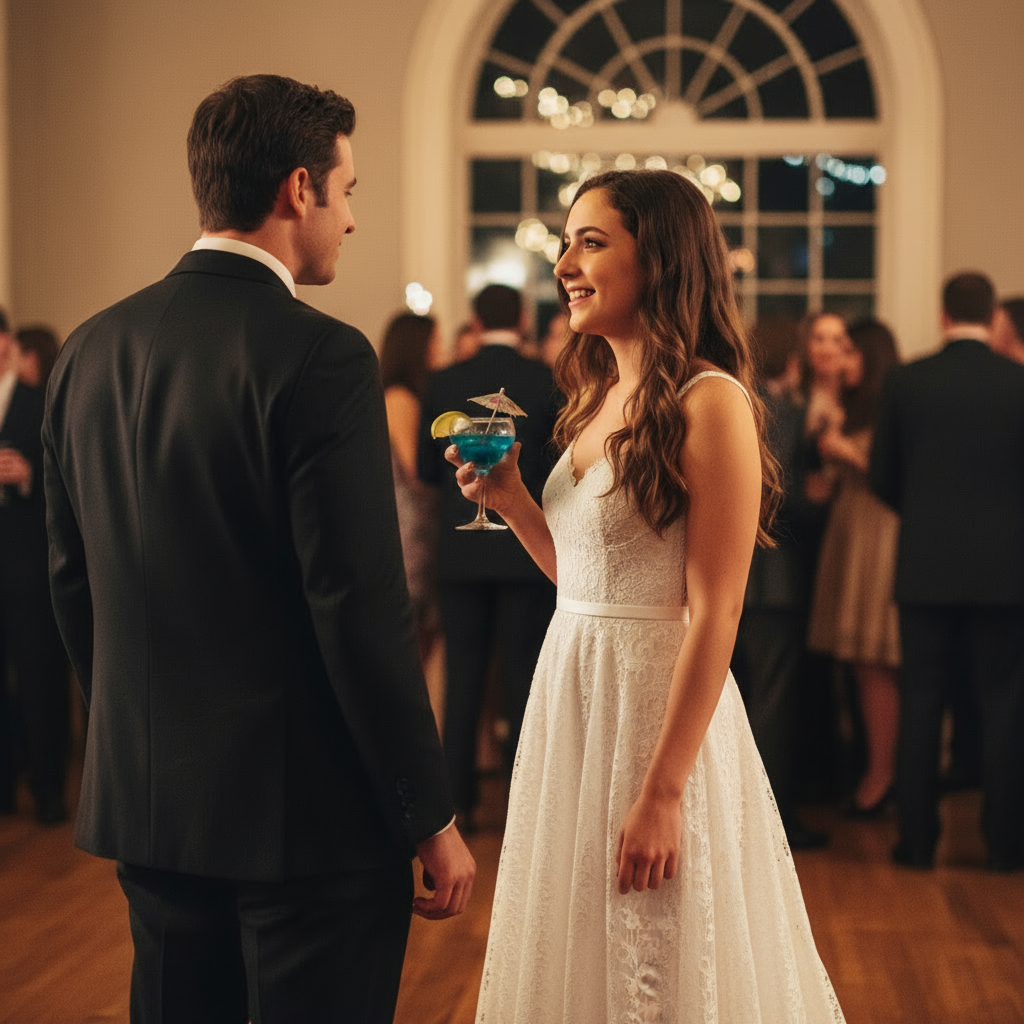
Generated in 8 seconds
Use image-to-image tools for outfit and style edits
This use-case page is a legacy workflow guide. For the current Nano2Image flow, start from the image-to-image tool, then describe the outfit, background, or style change you want.
Image to Image AI Generator
Upload a photo and edit it with a prompt while keeping the face, product, pose, or layout stable.
Open toolAI Background Changer
Replace a portrait, product, or social image background without rewriting the whole image.
Open toolAI Photo Enhancer
Improve blurry, compressed, or low-resolution photos before creating variations.
Open toolTools and Guides for Virtual Try-On
Photo Tips for Best Results
The quality of your virtual try-on depends heavily on the input photo. Follow these tips for optimal results.
What works best
Clear portrait
Front-facing or 3/4 view with face clearly visible
Good lighting
Even, natural lighting without harsh shadows
Sharp focus
High resolution photo with crisp details
Full visibility
Person visible from shoulders to hips
Simple background
Clean backgrounds work best for outfit changes
What to avoid
- Heavy occlusions (hands covering face, large hats)
- Extreme poses or unusual angles
- Very dark or overexposed photos
- Blurry or low-resolution images
- Busy backgrounds with many elements
Pro tip: If your result changes too much, add stronger constraints in your prompt: "EXACT same face, hair, skin tone, pose. ONLY change outfit."
Virtual Try-On in 4 Simple Steps
Follow this proven workflow for consistent, professional virtual try-on results every time.
Upload Your Photos
Upload your photo + reference image of the desired clothing. Use clear, well-lit images (1024px+ recommended).
Customize Your Prompt
Pick from our template library or write your own. Include fabric type, fit style, and lighting preferences.
Download Results
Export in PNG for editing or JPG for publishing. Choose the right dimensions for your platform.
Generate Variations
Create 4-6 variations in one batch (5-10 seconds each). Compare and select the best 2-3 results.
Pro Tip: Save your best prompts as templates for one-click reuse and consistent results.
How to Use AI Virtual Try-On
Transform your photos into realistic outfit visualizations in 4 simple steps
Upload Your Photo
Upload a clear photo of yourself and the clothing item you want to try on. Works best with full-body or upper-body photos.
Describe the Outfit
Use our prompt templates or describe how you want the garment to fit. AI understands fabric type, color, draping style, and lighting.
AI Generates Result
Our AI applies realistic clothing fitting with natural draping, proper lighting adaptation, and photorealistic shadows in seconds.
Download & Share
Get your high-resolution virtual try-on image ready for e-commerce, social media, or personal fashion planning.
Export Sizes Guide
Pick the right dimensions for your platform. All images export at high resolution for professional use.
Instagram Feed
1080x1080
Posts, avatars, grid
Instagram Stories
1080x1920
Full-screen stories, Reels
Instagram Posts
1080x1350
Feed posts, carousels
E-commerce Listings
1600x1600 or 1200x1500
Product pages, catalogs
Facebook/LinkedIn
1200x630
Link previews, ads
Website Hero
1920x1080
Banners, headers
Pro Tip: File Format Selection
- PNG - Use for editing, transparent backgrounds, maximum quality
- JPG - Use for web publishing, social media (80-90% quality recommended)
- WebP - Modern format for websites, 25-35% smaller than JPG with same quality
Virtual Try-On Examples & Prompt Templates
Explore real-world use cases with copy-paste prompt templates. From casual wear to formal attire - see how AI handles different styles.
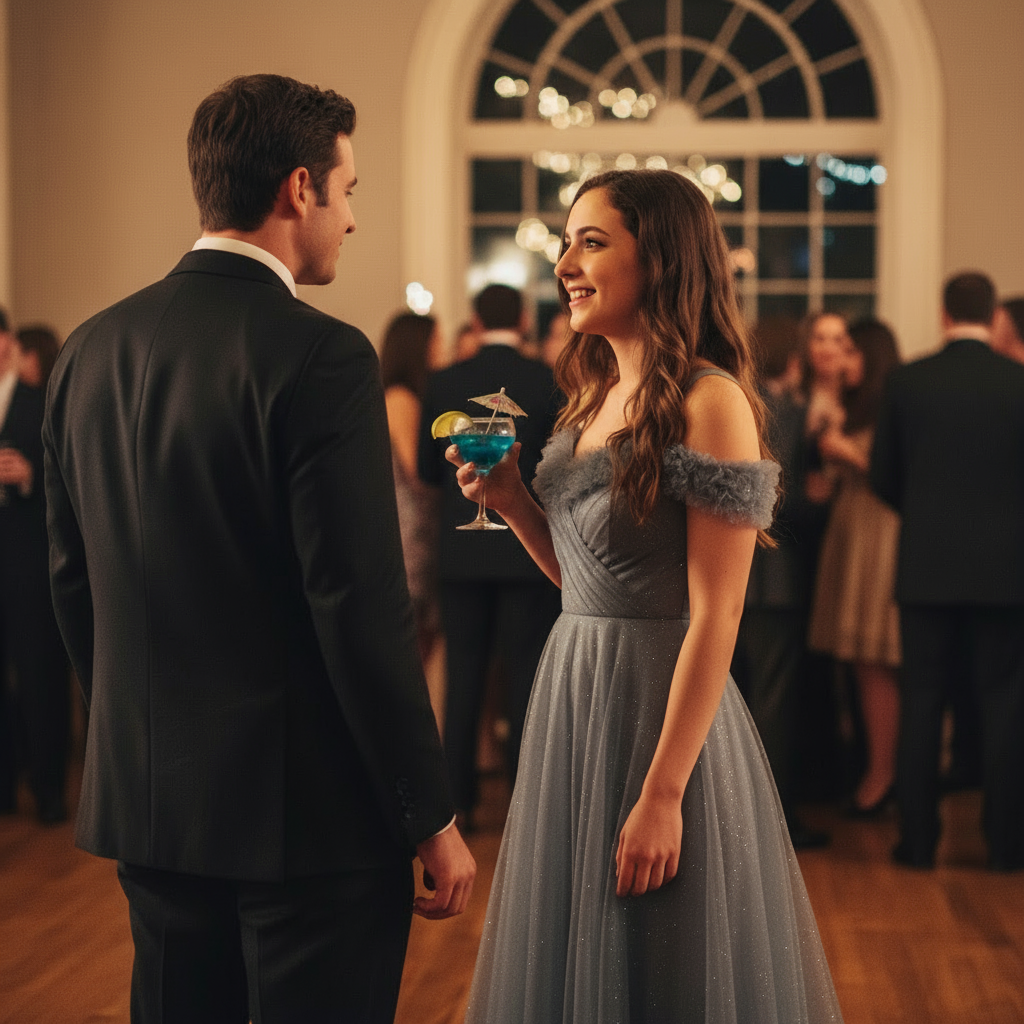
Silver Gray Evening Gown - Elegant Gala Look
Transform into sophisticated evening wear with a flowing silver-gray off-shoulder gown, perfect for weddings and formal galas.
Apply elegant silver-gray off-shoulder evening gown onto the woman. The gown features a fitted bodice with off-shoulder neckline, flowing A-line skirt to floor length. Fabric has subtle sheen and natural draping. Maintain the warm indoor ballroom lighting with golden ambient glow. Keep realistic shadows and natural body proportions. Preserve facial features and romantic atmosphere.
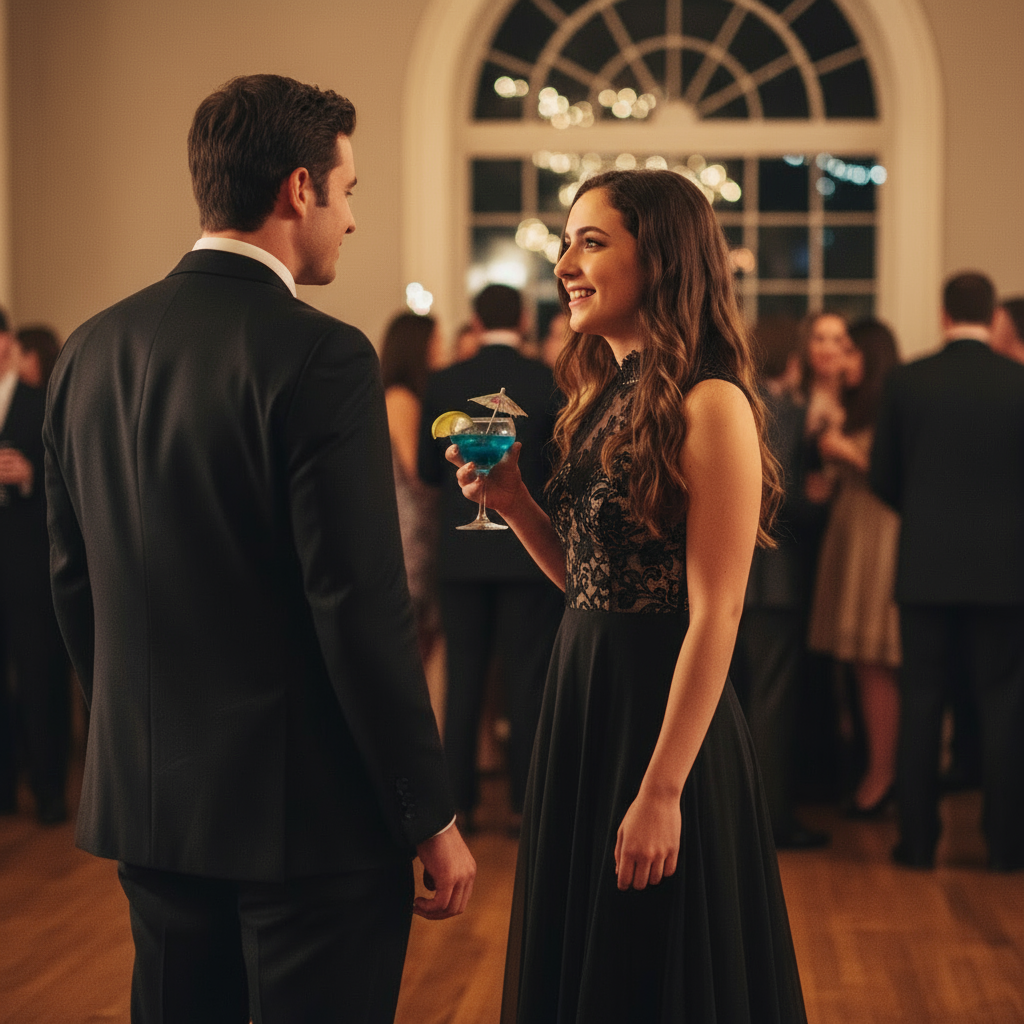
Classic Black Cocktail Dress - Timeless Elegance
Visualize the timeless appeal of a little black dress with sleeveless design, ideal for cocktail parties and formal events.
Replace outfit with classic black sleeveless cocktail dress. Fitted silhouette with modest neckline, knee-length hem. Elegant and timeless design with matte black fabric. Maintain standing pose and warm ballroom lighting. Add natural fabric texture and realistic draping. Keep original ambient atmosphere and shadows for photorealistic result.
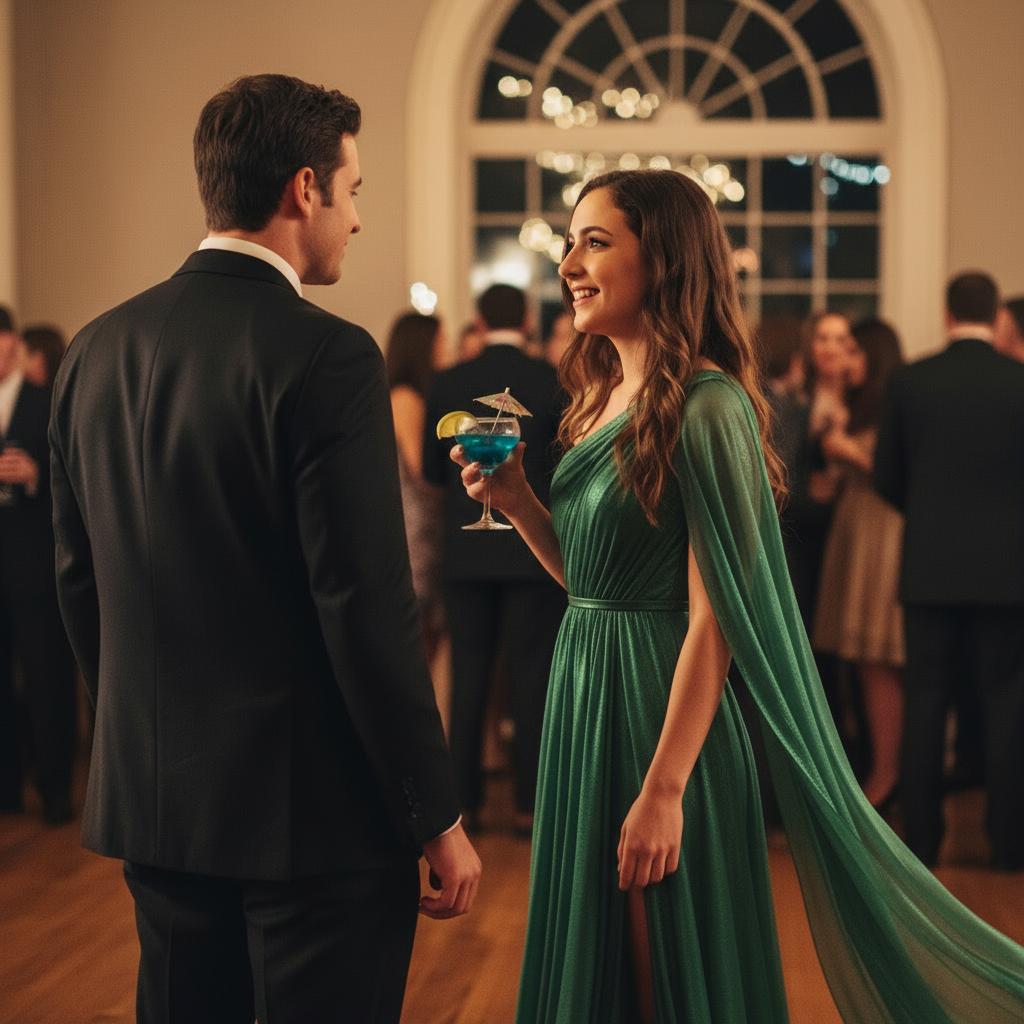
Emerald Green Formal Gown - Statement Evening Look
Create a show-stopping look with a rich emerald green long-sleeve gown featuring elegant draping and luxurious fabric flow.
Transform into luxurious emerald green formal gown with long sleeves and V-neckline. Floor-length flowing skirt with elegant draping and movement. Rich jewel-tone green color with subtle satin sheen. Adapt to warm indoor event lighting for depth and dimension. Maintain realistic fabric folds and natural pose. Preserve original background and romantic ambiance.
Ready to create your own virtual try-on images?
Prompt Template Library
Copy-paste ready prompts with positive and negative instructions. Start with beginner templates or dive into advanced fabric physics.
Simple Dress Swap
Casual & Everyday Wear
Replace the current outfit with [describe dress]. Keep the same pose and background. Ensure natural fit and lighting.
text, watermark, distortion, extra limbs, blur, deformed
Basic Top Change
Shirts & Blouses
Change the top to [describe shirt/blouse]. Maintain body proportions and natural wrinkles. Keep original lighting and pose.
watermark, logo, text overlay, artifacts, lowres
Pants & Jeans Swap
Bottoms & Trousers
Replace pants with [describe jeans/trousers]. Ensure realistic fabric texture and proper fit. Maintain natural leg position and shadows.
text, extra hands, distortion, nsfw, lowres
How to use: Copy the positive prompt for your desired effect, then copy the negative prompt to avoid common issues. Replace placeholders in [brackets] with your specific requirements. For example: "[describe dress]" -> "red evening gown with off-shoulder design"
Pro Tips & Best Practices
Get better results faster with these proven recommendations
Do This
- Use high-quality photos
Upload clear, well-lit images (1024px+). Better inputs = better outputs.
- Describe fabric properties
Specify material (silk, cotton, leather) for realistic texture rendering.
- Match lighting conditions
Mention original photo's lighting (indoor/outdoor, warm/cool) in your prompt.
- Generate 4-6 variations
Create multiple candidates and pick the best. Small prompt tweaks = big differences.
- Save successful prompts
Build your own template library for consistent, repeatable results.
Avoid This
- Extreme poses or occlusions
Complex poses with hidden body parts produce inconsistent results. Use standing/sitting.
- Very low resolution images
Blurry, pixelated, or heavily compressed photos limit AI accuracy.
- Overly complex patterns
Intricate lace or very fine details may require multiple attempts. Simplify when needed.
- Mixing incompatible styles
Conflicting lighting cues (e.g., 'studio + sunset') confuse the model.
- Expecting perfection first try
AI is iterative. Generate multiple versions and refine your prompt.
Quick Troubleshooting
Problem: Clothing doesn't fit naturally
Fix: Add 'realistic draping, natural wrinkles, proper fit' to prompt. Ensure source photo shows full body or clear upper body.
Problem: Colors look off or unrealistic
Fix: Specify 'adapt colors to [original lighting type]' and mention color temperature (warm/cool/neutral).
Problem: Face or identity changes
Fix: Use clearer reference photos. Add 'maintain exact facial features, keep original identity' to prompt.
Problem: Fabric looks too glossy/plastic
Fix: Add 'matte finish, natural texture, fabric roughness' and reduce 'shiny, glossy' keywords.
Problem: Extra fingers or hand issues
Fix: Common AI limitation. Crop image to focus on clothing, or generate 3-4 versions and select best.
Problem: Shadows look fake
Fix: Add 'photorealistic shadows, natural lighting, maintain original shadow direction' to prompt.
Remember: Remember: AI image generation is iterative. The best results come from testing 3-5 variations and refining your prompts based on outputs.
More Virtual Try-On Guides
Explore specialized guides for different virtual try-on scenarios with optimized prompts and tips.
Try on clothes virtually
General clothing try-on with any outfit style
Try on dresses virtually
Specialized guide for dress styles and silhouettes
Try dress on my photo
Step-by-step guide for photo-based dress fitting
Virtual outfit try-on
Complete outfit styling and visualization
Frequently Asked Questions
Is virtual try-on free to try?
Do I need to upload a clothing photo?
What photos work best for virtual try-on?
Does it keep my face and background?
How long does each generation take?
Can I try on dresses specifically?
Can I use these images commercially?
Do I need an account to try this?
Still have questions? We're here to help!
Related AI Tools
Discover more powerful AI tools to transform your images

Professional Portrait Variations
Generate multiple professional headshots with subtle variations in pose and expression.
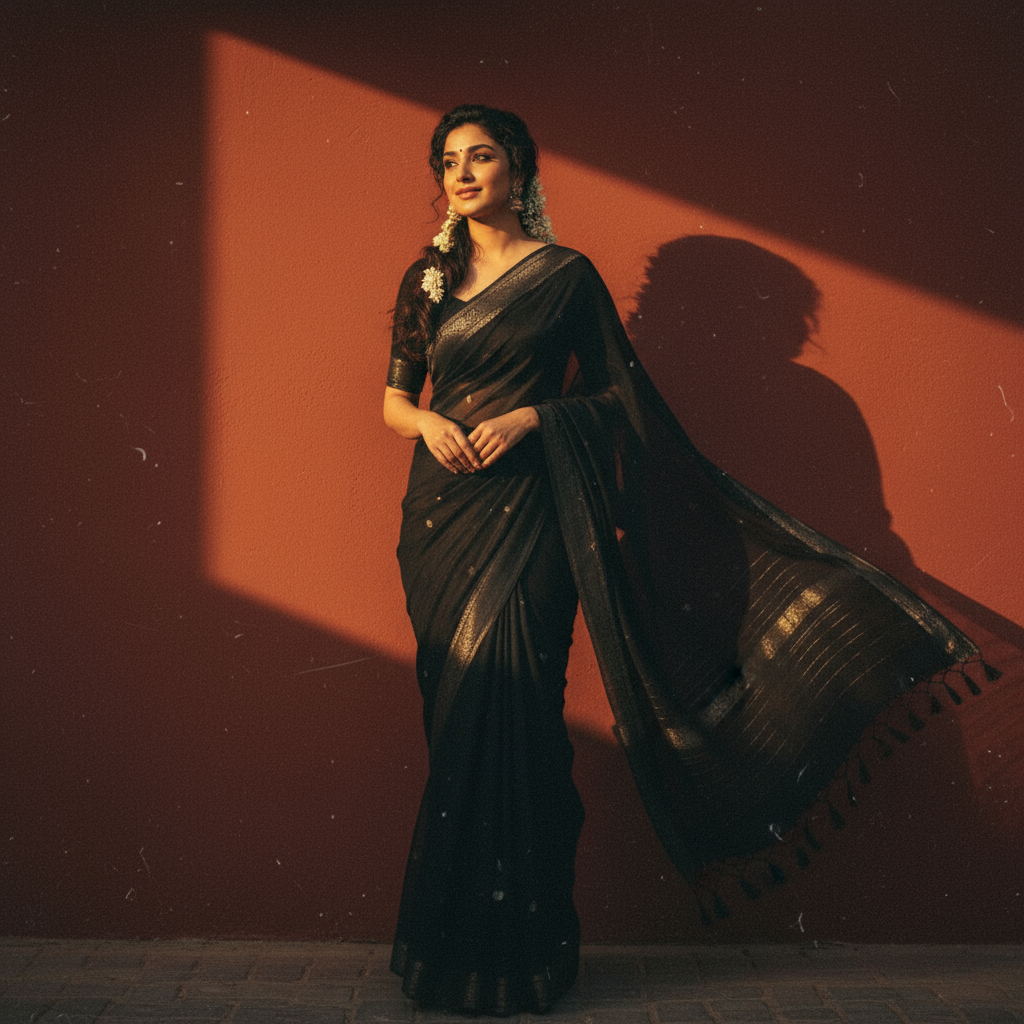
Vintage Portrait Generator
Transform photos into stunning retro-style portraits with authentic film aesthetics.
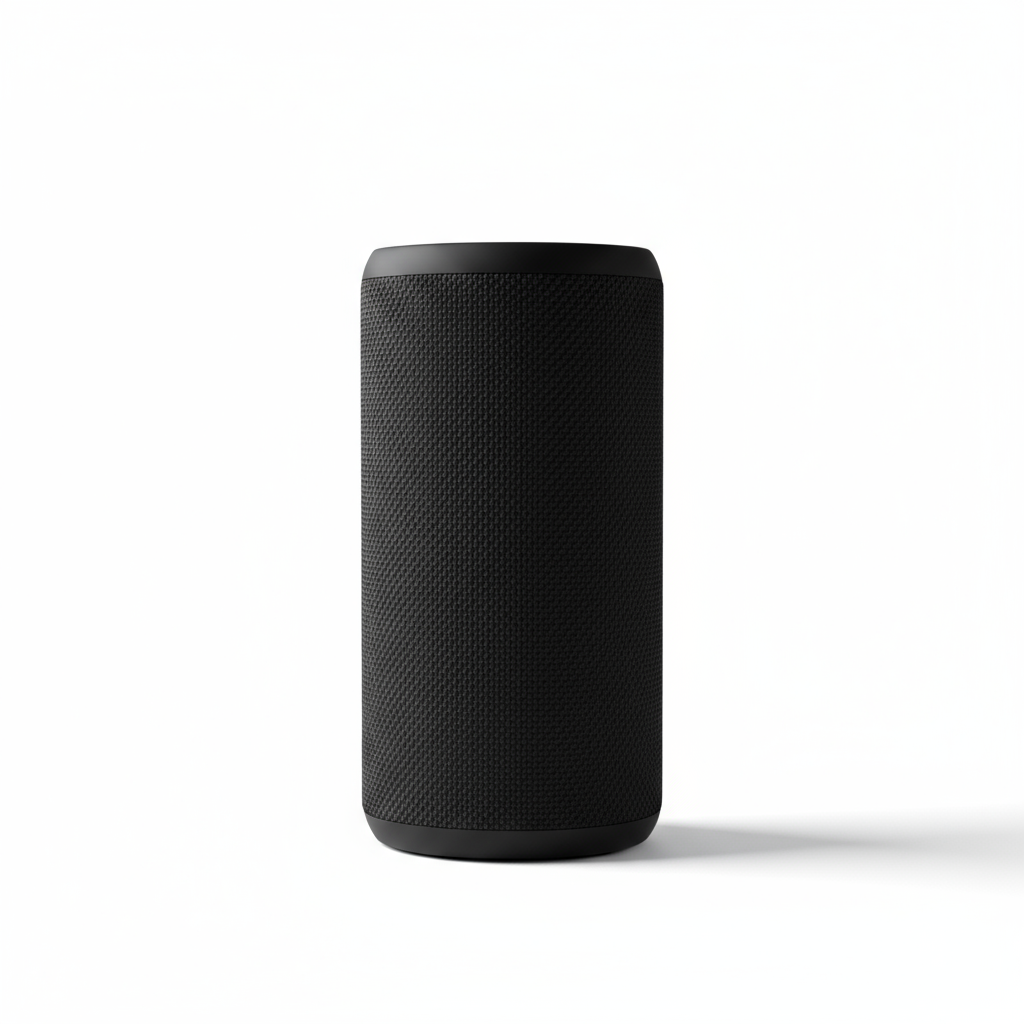
Product Photo Studio
Create clean, catalog-ready product photos with professional white backgrounds.
More Trending AI Prompts
Copy these proven prompts to try other viral AI styles. Each one is optimized for great results.
Create a 3D action figure of me in transparent blister packaging. Include miniature accessories like coffee cup, laptop, phone. Retro toy box style, "Limited Edition" aesthetic, studio lighting, collectible quality, no text on figure.
Transform into Studio Ghibli anime style. Soft watercolor aesthetic, warm lighting, whimsical atmosphere, hand-painted look, lush nature background, dreamlike nostalgic mood, Miyazaki-inspired, 4K detail.
Transform into a 1990s high school yearbook photo. Classic blue-gray studio backdrop, soft diffused lighting, vintage film grain, 90s hairstyle, warm nostalgic tones, authentic school photo aesthetic.
Transform this pet into a realistic human person. Keep the same pose and expression. Match eye color and fur pattern to hair color/style. Preserve the personality visible in the photo, photorealistic style.
Learn More About Nano2Image
Open focused tools, get inspired by examples, or find answers to common questions
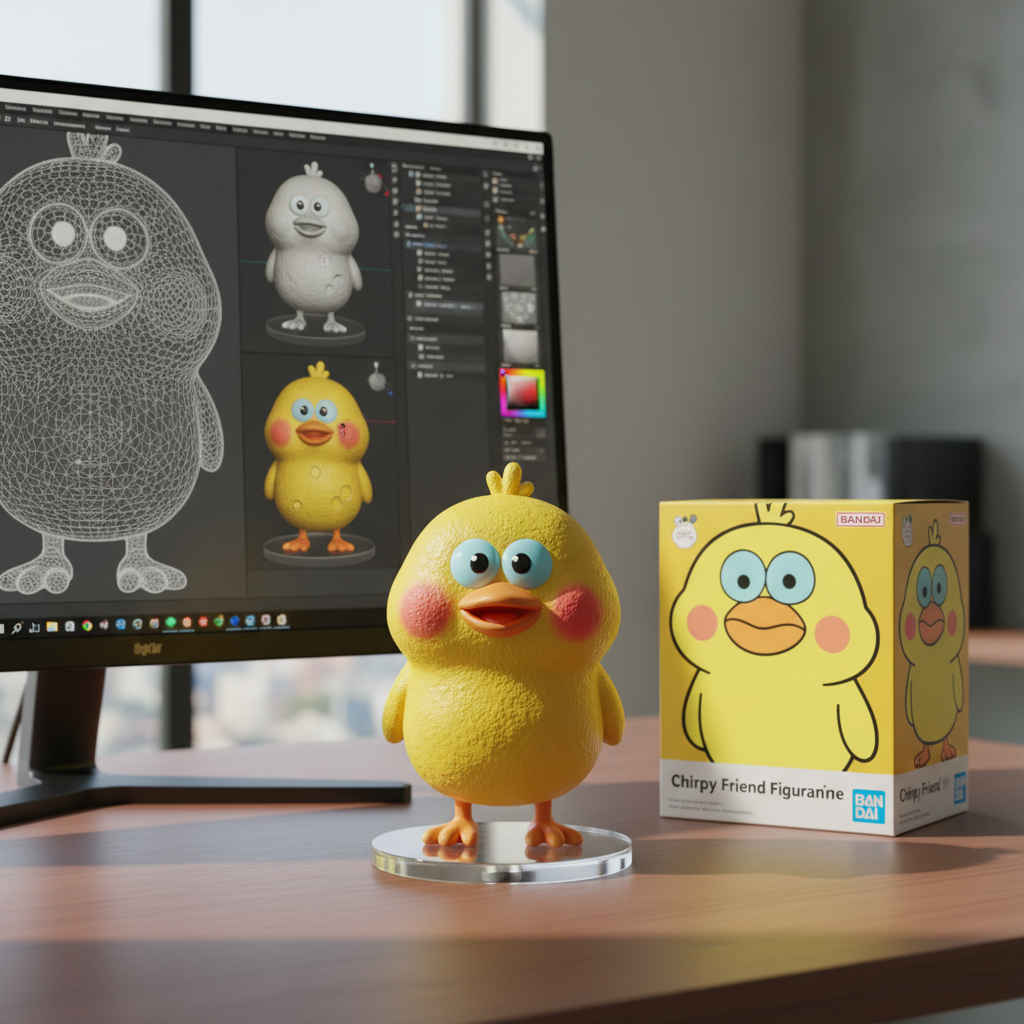
Browse AI Image Tools
Open focused tools for image-to-image edits, background changes, photo enhancement, transparent PNGs, and line drawings
View More Examples
Get inspired by real-world transformations and copy-paste ready prompts
Common Questions
Find answers about pricing, usage rights, and technical details
Dedicated Tool
Want a specialized AI outfit swap experience?
OutfitSwap Studio lets you upload your photo, pick from preset outfits or upload your own clothing — done in 15 seconds. No prompt writing needed.
Try AI Virtual Try-On Free →Free to try · 25 credits included
Ready to Transform Your Fashion Experience?
Visualize outfits before buying with AI-powered virtual try-on.Create a free account now to get 3 free credits - no card required.
Fast Results
Typically 2-5 seconds
Free to Try
1 free + 3 after signup
Multiple Styles
Try different looks
Powered by Google Gemini 2.5 Flash - Professional AI image generation