AI Image Combiner

Combine Two or More Photos into One Image

Use this AI image combiner to put people from separate photos together, give your pet a new background, or change an outfit. Upload your photos and describe what you want.

AI Image Combiner Examples

See how two photos can become one picture. These are AI-generated illustrations, not recorded results from this tool.

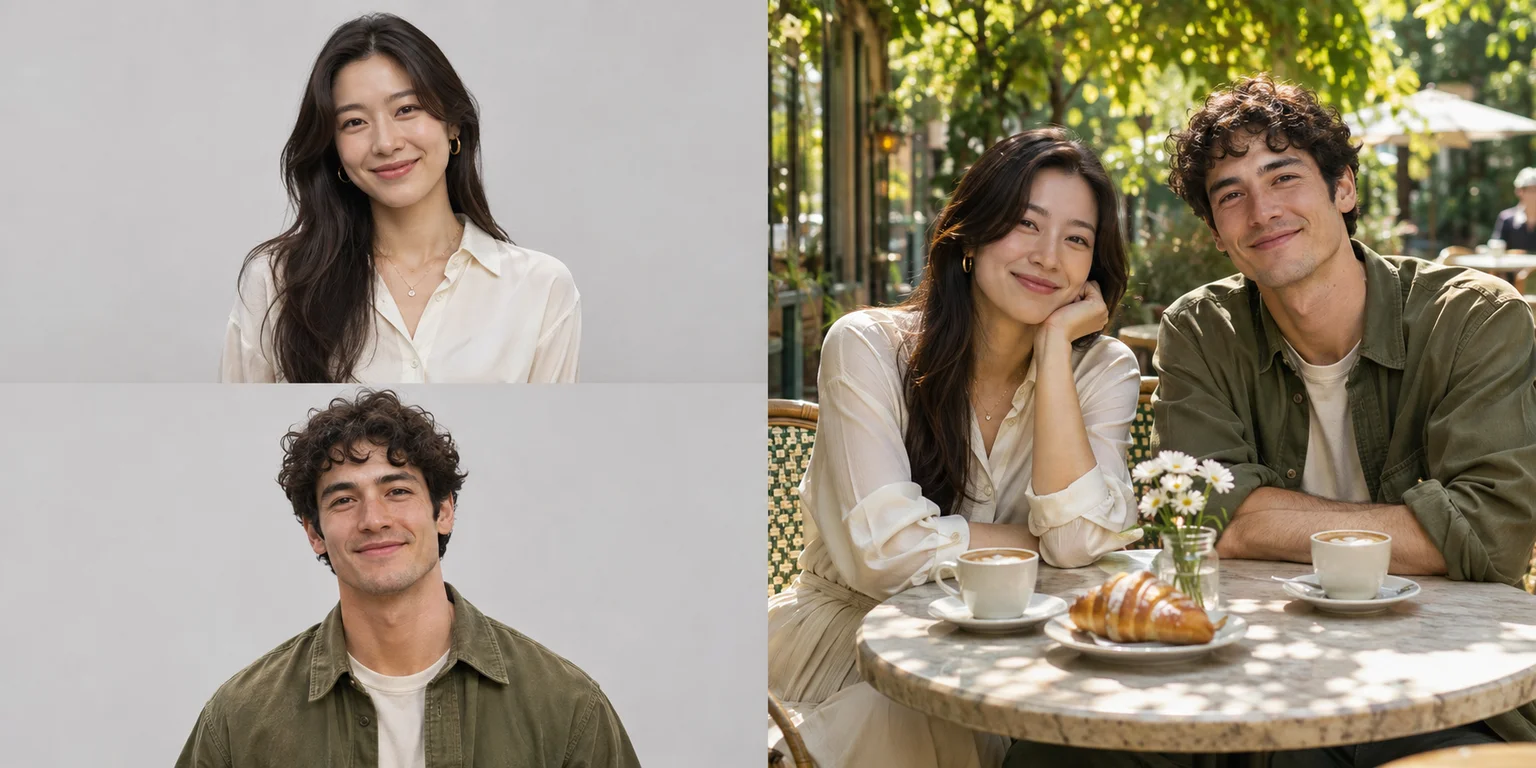
Illustrative first reference: a woman in an ivory blouse
Person 1
+
Illustrative second reference: a man in an olive shirt
Person 2
=
Illustrative composition: the two people seated together at an outdoor cafe
Example
People

Put Two People in One Photo

Upload a photo of each person and say where they should be together. For example, ask for a photo of them sitting at a café or standing in a garden.

Best for

Couple photos and pictures with friends or family

Check the Result

Faces, hands, and the space between both people.

See What to Type+

Create one natural-looking photo with the person from image 1 on the left and the person from image 2 on the right. Keep their distinct facial features and clothing, and use consistent scale and lighting.

First person
Second person
Together
Bring People Together
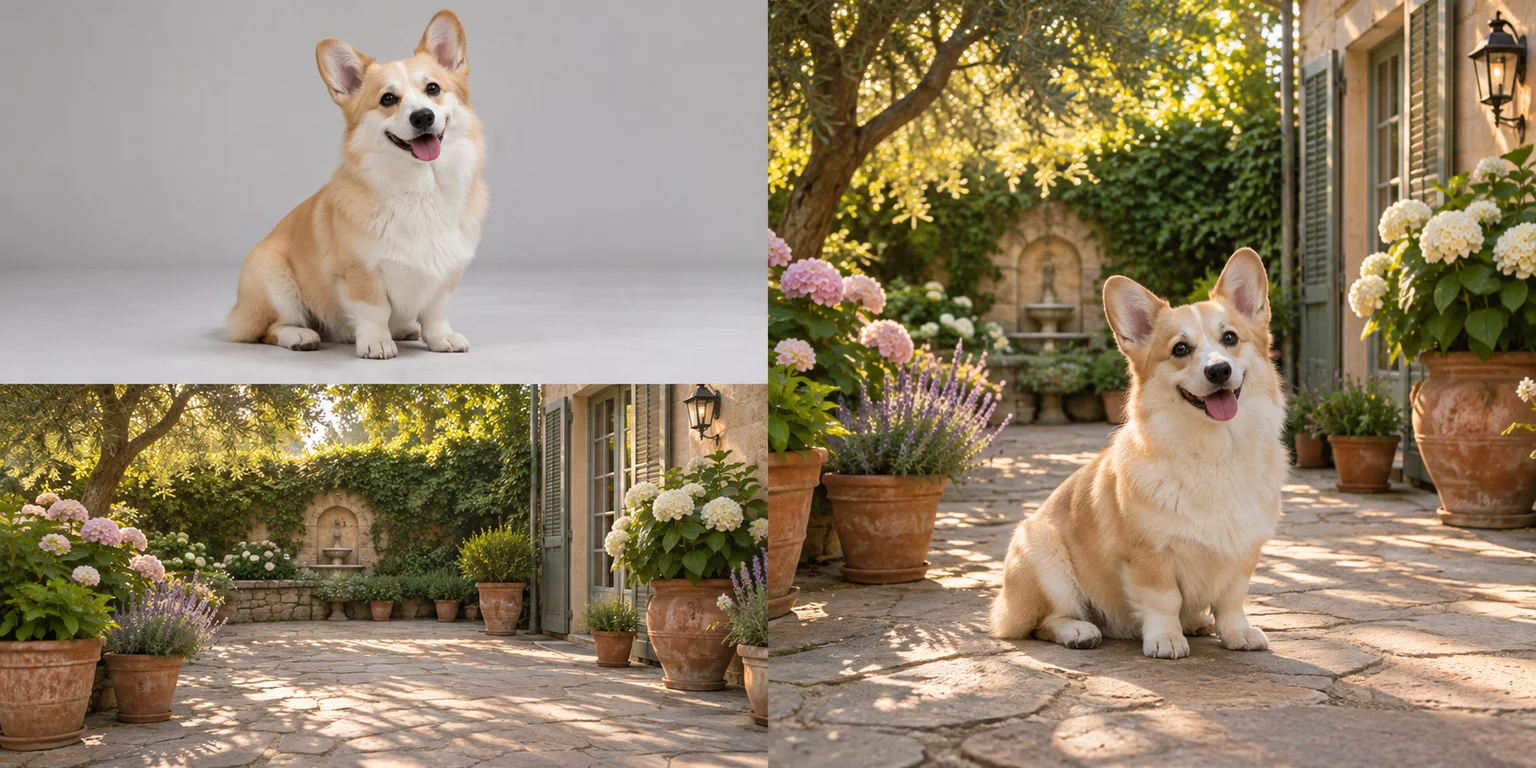
Illustrative first reference: a corgi in a studio
Pet
+
Illustrative second reference: an empty garden courtyard
Background
=
Illustrative composition: the corgi placed naturally in the garden courtyard
Example
Pets

Put Your Pet in a New Place

Upload your pet's photo and a photo of the place you want to use. Tell the AI where your pet should sit or stand.

Best for

Pet portraits, garden scenes, and social posts

Check the Result

Fur markings, paws, size, and shadows.

See What to Type+

Place the pet from image 1 in the setting from image 2. Keep its markings and body shape, use a believable scale, and match the light and contact shadows.

Your pet
A background
New pet scene
Change My Pet's Background
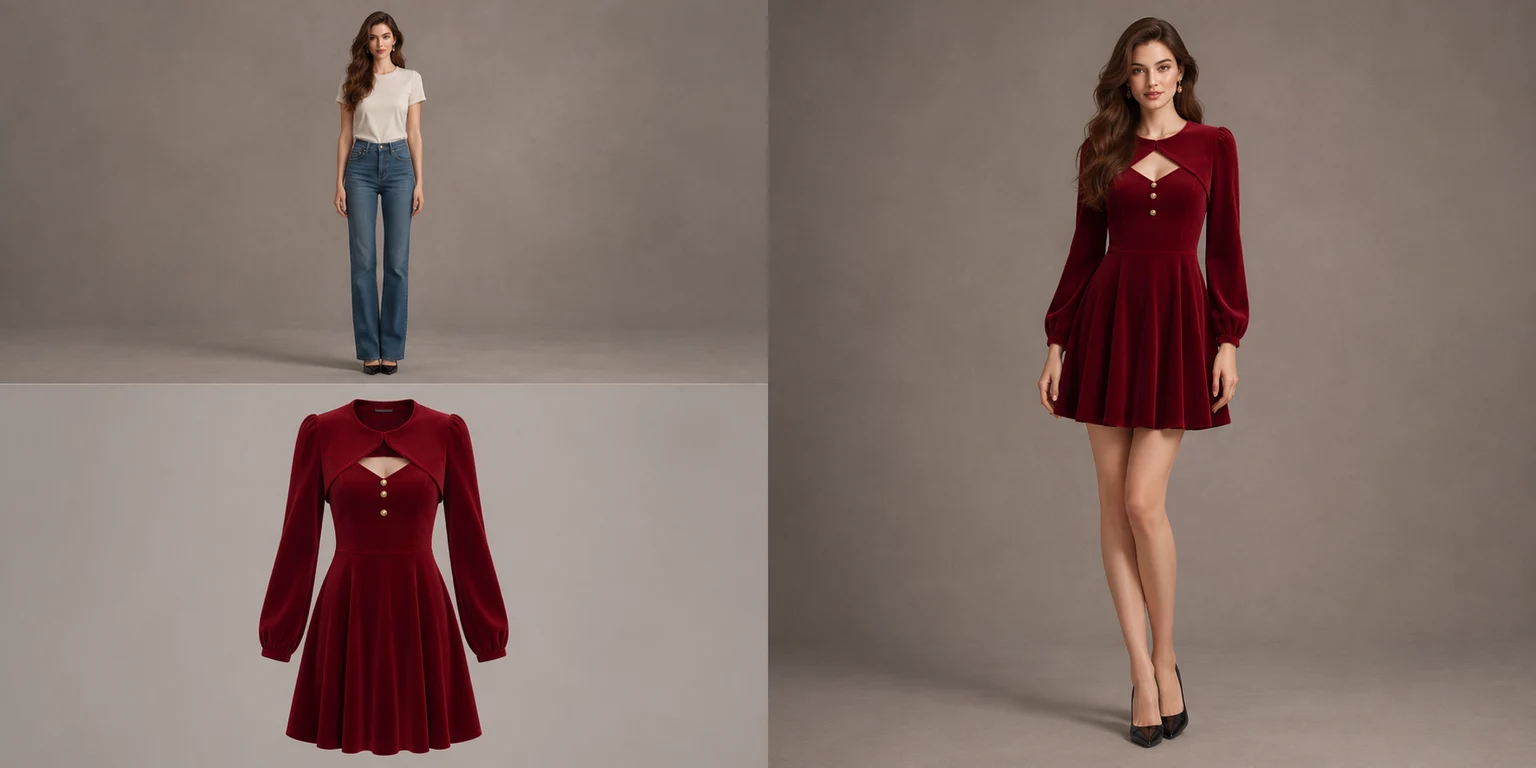
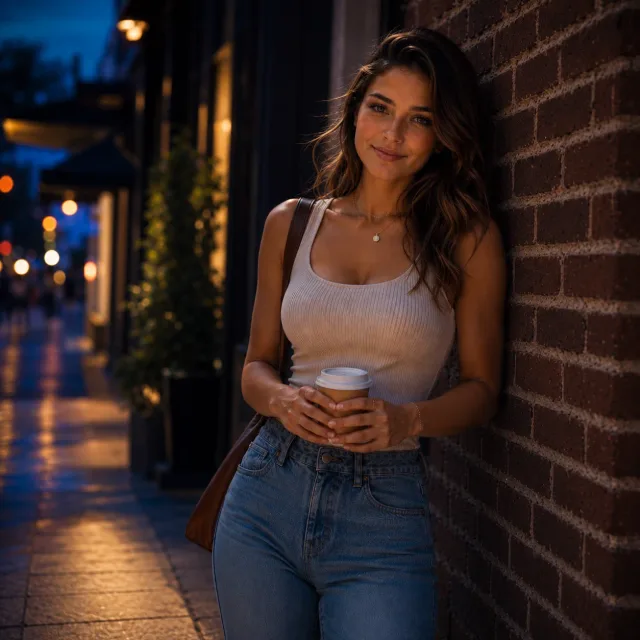
Illustrative first reference: an original brunette model in an ivory T-shirt and jeans
Person
+
Illustrative second reference: a burgundy velvet dress with gold buttons and a matching cropped bolero
Outfit
=
Illustrative composition: the same person wearing the burgundy velvet dress and cropped bolero
Example
Outfit

Try an Outfit on a Person in Your Photo

Upload a photo of the person and a photo of the clothes. Ask the AI to put those clothes on the person and keep their face, hair, and pose.

Best for

Seeing how an outfit could look in a photo

Check the Result

Face, hair, velvet texture, buttons, fit, and folds.

See What to Type+

Dress the person from image 1 in the outfit from image 2. Keep their face, hair, and pose recognizable. Match the burgundy velvet dress, gold buttons, and cropped long-sleeve bolero, with natural fabric folds, fit, and shadows.

A person
An outfit
New outfit
Try an Outfit

How to Merge Two Images with AI

Upload your photos, describe the picture you want, and save the result.

01

Upload Two or More Photos

Upload the photos you want to combine. Start with two and use + to add more.

02

Describe the Photo You Want

Say who or what to include and where it should go. Use Image 1, Image 2, and so on to point to the right photo.

03

Generate and Download

Check the credit cost, click Combine images, and save the photo when it's ready.

Tell the AI What You Want in the Photo

Say what you want to take from each photo and how the finished picture should look.

Illustrative references: a corgi portrait and an empty garden courtyard
Inputs
Illustrative composition: the corgi placed naturally in the garden courtyard
Example

Say What to Use from Each Photo

For example: “Use the person in Image 1 and the garden in Image 2.”

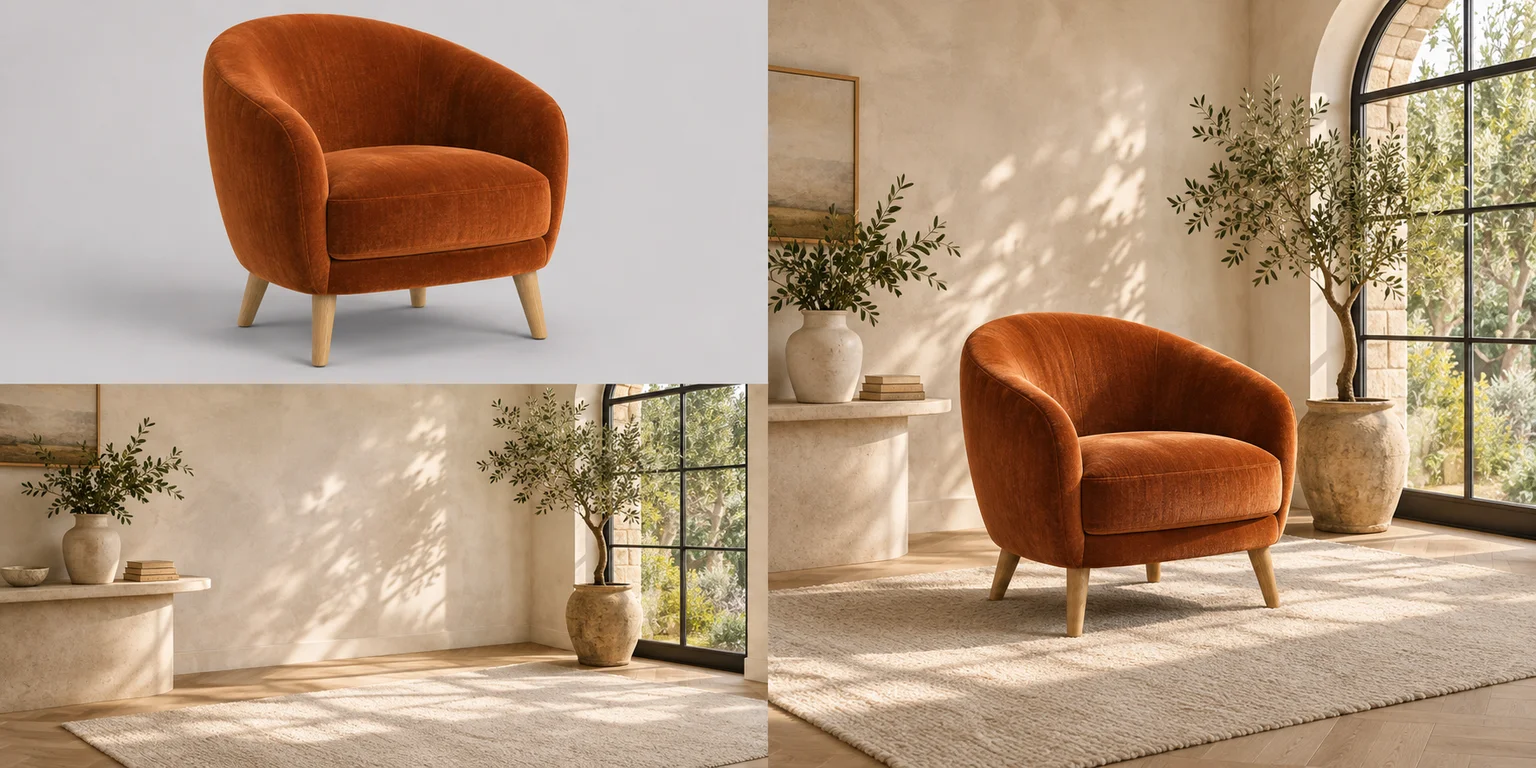
Illustrative references: a rust-orange velvet armchair and an empty sunlit living room
Inputs
Illustrative composition: the rust-orange armchair placed beside the arched window
Example

Say Where Things Should Go

Use simple directions such as “on the left” or “next to the chair.” Say how big the person or object should be.

Illustrative references: separate portraits of a woman in an ivory blouse and a man in an olive shirt
Inputs
Illustrative composition: the two people seated together at an outdoor cafe
Example

Say What Should Stay the Same

Point out details that matter, such as a person's face, your pet's markings, or the color of the clothes.

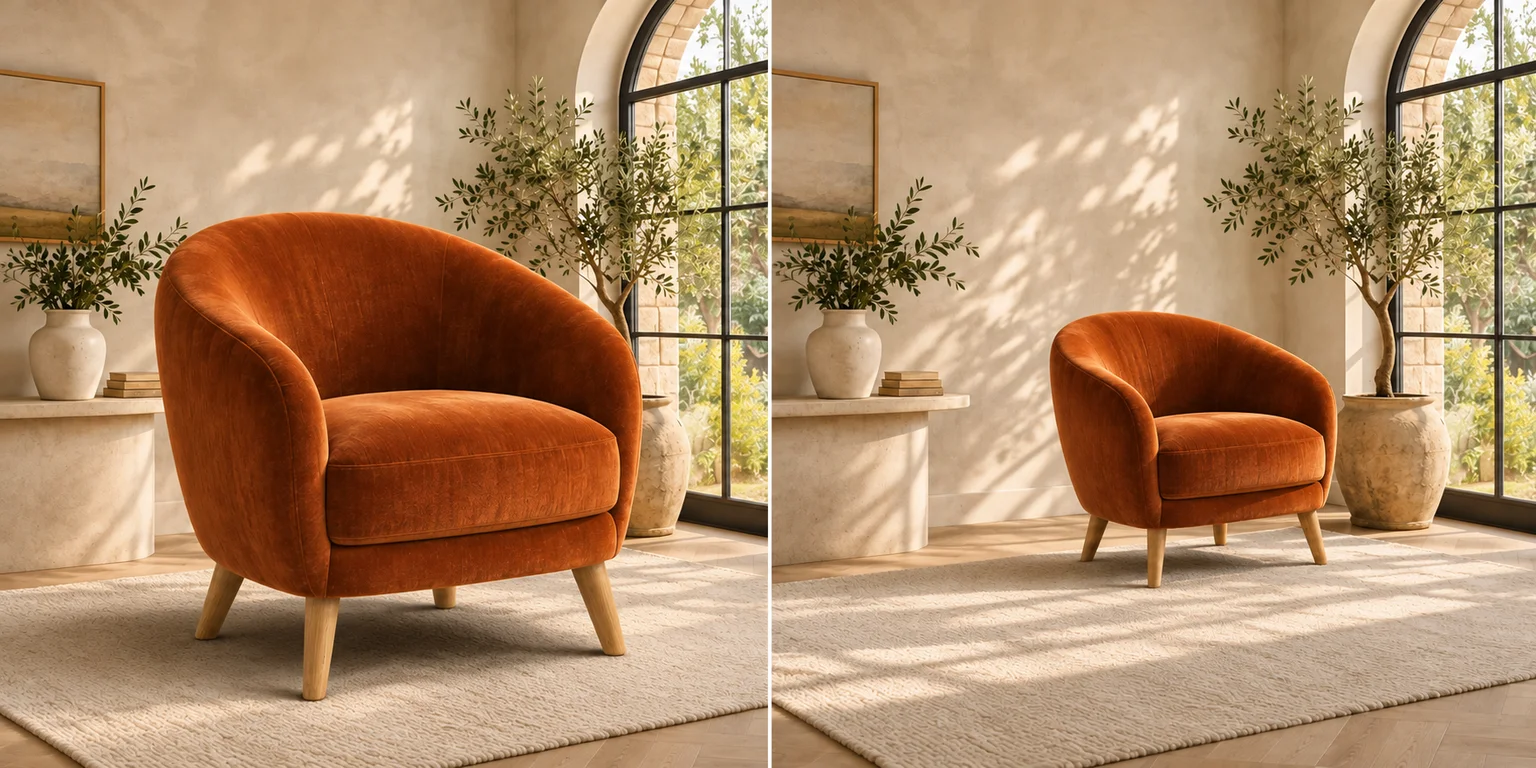
Illustrative first composition: an oversized armchair dominates the foreground
First idea
Illustrative refined composition: the same chair is smaller and placed closer to the window
Refined idea

Change One Thing at a Time

If something looks wrong, change that part of the description. For example, ask to make the chair smaller or move it closer to the window.

AI-generated illustrations show how photos can be combined and changes can be described.

Need to edit just one photo? Try the image-to-image editor.

Ways to Use Your AI Photo Combiner

Bring friends into the same photo, put your pet somewhere new, or see how a chair could look in your room.

Friends and Family Photos

Make a photo with people who were photographed separately. Say where they should be and what background you want.

Pets in New Places

Put your pet in a garden, a room, or another place. Upload a clear photo and say where your pet should sit or stand.

See an Object in Your Room

Add a chair or lamp from one photo to a room in another photo to see how it could look.

Photos for Posts and Profile Pictures

Bring a person or pet into a different background for a post or profile picture.

AI Image Combiner FAQ

Answers about merging photos, image limits, credits, and downloads.

What does an AI image combiner do?

An AI image combiner uses your photos to make one new picture. You can put people together, give a pet a new background, or put clothes from one photo on a person in another. Some details may change.

How do I merge two images with AI?

Upload both photos and tell the AI what you want in the final picture. For example: “Put the person in Image 1 in the garden in Image 2.” Check the credit cost, then click Combine images.

Can I put two people from different photos together?

Yes. Upload a clear photo of each person and describe their positions and shared setting. Ask to keep their facial features and clothing, then check the faces and hands in the result.

Can I combine two photos in one frame online?

You can use this tool to make one picture using both photos. If you want the two originals side by side, use a collage maker instead.

What image formats and file sizes can I upload?

JPG, PNG, or WebP, up to 10 MB per photo. Animated images aren't supported.

How many images can I combine?

You need at least two photos. Use + to add more, up to the limit shown above the upload boxes. The limit changes when you switch models.

Do I need to sign in, and how much does it cost?

Sign in and use credits to combine photos. The Combine images button shows the cost before you start. See Pricing for credit options.

Will faces and clothes stay the same?

Not always. AI may change faces, hands, clothes, text, logos, and other details. Use clear photos and say what should stay the same. Compare the result with your originals.

What if the result doesn't look right?

Try a clearer photo or be more specific about what to change. For example, ask to move the person to the left or make the chair smaller. Change one thing at a time.

Will my downloaded image have a watermark?

Free downloads have a watermark. If you've bought credits or have an active paid plan, you can download the original without it.

Combine Your Photos into One New Image

Upload your photos, describe the result, and start combining with AI.

Upload my photos